
Every Device On Campus.
One Secure File System.
IT Back In Control.
When file access is broken, students use personal Google Drive and Discord. MyWorkDrive gives IT a single access layer that works on every device, so the sanctioned path is the fastest path. No VPN. No migration. Files stay on your servers.
Every device
Chromebook, Windows, Mac, iOS, Android, Linux
Shibboleth and CAS
Works with your campus identity system
Campus-wide license
Predictable budgeting. No seat-counting.

A Secure Access Layer for Your Existing Campus Infrastructure
MyWorkDrive connects your campus identity system to your existing file storage over encrypted HTTPS. It runs on the Windows Server your team already manages. Students and faculty sign in the way they already sign in. Files stay where they are. Permissions stay in AD.
Works with Shibboleth and CAS, ADFS, Entra ID, Okta, and any SAML 2.0 provider. No new credentials to manage.
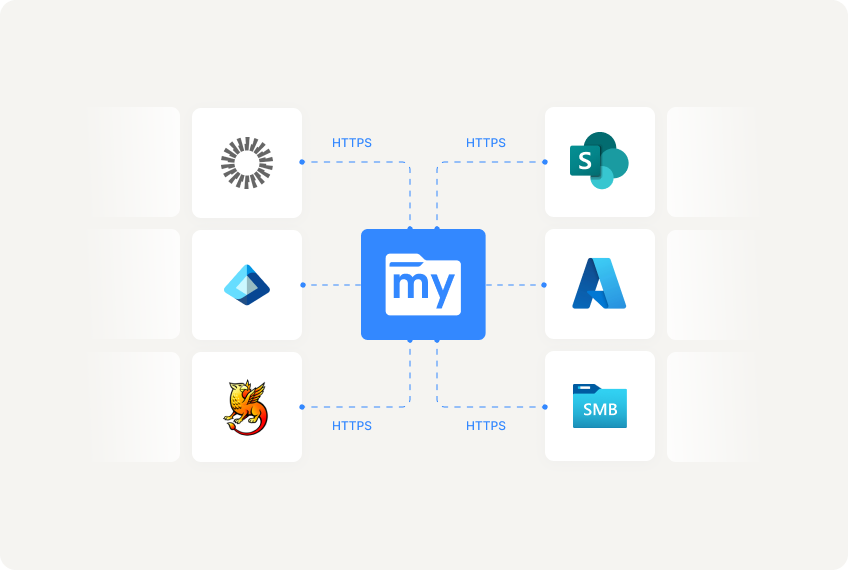
How MyWorkDrive Works
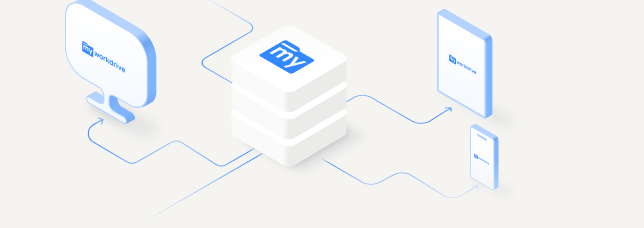
Students, Faculty, Staff
Any browser, desktop app, or mobile
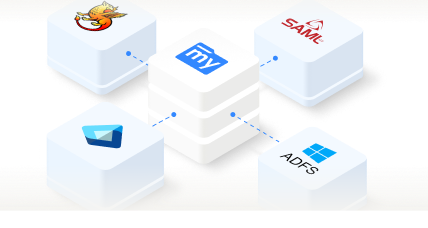
Campus Identity + MFA
Shibboleth and CAS, ADFS, Entra ID, SAML 2.0
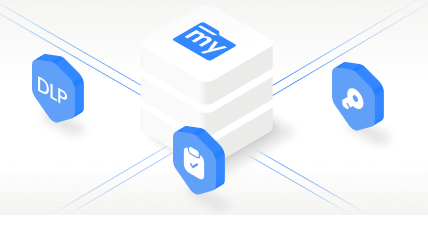
MyWorkDrive Gateway
Windows Server. Access, audit, DLP.
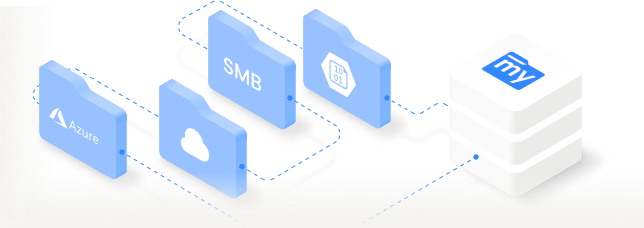
Campus File Storage
Dept shares, home dirs, research data, Azure Files
Managed BYOD File Access Across Campus
Every semester brings new devices and new VPN failures. When students can't connect, they use personal cloud accounts. MyWorkDrive breaks that cycle: if it has a browser, it has file access. No client to install, no admin rights required.
Chromebooks
Web client runs natively in Chrome. No extensions, no VPN client, no admin privileges. Same access as enterprise hardware. Learn more.
Windows
and Mac
Mapped drive client for traditional drive letters. Web client for quick access. Both over HTTPS, no VPN. Learn more.
iOS
and Android
Native mobile apps for file browsing and editing. Students access course materials from phones between classes. Learn more.
Labs, Linux, Thin
Clients
Browser-based access on shared machines, Linux workstations, and kiosks. Zero client software means zero imaging and maintenance. Learn more.
How It Works Across Campus
One access layer for every role. No VPN clients, no per-device configuration, no new credentials.
Secure File Access for Students
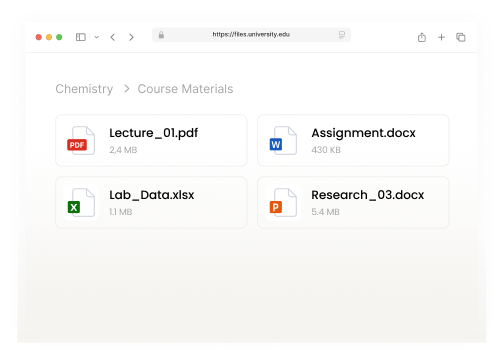
Browser sign-in with campus credentials. When the sanctioned path is this easy, personal Google Drive and Discord stop being the default.
Mapped Drives for Faculty and Staff
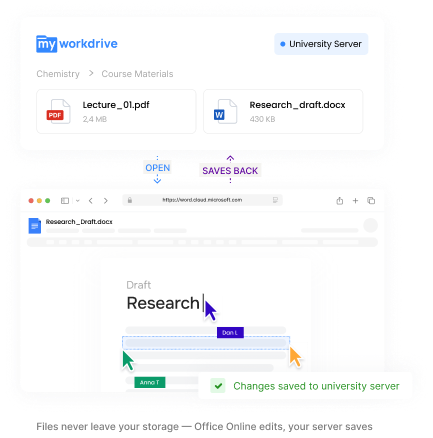
Mapped drives for familiar file navigation. Full Office Online co-authoring. Access departmental shares from home without VPN.
Zero-Configuration for Labs and Libraries
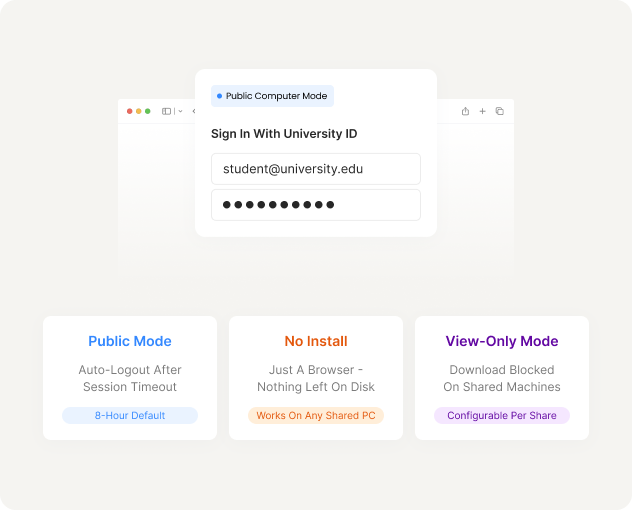
Zero client software to install means zero software to image. Students sign in via browser, access files, log out clean.
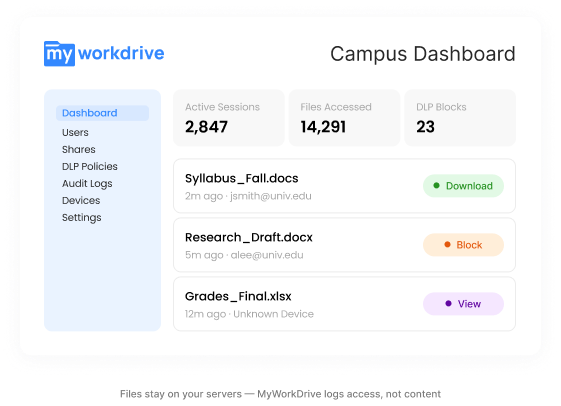
Centralized Access Management for Campus IT
One admin console. AD permissions enforced automatically. No separate user database. Deploy alongside existing infrastructure in hours.
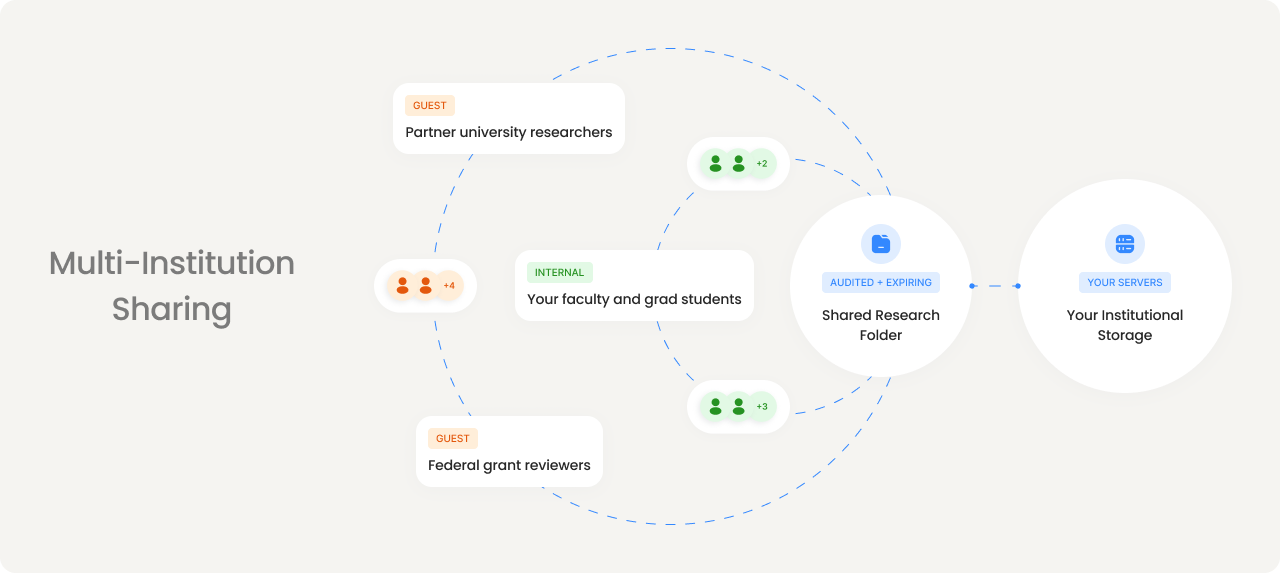
Data Sovereignty for Cross-Institution Research
Share datasets with partner universities and grant reviewers through controlled, audited links. Research data stays on your servers. External collaborators get exactly the access they need, nothing more.
FERPA Compliance Without the Cloud Migration Risk
Student records and research data stay on your institutional storage. You get modern access controls, audit trails, and DLP without moving a single file.
FERPA Support
Records stay in institutional storage. Access controlled by AD groups. Every access logged. No third-party repository.
Audit Trail
User identity, timestamp, source IP, device ID, file path. Every event. Single log stream. SIEM export via Syslog.
Data Leak Prevention
View-only, clipboard blocking, watermarks. Per share, group, or user. Protect sensitive materials without restricting everyday access.
Self-Hosted
Runs on your infrastructure. No data on MyWorkDrive servers. TLS 1.2+. FIPS-validated encryption. Your backup and retention policies unchanged.
Campus-Wide Licensing. Predictable Budgets.
Enrollment fluctuates every semester. Per-seat licensing turns every registration cycle into a procurement headache. MyWorkDrive offers campus-wide licensing: one predictable cost regardless of enrollment changes.
No storage fees. No per-GB charges. All clients and connectors included. Complimentary setup assistance for qualifying institutions.
MyWorkDrive for Education
Try It With Your Campus File Shares
Connect a test share. See student and faculty access working in minutes.