Designed to Support Your Compliance Program
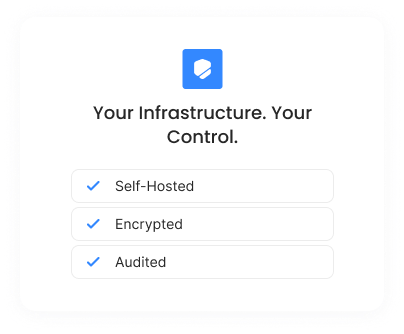
MyWorkDrive helps support programs like HIPAA, CMMC, GDPR, FINRA, and similar requirements through access controls, audit logging, and evidence generation. Files remain in customer-controlled storage.
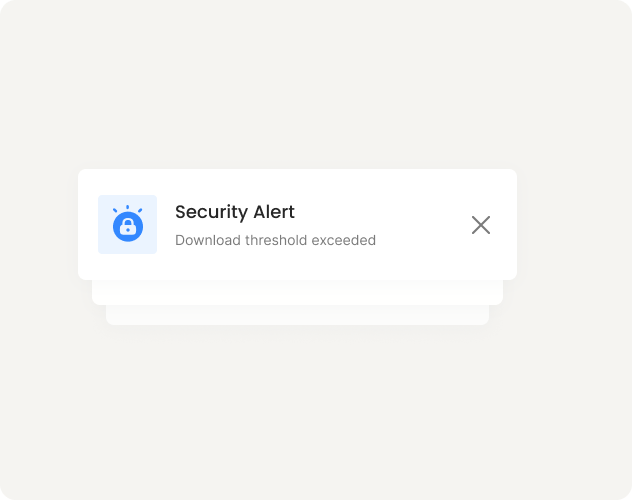
Whether you're preparing for a HIPAA audit, working toward CMMC certification, or demonstrating GDPR compliance, key evidence is already being collected.
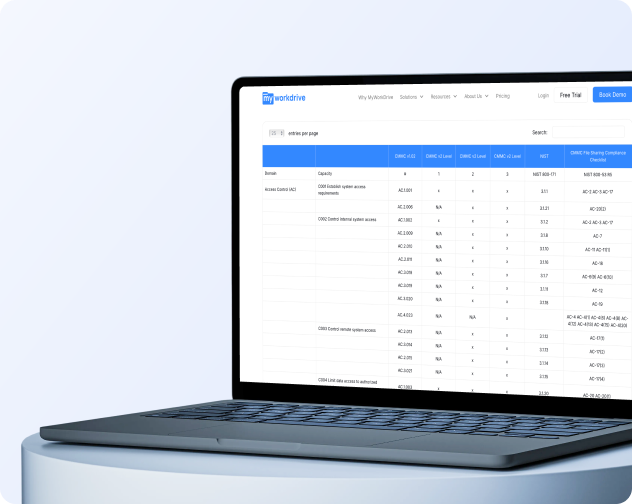
Detailed control mappings are available on request. Your organization remains responsible for its compliance program. MyWorkDrive provides the controls and evidence.
HIPAA
Healthcare
The US law governing how patient health information is stored, shared, and accessed.
PHI never leaves your storage, and a Business Associate Agreement is available on request.
CMMC
Defence
The Department of Defense certification for contractors handling controlled unclassified information.
Self-hosted deployment keeps CUI in approved environments, with mappings to the AC, AU, IA, and SC control families available for assessment prep.
GDPR
Privacy
The EU regulation requiring organizations to know where personal data resides and who can reach it.
File content never touches MyWorkDrive servers, so there is no new data processor to disclose and files stay in the jurisdiction you choose.
FINRA
Financial
The US regulator for broker-dealers, whose rules require firms to retain records and produce them during examinations.
View-only mode with watermarking and expiring password-protected links let firms show examiners exactly how sensitive documents were handled.
FIPS
Encryption
The US government standard for validated cryptography, required for federal agencies and many contractors.
MyWorkDrive holds FIPS 186-4 RSA algorithm validation (NIST Certificate #3018) and supports Windows FIPS mode.
FedRAMP
Federal Cloud
The US federal program that authorizes cloud services for government use.
Deploy on your own infrastructure or Azure Government, with browser editing available through FedRAMP-authorized Microsoft 365.
CJIS
Law Enforcement
The FBI security policy for systems that touch criminal justice information.
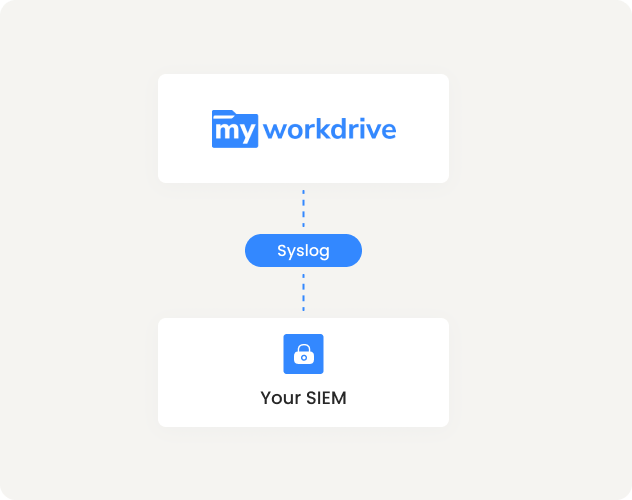
Authentication stays with your identity provider, including its MFA, and every file event is logged with user identity and source IP.
FERPA
Education
The US federal law protecting student education records.
Records remain under existing AD group permissions, and browser sessions on shared lab machines leave no residual files behind.