
Browser Editing for Your Existing Files
Edit Word, Excel, and PowerPoint files in the browser for files stored on your file servers. Co-author with colleagues in real time. Changes save back to the original location automatically.
The Problem With "Move Everything to the Cloud"
Organizations often assume browser-based Office editing requires migrating files to SharePoint or OneDrive. But migration means re-permissioning, user disruption, and months of project work — for files that work fine where they are.
MyWorkDrive gives you browser editing without a migration project. Files stay where they are. Users edit in their browser. Changes save back to the original location automatically.
How Browser Editing Works
MyWorkDrive integrates with Microsoft 365 to enable Office Online editing on files that live outside of SharePoint. The experience is seamless for users.
User clicks Edit
User opens a Word, Excel, or PowerPoint file from any MyWorkDrive client
File is staged
MyWorkDrive temporarily stages the file in your Microsoft 365 tenant for the duration of the session
User edits in browser
Full Office Online experience with real-time save and co-authoring
Changes sync back
When editing ends, changes save to original location and staging file is removed
Temporary staging during editing
When users edit in the browser, the file is temporarily staged in your Microsoft 365 tenant for the duration of the session and then removed. Files do not persist on MyWorkDrive servers. Staged content stays inside your tenant controls. Authentication follows your existing identity policies.
Real-Time Co-Authoring
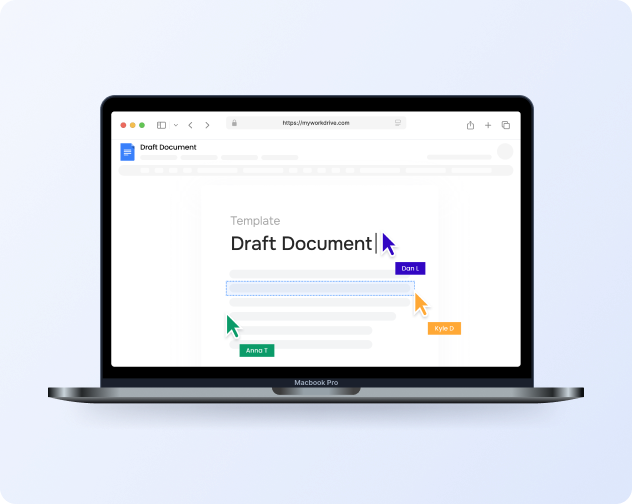
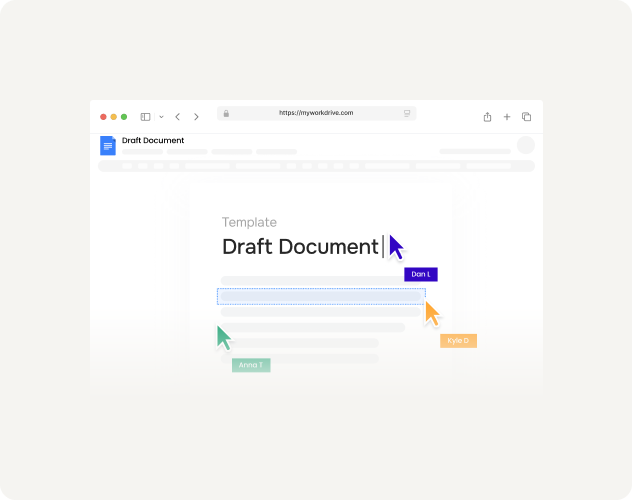
Multiple users can edit the same document simultaneously with real-time co-authoring. See each other's cursors, watch changes appear live, and reduce manual merging.
File Locking That Prevents Conflicts
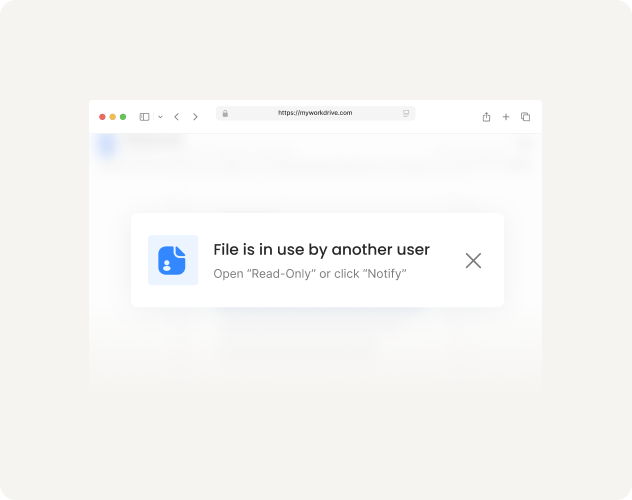
When someone opens a file for editing, MyWorkDrive locks it on the source storage. Users editing in desktop Office see a "file in use" message. Users in Office Online can co-author together.
Editing Options for Every Requirement
MyWorkDrive supports multiple Office editing backends. Choose based on your licensing, data residency, and feature requirements.
Align Licenses to Actual Usage
Many organizations pay for full desktop Office licenses for users who rarely need them. If users primarily view documents or make occasional edits in the browser, they may not need the same licensing as power users running complex Excel models.
A common scenario
A healthcare organization has thousands of administrative staff who view and occasionally edit documents — but all have full desktop licenses because that was the only way to access files on file shares remotely. With browser-based editing, the conversation changes.
Who Uses Browser Editing
Browser-based editing works for users across roles and devices — especially those who need flexibility without desktop Office dependencies.
Frontline Workers
Retail, healthcare, and field staff who need occasional document access from shared devices or personal phones — without desktop Office installs.
External Collaborators
Contractors, partners, and guests who need to edit documents without VPN or desktop installs, governed through your existing Microsoft tenant policies.
Mobile-First Users
Executives and traveling staff who review and edit documents from tablets and phones — any device with a browser.
Remote Workers
Employees working from home who need secure access to company files without VPN complexity or local Office requirements.
View-First Roles
Staff who primarily review documents — HR policy readers, quality checkers, compliance reviewers — who rarely need full editing capabilities.
Thin Client Environments
Organizations running VDI or shared terminal servers where browser-based editing reduces local resource requirements.
Try Browser Editing on Your Files
Start a trial, connect a test share, and edit a document in your browser. See co-authoring work in real time with a colleague.