
Your Client Files Don't Belong On Someone Else's Servers.
MyWorkDrive connects attorneys and staff to your existing file shares over encrypted HTTPS. Client files stay on your servers. Not on a vendor's cloud. Not in an email attachment. Not anywhere you can't control.
Attorneys get secure access to case files from anywhere. IT keeps client data on firm infrastructure with every access logged.
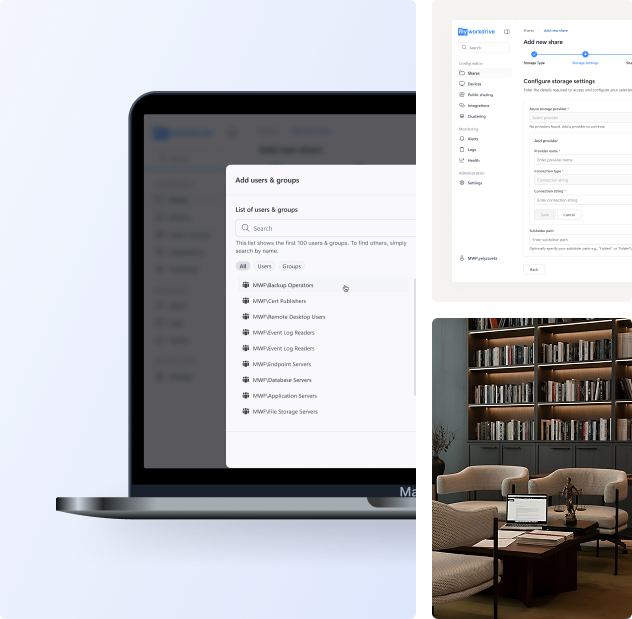
Share with clients and counsel. Stop creating copies you can't track.
Every email attachment is a privileged document you can no longer control. Consumer file sharing puts client data on a third party's infrastructure.
Untracked copies. Uncontrolled access.
- Email attachments create copies you cannot revoke or audit
- Dropbox and Box put privileged files on third-party servers
- No record of who viewed what, or when access ended
- Shared links live forever unless someone remembers to delete them
Controlled links. Full audit trail. Files stay put.
- Password-protected links with firm-wide minimum complexity
- Auto-expiration after set days or number of views
- View-only mode with watermarks. Block downloads and clipboard.
- Every view and download logged with timestamp and IP address
Files never leave your servers. Recipients view documents through
a browser link. No account or software needed.
No vendor cloud. No new custodian of privileged files.
-
Client data stays on your servers.
MyWorkDrive is self-hosted on your infrastructure. No file content is stored, cached, or processed on vendor servers. No third party becomes a custodian of privileged material.
-
Authentication stays with your firm.
Active Directory, Entra ID, or SAML. MFA enforced through your existing identity provider. No separate user database. No credentials stored on the application server.
-
Deploy in hours. $5/user/month.
Average deployment from install to first secure file access: under 2 hours. All clients included. All connectors included. No per-GB storage fees.
How It Works
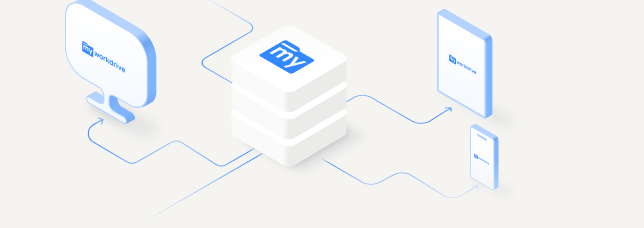
Attorneys, Paralegals and Staff
Any browser, desktop app, or mobile device
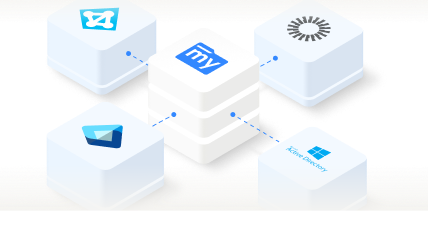
Your Identity Provider
AD, Entra ID, or SAML
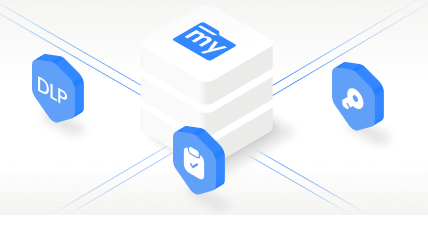
MyWorkDrive
Access layer only. Stores nothing.
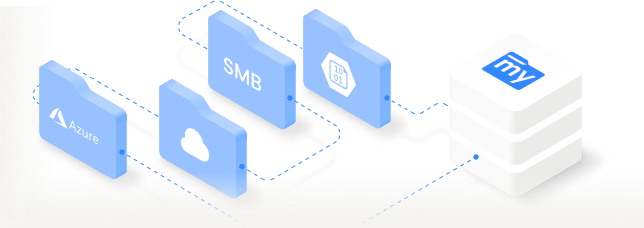
Your Firm's Storage
File shares, SharePoint, Azure
Secure File Sharing for Every Role in Your Law Firm.
Same files. Same permissions. Same security controls. Different workflows.
Case File Access for Attorneys from Any Location
Access case files from court, depositions, or home. Review and edit briefs from any device. File locking prevents version conflicts on shared documents.
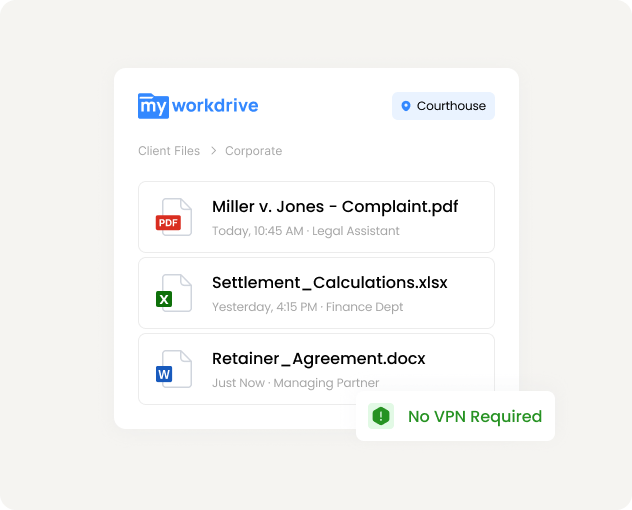
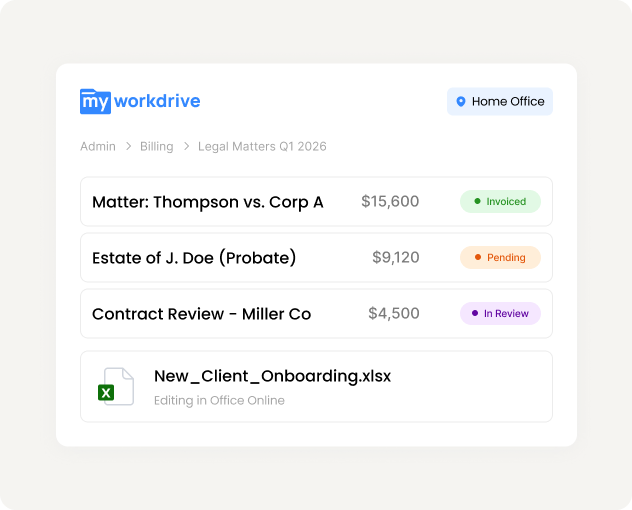
VPN-Free File Access for Paralegals Using Mapped Drives
Familiar mapped drive access to billing, intake, and administrative files. Works with existing legal software. No VPN required from home or satellite offices.
Secure File Sharing for Clients and Outside Counsel
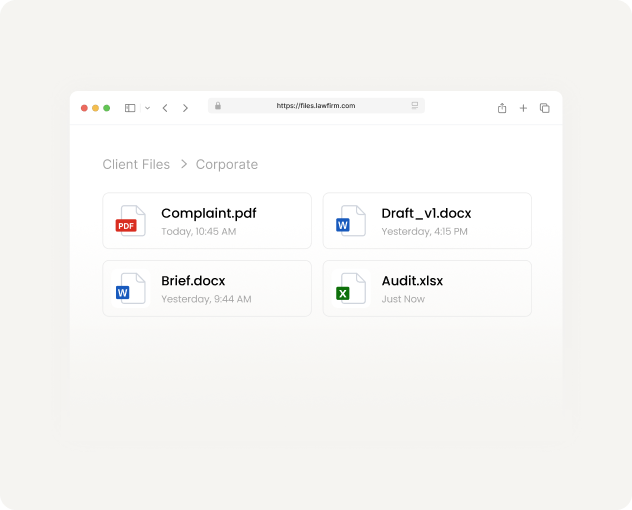
Secure browser-based access via password-protected links. No account or software needed. Every view and download is logged with timestamps.
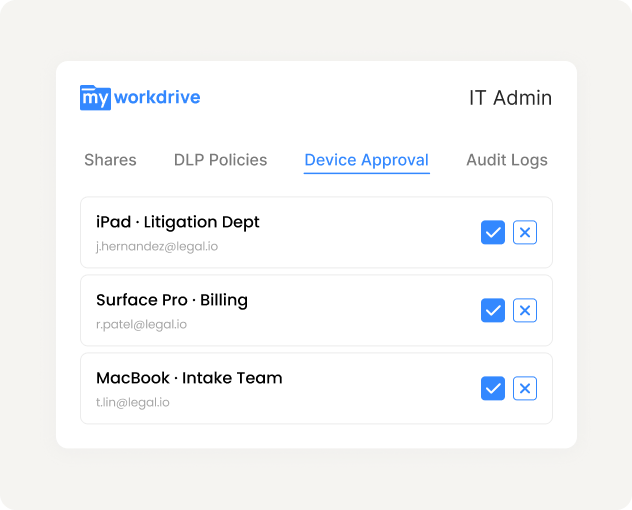
Centralized File Management and DLP Controls
One admin console for shares, DLP policies, device approval, and audit logs. AD permissions enforced automatically. No separate user database to maintain.
What a privilege audit would find.
Controls apply uniformly across every connected file share. Set policies per share, per group, or per user from one console.
Data Loss Prevention
Force browser-only viewing on sensitive case files. Block downloads, clipboard, and print. Watermark every viewed page with the reader's name and timestamp.
Audit Logging
Authentication, file access, edits, downloads, and sharing events. User identity, timestamp, IP, device, and file path. Syslog export to your SIEM.
Encryption
TLS 1.2+ on every connection. FIPS 186-4 RSA validated (NIST Certificate #3018). Client data is encrypted between every device and your servers.
Device Control
Device approval policies for mapped drive and mobile clients. Revoke access for lost or stolen devices instantly. Unknown devices blocked.
No Local Sync
Files are accessed remotely, not synced locally. No privileged documents on unmanaged devices. No ransomware spreading through synced folders.
Identity and MFA
SSO through Active Directory, Entra ID, or SAML. MFA through Duo, Okta, or your existing identity provider. No separate credentials to manage.
Permissions are inherited from Active Directory and NTFS. MyWorkDrive can layer additional restrictions through DLP policy, but it cannot grant access that your existing systems have not already authorized.
Three ways to access case files.
Same permissions. Same security.
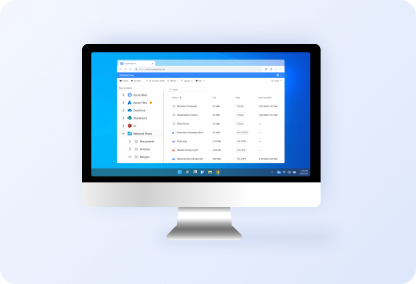
Web Browser
Any device. No install. Ideal for courtrooms.
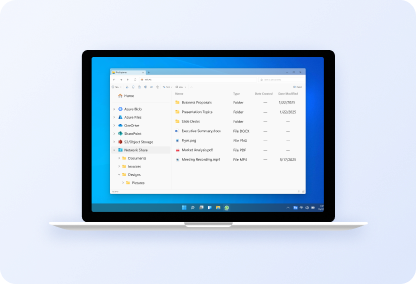
Mapped Drive
Traditional drive letter. Works with legal software.
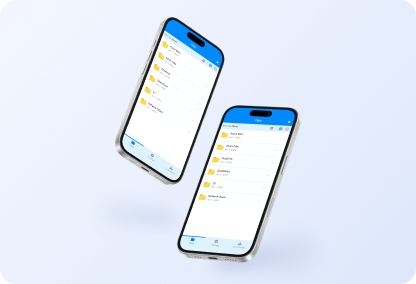
Mobile Apps
iOS and Android. DLP policies apply.
See It Working With Your Case Files.
Start a free trial. Connect a test share, apply DLP policies, and share a document with a colleague using a password-protected link.