
FileCloud Alternative: Remote Access Without Migration
Keep your files where they are. MyWorkDrive delivers instant, secure, and compliant remote file access using your existing Windows file servers with no data migration, no syncing, and no new workflows. Live support sessions always included.
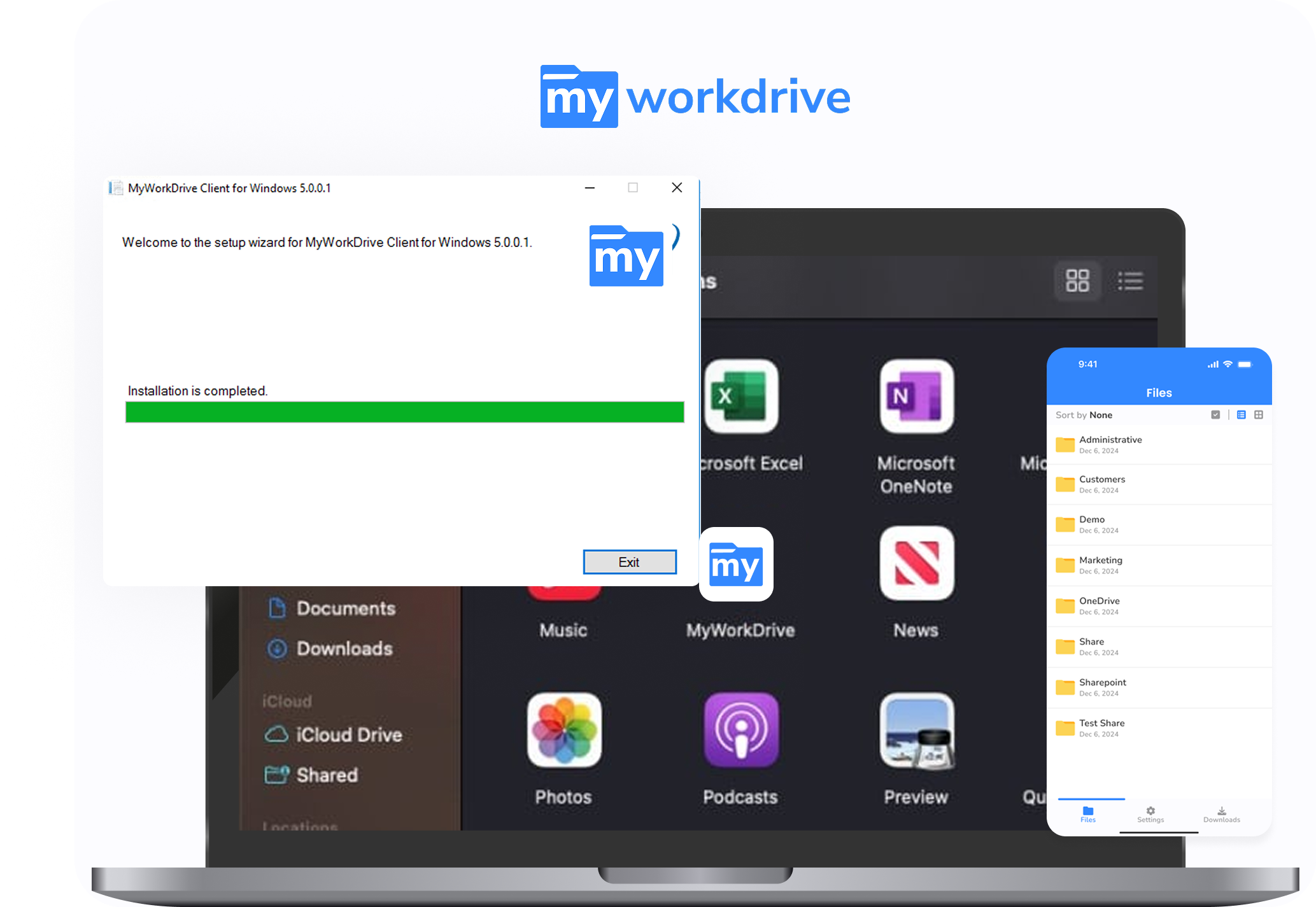
Trusted by Organizations Worldwide


Quick Comparison
| Capability |
|

|
|---|---|---|
| Data migration required | No — works in place with SMB and NTFS | Self-hosted or SaaS; SaaS mode requires moving data in |
| Active Directory / Entra ID integration | Native, live NTFS permissions enforced | AD users imported to its database; group permission changes can lag hours |
| File locking | Native SMB locks for local and remote users | App-layer locks only |
| Server stack | Windows with IIS and .NET; no external database | Apache + PHP + MongoDB, on Windows or Linux |
| Maintenance overhead | Minimal — no external database to maintain | Higher — web server, PHP, and MongoDB to administer |
| Compliance & security | Data never leaves your servers; DLP, watermarking, SIEM integration | Strong feature set, but metadata and search indexes live in a separate database layer; SaaS mode stores files in FileCloud’s cloud |
| Live support sessions | Included | Extra cost |
| List price (per user / month) | $5 billed annuallyactive users only | $7 self-hosted / $14+ SaaSEssentials tiers; advanced features cost more |
Faster Setup, Lower Costs
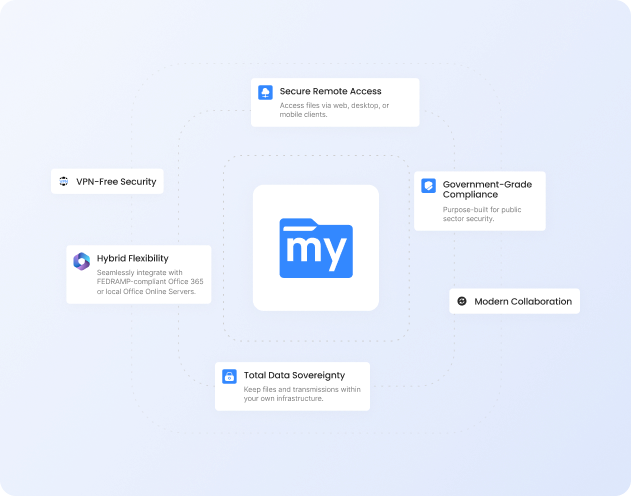
No Migration Required
Deploy in minutes without moving or
syncing data. MyWorkDrive layers
securely over your existing file
shares.
Native AD and Entra ID Integration
Live NTFS permissions, no duplicate identity store, no extra sync jobs.
Lower Cost of Ownership
$5 per user per month billed
annually, plus reduced infrastructure
and maintenance costs. Support
included with every plan.
Why Choose MyWorkDrive?
Architecture and Data Residency

- MyWorkDrive: Files remain on your own servers with zero migration. No external storage or indexing is required.
- FileCloud: Stores metadata and search indexes in its own database layer. SaaS and hybrid modes store files outside your network.
Identity and Permissions
- MyWorkDrive: Direct integration of full Active Directory or Entra ID permissions.
- FileCloud: Imports AD users into its own database. Permissions may not update immediately without regular synchronization.
File Locking and Collaboration
- MyWorkDrive: Native SMB locking works across both local and remote users.
- FileCloud: Locks apply only to FileCloud clients. Mixed environments can cause conflicts.
Why Teams Replace FileCloud
Two issues come up consistently when IT teams evaluate FileCloud for Windows environments: how it handles NTFS permissions and how much infrastructure it takes to run.
FileCloud NTFS Permission Limitations
FileCloud reads NTFS permissions only when storage is configured as a network share. Files moved into its managed storage use FileCloud’s own permission model instead. Even on network shares, FileCloud’s documentation notes that Active Directory group membership changes can take from 10 minutes to several hours to be recognized, and administrators may need to restart the helper service to force an update. Through the admin portal, NTFS shares can only be set to read or full access. Anything more granular has to be configured in NTFS directly.
MyWorkDrive works differently. Users authenticate against Active Directory or Entra ID, and the Windows file server enforces NTFS permissions at access time. There is no user import, no separate permission model, and no sync job to schedule.
FileCloud Setup and Maintenance Complexity
A self-hosted FileCloud deployment runs on Apache, PHP, and MongoDB, with supporting services for search indexing, messaging, push notifications, and NTFS permission retrieval. Each component needs to be installed, patched, monitored, and backed up. High availability requires MongoDB replica sets across multiple servers, and major MongoDB upgrades carry hardware requirements of their own.
MyWorkDrive installs as a single server role on a domain-joined Windows Server using IIS and .NET. There is no database to maintain, and most deployments are complete in 60 to 90 minutes on infrastructure you already have.
Security You Can Prove
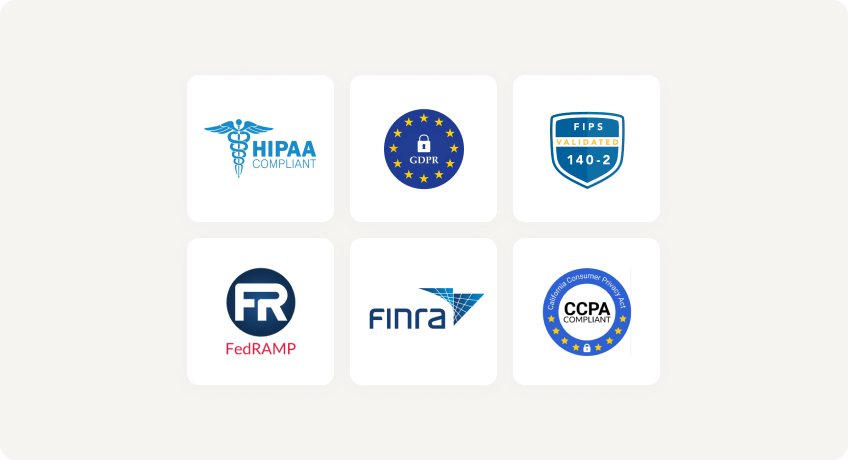
With MyWorkDrive, authentication and authorization stay anchored in your directory and your NTFS. No vendor keys to rotate for at-rest copies you don’t control, and no third-party repository to certify, making attestations simpler for regulated workloads.
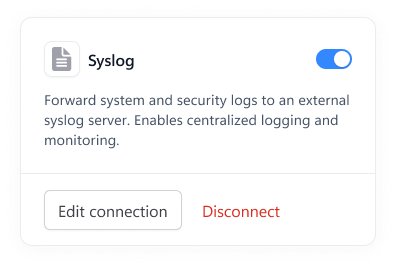
Data Loss Prevention

(Block downloads, disable copy/paste, watermarking, device approvals)
Learn more
What our users are saying
 Industry-leading secure remote file access solution
We have determined that MyWorkDrive software is essential to the Government’s requirements and market research indicates that other companies’ similar products do not meet or cannot be modified to meet the agency’s needs.
We conducted annual market research in January 2025 by comparing two competitors, ShareFile and Dropbox.
However, neither of these companies provides us with the necessary capabilities required to allow us to utilize the existing infrastructure, maintain stringent control over their data, and integrate with current enterprise security and authentication protocols.
These companies software do not provide real-time collaboration capabilities, does not eliminate Virtual Private Network (VPN) security risks nor prevent lateral network access.
Due to the inabilities noted, we have determined that MyWorkDrive software is essential to the Government’s requirements and market research indicates that other companies’ similar products do not meet or cannot be modified to meet the agency’s needs.
MyWorkDrive is the most network secure compatible software application capable of eliminating VPN security risks and preventing lateral network access…
…Therefore, it is in the Government’s best interest to procure MyWorkDrive software.
Undisclosed Government Agency

See More Reviews




See the MyWorkDrive Advantage for Yourself
Book a personalized demo or start your free trial today