
SharePoint Alternative: Unified File Access Without Migration
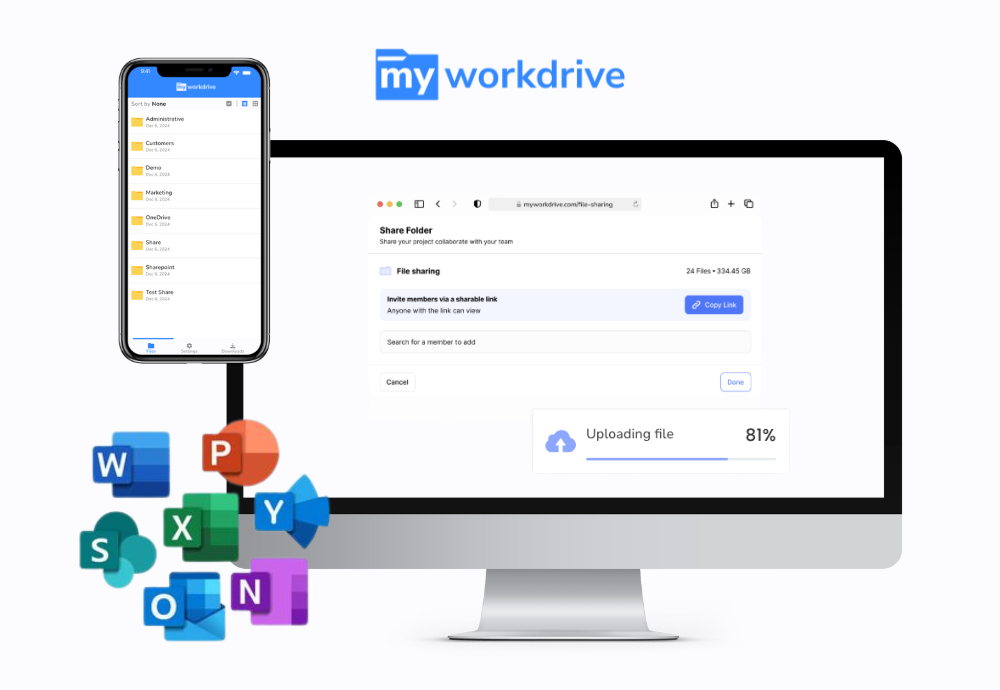
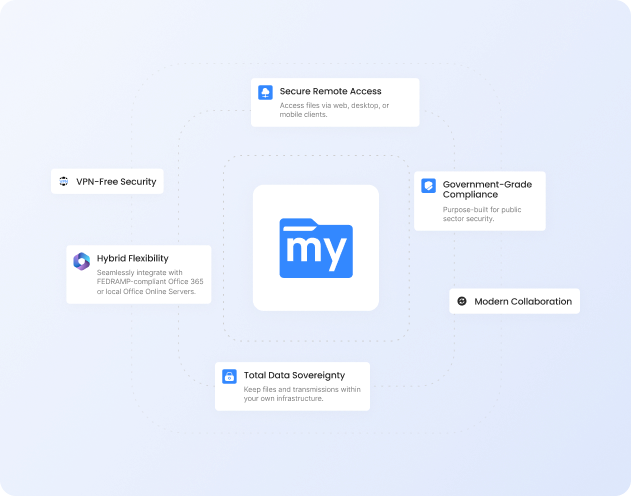
SharePoint Online is built for document collaboration inside Microsoft 365. Using it as a file server means migrating every share into the cloud and moving users off the drive letters they know. MyWorkDrive gives secure access to your existing Windows file servers, Azure Files, Azure Blob, and SharePoint or OneDrive through mapped drives, a browser and mobile apps, with no data migration and no VPN. Support is included with every subscription.
Trusted by Organizations Worldwide


Quick Answer
Is MyWorkDrive a SharePoint alternative? Yes, when the need is file server access rather than document collaboration. SharePoint is a collaboration platform for documents inside Microsoft 365. It does not offer drive letters or SMB file locking, and using it as a file server means migrating shares and converting NTFS permissions to SharePoint's own model. MyWorkDrive gives secure access over HTTPS to the file shares you already have, leaves the data where it is and enforces your existing NTFS permissions. It can also show SharePoint and OneDrive libraries in the same client. Most teams keep SharePoint for collaboration and use MyWorkDrive for file share access.
Quick Comparison
| Capability |
|
|
|---|---|---|
| Files stay on your own infrastructure | Your servers or your cloud storage | Stored in the Microsoft 365 cloud |
| Data migration to get started | None required | Migrate shares; permissions remapped |
| Secure access to on-prem file servers | Yes, no VPN required | Only after migrating to the cloud |
| Mapped drive for legacy apps | Drive letters and UNC on Windows | Sync or shortcut, not a drive letter |
| Office file locks shared with LAN users | Locks visible to SMB users | No SMB locks; co-authoring in libraries |
| Active Directory / Entra ID with live NTFS | Live NTFS, ABE and DFS kept | Entra ID; permissions remapped |
| File and storage limits | Limited only by your storage | 250 GB file, 5,000-item view cap |
| Deleted-file recovery and backup | Your backup and DR, plus VSS | 93-day bin; backup sold separately |
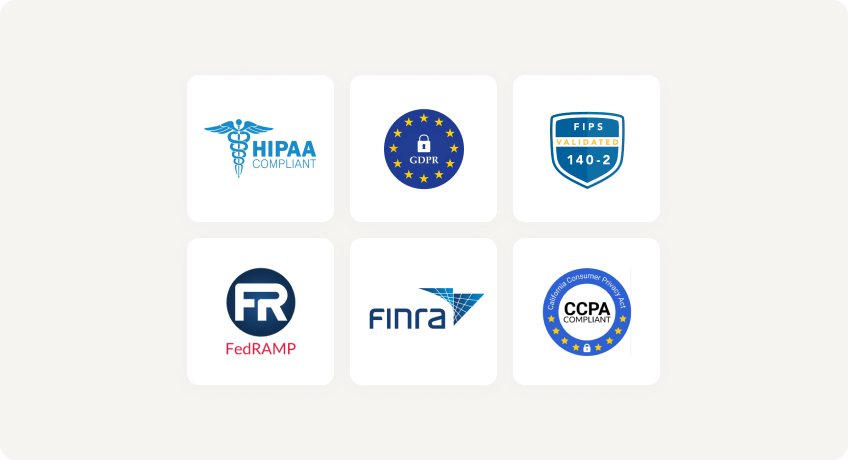
| Compliance (HIPAA, GDPR, FINRA, CMMC) | All plans; data stays in your storage | Cloud-resident, plan-dependent |
| List price (per user / month) | $5 or lessper user, billed annually | Bundledwith Microsoft 365; add-ons extra |
Where MyWorkDrive Fits Alongside SharePoint
SharePoint was built for collaboration. Mapped drives, very large files and deep folder structures sit outside what it does well. MyWorkDrive gives secure access to those file shares and can also reach your SharePoint and OneDrive content, so you can keep both. Multi-user databases are an exception for any remote access tool and should stay on the LAN.
No Migration Required
Overlay your existing SMB and NTFS shares, Azure Files, and Azure Blob in minutes. Keep your folder structures, file names, and large files exactly as they are. Connect any storage.
Built on Your Identity and NTFS Permissions
Authenticate against your existing Active Directory or Entra ID. NTFS ACLs stay authoritative and are enforced live, with Access Based Enumeration and DFS preserved. No permission rebuild. Identity and access.
Lower Total Cost of Ownership
$5 per user per month on annual plans, with volume pricing for larger deployments. There is no migration project, and you avoid the extra storage and separate backup subscriptions that storing file data in SharePoint can require. See pricing.
Why Choose MyWorkDrive Over SharePoint?
What is the best SharePoint alternative for file server access?

For teams that need file server access rather than a collaboration portal, MyWorkDrive is designed for exactly that case. It gives secure remote access to existing Windows SMB shares, Azure Files, Azure Blob and cloud-managed SMB storage, and it can present SharePoint and OneDrive in the same client. Data stays in the storage it already lives in, so there is no migration project.
Can MyWorkDrive replace SharePoint, and how is it different?
- MyWorkDrive: Covers file server access: mapped drives, large files and secure remote access to existing shares, with SharePoint and OneDrive content available in the same client.
- SharePoint: Remains the place for document collaboration features such as version history, intranet sites and Teams integration. MyWorkDrive does not replace those.
Many organizations run both: SharePoint for collaboration and MyWorkDrive for file access.
Do I have to migrate my file shares to use MyWorkDrive?
- MyWorkDrive: No. It connects to your existing shares and cloud storage in place, so permissions, folder structures and file names stay as they are.
- SharePoint: Using it as a file store means migrating shares into SharePoint. Microsoft's migration tools map Read, Write and Full Control to SharePoint roles, but Deny entries and other special permissions are not migrated. Paths longer than 400 characters and reserved names such as desktop.ini also have to be fixed before migration.
Does MyWorkDrive give mapped drive and UNC access for legacy apps?
- MyWorkDrive: Yes. The Windows client maps shares to drive letters such as M: or S: using UNC paths, and administrators can assign drive letters centrally from the server. The macOS client mounts shares in Finder. Applications that expect a drive letter find files where they expect them, with the exception of multi-user databases covered in the next question.
- SharePoint: Does not present libraries as a mapped network drive. Microsoft recommends the OneDrive sync app, which places synced libraries in a folder in File Explorer, and no longer recommends the WebDAV-based View in File Explorer option.
How do file locking and Office co-authoring compare?
- MyWorkDrive: Places and checks locks on Office files stored on SMB shares, so people editing through MyWorkDrive and people on the office LAN both see when a document is in use. Co-authoring works through Office Online using Microsoft 365, Office Online Server or ONLYOFFICE.
- SharePoint: Offers co-authoring for Office documents stored in its libraries. It has no SMB locking, and Microsoft advises against opening Access databases from SharePoint or OneDrive.
- Databases, PST and CAD files: Multi-user databases such as Access and QuickBooks, Outlook PST files and many CAD workflows are not suited to remote access through MyWorkDrive, a VPN or SharePoint. Keep them on the LAN and give remote users a remote desktop session or the application's own client-server option.
What are SharePoint Online's current file and storage limits?
As of October 2026, SharePoint Online supports up to 250 GB per file and up to 25 TB per site. Libraries can hold up to 30 million items, but the list view threshold of 5,000 items throttles large views and queries. The full decoded file path is capped at 400 characters, which deep folder trees from file servers often exceed. Deleted files stay in the recycle bin for 93 days, plus 14 days of Microsoft backups that an administrator can request through support. MyWorkDrive is limited by the capacity of your underlying storage.
Is MyWorkDrive more cost effective than migrating to SharePoint?
The SharePoint license is bundled with Microsoft 365. The extra costs show up elsewhere: migration services, extra storage at about $0.20 per GB per month above the included 1 TB plus 10 GB per license, Microsoft 365 Backup at $0.15 per GB per month for retention past 93 days, and user retraining. MyWorkDrive costs $5 per user per month on annual plans, with volume pricing above 100 users, and uses the storage you already have.
Where does SharePoint fit better than MyWorkDrive?
SharePoint is the stronger choice when the priority is document collaboration inside Microsoft 365: version history, intranet sites, Teams integration, Power Platform workflows and metadata-driven document management. MyWorkDrive does not replace those features. It fits file server access, and it can present SharePoint and OneDrive alongside your file shares in one client.
Security You Can Prove
With MyWorkDrive, authentication and authorization stay anchored in your directory and your NTFS permissions. There is no separate cloud repository to certify and no vendor held copy of your data, which keeps attestations simpler for regulated workloads in healthcare, finance, legal, and government.
Data Loss Prevention

(Block downloads, disable copy and paste, watermarking, device approvals)
Learn more
What our users are saying
 Industry-leading secure remote file access solution
We have determined that MyWorkDrive software is essential to the Government’s requirements and market research indicates that other companies’ similar products do not meet or cannot be modified to meet the agency’s needs.
We conducted annual market research in January 2025 by comparing two competitors, ShareFile and Dropbox.
However, neither of these companies provides us with the necessary capabilities required to allow us to utilize the existing infrastructure, maintain stringent control over their data, and integrate with current enterprise security and authentication protocols.
These companies software do not provide real-time collaboration capabilities, does not eliminate Virtual Private Network (VPN) security risks nor prevent lateral network access.
MyWorkDrive is the most network secure compatible software application capable of eliminating VPN security risks and preventing lateral network access…
…Therefore, it is in the Government’s best interest to procure MyWorkDrive software.
Undisclosed Government Agency

See More Reviews




Related Reading
For the detailed breakdown of why SharePoint Online is not a drop-in file server, read Why SharePoint Is Not a File Server. For how locking works alongside LAN users, see File Locking Details, and for applications that should stay on the LAN, see file types not suited to remote access. To see how MyWorkDrive unifies on-premises shares with Microsoft 365, visit Unified Hybrid Storage Access, replace remote VPN access with VPN-free file access, or review how the platform supports data sovereignty and CMMC, HIPAA, and GDPR requirements.
See the MyWorkDrive Advantage for Yourself
Book a personalized demo or start your free trial today