

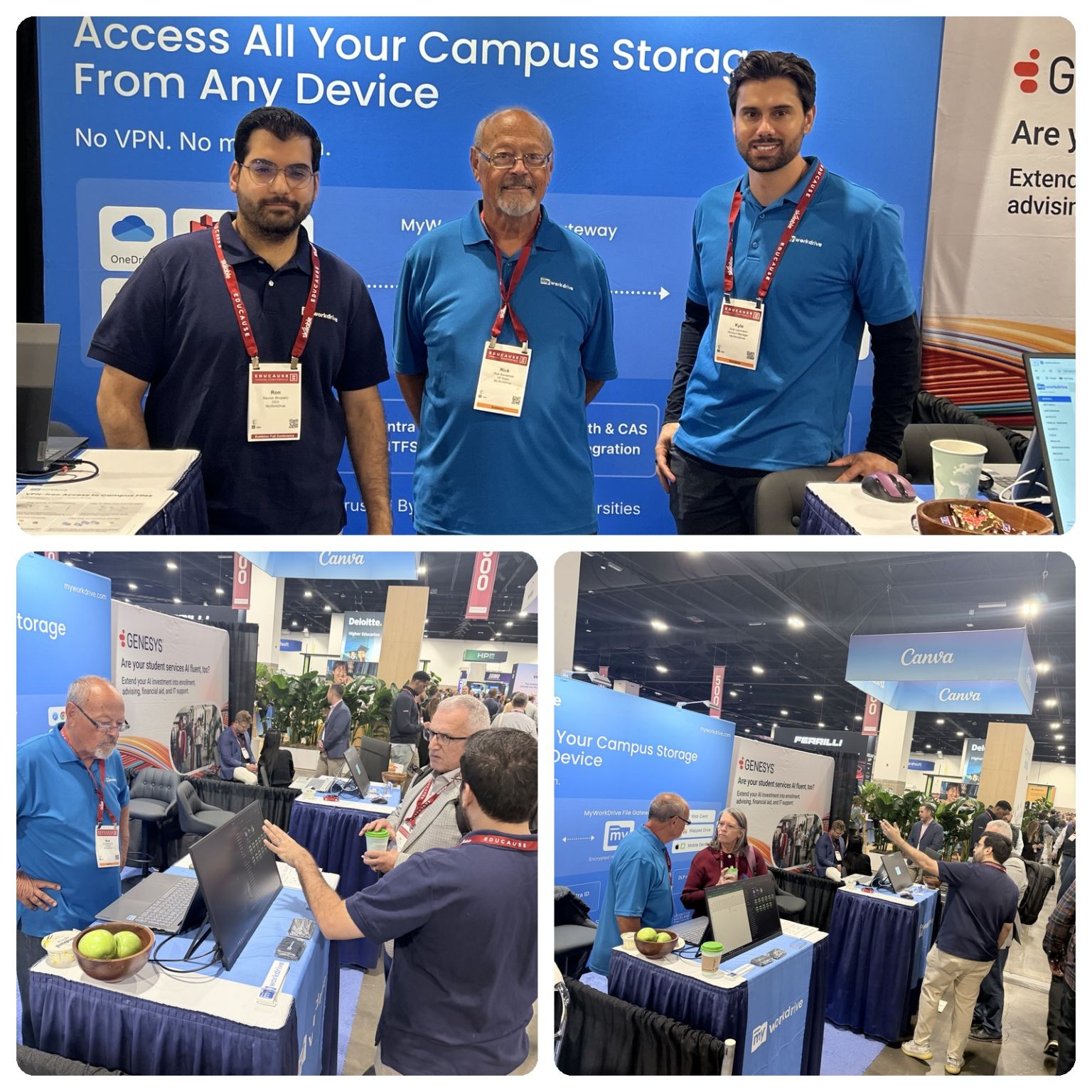
MyWorkDrive exhibited at the EDUCAUSE Annual Conference in Denver from September 29 through October 2, 2026, at Booth #349 in the Colorado Convention Center. Thank you to everyone who stopped by the booth or set aside time to meet with us between sessions.
Meetings and Conversations at the Booth
Most of our time in Denver went to conversations with campus IT staff who manage file storage and identity for their institutions. Some came with a specific problem to solve. Others wanted to see how MyWorkDrive would sit alongside the file servers and identity systems they already run.
We also met with existing higher education customers to hear how their deployments are going and what they would like to see next. Much of what shipped in MyWorkDrive this year started as customer requests, so those meetings feed directly into the roadmap.
Higher Education Institutions Using MyWorkDrive
Higher education has been one of MyWorkDrive's core sectors since the product launched. Universities using MyWorkDrive include the University of Oxford, the University of Georgia, and Loyola University.
A typical campus deployment publishes departmental shares and home directories to students and faculty, often along with research storage. People sign in with their existing campus credentials and open files from a web browser or from the mapped drive and mobile clients. The files stay on the institution's own servers throughout.
Campus IT Challenges MyWorkDrive Helps Resolve
Several problems came up repeatedly in Denver.
VPN load and the start-of-term help desk queue
Each new semester brings a fresh set of personal laptops and a spike in VPN support tickets. MyWorkDrive publishes campus file shares over HTTPS, so students and adjuncts can open their files from a browser with no VPN client and nothing to install. The web client also runs on Chromebooks, which matters at institutions where students arrive with them or where IT issues them. For computer labs and libraries, browser access also means there is no client software to build into lab images.
Research data that has to stay on institutional storage
Grant terms and data use agreements often require research data to remain on institutional storage, which rules out moving it into a cloud tenant. MyWorkDrive gives researchers remote access to data where it already lives, with NTFS permissions enforced from Active Directory. Research groups that keep datasets in AWS S3 can now connect those buckets as a storage backend next to SMB shares and Azure Files.
Sharing with collaborators outside the institution
Visiting researchers and partner institutions usually need access to a single project folder, and creating campus accounts for each of them adds work for the identity team. MyWorkDrive public share links can be password protected and set to expire, and every external access is logged. With Collabora integration, outside collaborators can also edit Word, Excel, and PowerPoint files in the browser without a Microsoft 365 license.
Single sign-on with the campus identity provider
MyWorkDrive works with Shibboleth and CAS, ADFS, Entra ID, Okta, and other SAML 2.0 providers. Students and staff sign in the same way they sign in to everything else on campus. Recent releases also tightened SAML assertion handling and login lockout behavior.
Student records and audit requirements
Keeping FERPA-covered records on institutional storage avoids adding another third-party repository to the institution's data map. MyWorkDrive logs each access with user identity, timestamp, source IP, and file path, and can export those events to a SIEM over Syslog. Data leak prevention controls such as view-only access and watermarking can be set per share, group, or user.
Next Steps
If you missed us at EDUCAUSE, you can request education pricing or start a 14-day free trial and connect a test share from one of your own file servers. More detail on campus deployments is on our Education page.