
Understanding WebDAV: The Protocol for Remote File Management
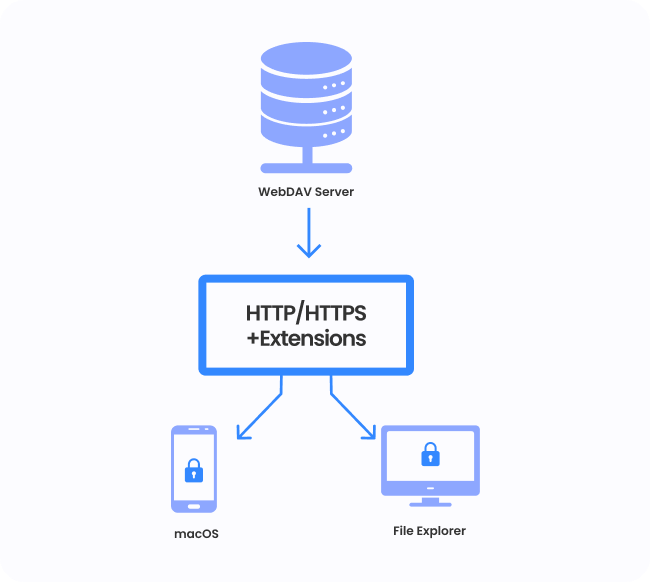
The WebDAV protocol is a popular option for accessing files remotely as it runs over the http/https protocols which are accessible from any location. Web Distributed Authoring and Versioning (WebDAV) is an extension of the HTTP protocol to allow end users and 3rd party applications to view and edit files — both personal and through company shares—located in the cloud.
WebDAV is a protocol extension of HTTP that allows collaboration and editing content directly using HTTP as define in RFC 2518, RFC 4918. WebDAV began in 1996 as part of the World Wide Web Consortium discussion on distributed authoring.


Benefits of Using WebDAV
There are several benefits to using WebDAV, including:
How Does WebDAV Work?
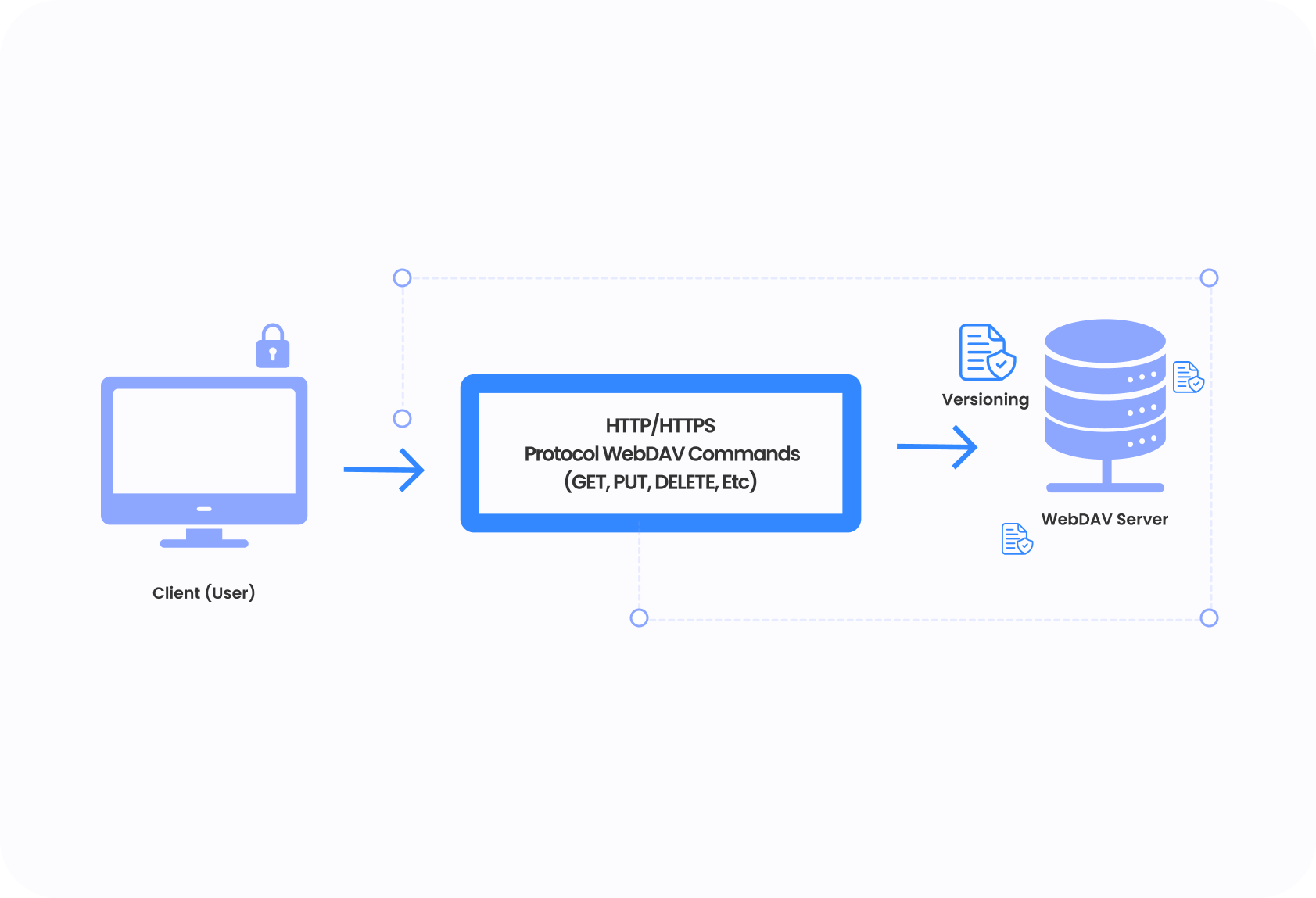
WebDAV works by using the HTTP or HTTPS protocol to transfer files between a client and a server. The client sends a request to the server to access, modify, or delete a file, and the server responds with the appropriate data. WebDAV also supports versioning, meaning that multiple users can make changes to the same file and the server will keep track of all the different versions, allowing users to roll back to an earlier version if needed.
WebDAV Server Setup, Limitations, and Alternatives

Setting Up a WebDAV Server

To use WebDAV, you'll need to set up a server that supports the protocol. This can be done using a variety of methods, including:
- Setting up a dedicated WebDAV server
- Using a cloud-based WebDAV service
- Installing a WebDAV plugin on an existing web server
WebDAV Limitations
Historically IT Departments have had the following issues when attempting to deploy a WebDAV Server in their on-premise or cloud infrastructure:
- Security Concerns and no support for two factor authentication or single sign-on
- Poor Client Support on Windows & Mac's – The built-in WebDAV client on Windows by default limits file sizes to 30 MB
- Lack of Integration into Windows Active Directory and NTFS Permissions on File Shares
- Manual provisioning requirements for adding new users/groups or home drives
- File Names and Special Characters not recognized
- File Size Limitations
- Slow speeds
WebDAV Server Alternative
- Secure Web Browser Portal for File Remote Access
- Collaborate and Edit Documents in Microsoft Office Online
- Mapped Drives using MyWorkDrive Mapped Drive Client
- Two Factor Security (2FA)
- Optional Azure AD/Okta/SAML/ADFS Authentication
- Optional WebDAV client support
- HTTPS SSL standard firewall ports allow anywhere access
- Mobile iPhone, iPad & Android Apps
MyWorkDrive is written with the Enterprise Windows Systems Administrator in mind - everything is Windows Based, utilizes IIS Web Server and is written in .net. Our solution is designed and engineered by San Francisco based MyWorkDrive LLC founded by Intivix.com engineers with over 25 years of real-world Windows File Server Remote Access and SSL VPN systems administration experience.