

Choosing between SMB over QUIC vs HTTPS for remote file access is one of the most consequential infrastructure decisions IT teams face today. Both protocols aim to replace traditional VPNs and provide secure access to file shares over untrusted networks, but the differences between them are significant.
Understanding the SMB over QUIC vs HTTPS comparison, across architecture, platform requirements, security controls, and operational maturity, is essential before committing to an approach. This guide breaks down the pros and cons of each protocol, explains where each one fits, and helps you evaluate which is better for your organization.
- Understand the technical trade-offs between SMB over QUIC and HTTPS-based file access gateways
- Evaluate platform requirements and compatibility to determine which approach fits your existing infrastructure
- Reduce attack surface and VPN dependency with application-layer file access that enforces least-privilege controls
What Is SMB over QUIC vs HTTPS for File Access?
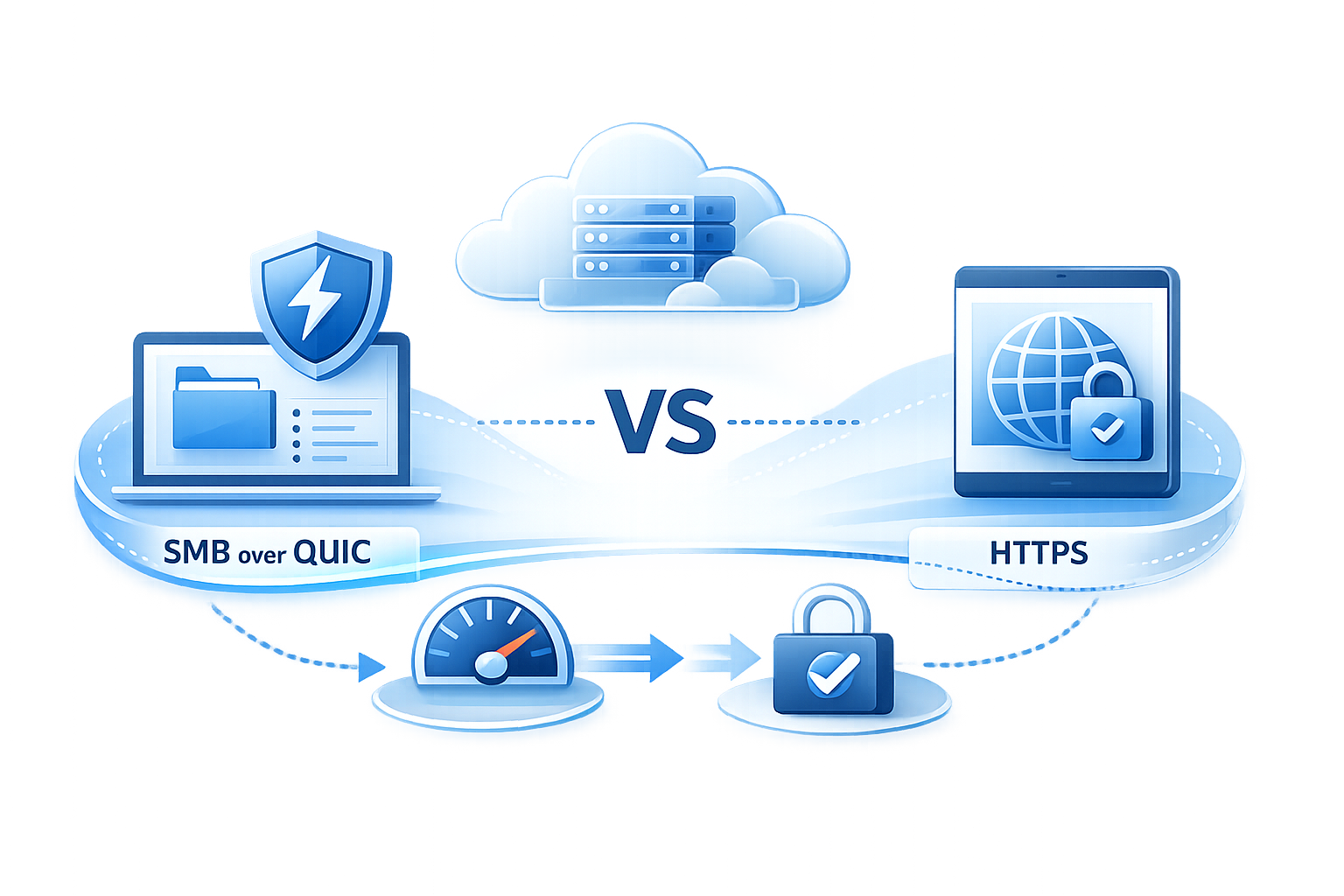
SMB over QUIC wraps the traditional Server Message Block protocol inside a QUIC transport tunnel, encrypted with TLS 1.3 over UDP port 443, enabling native Windows file sharing over untrusted networks without a VPN.
HTTPS-based file access uses an application-layer gateway that translates SMB shares into web-accessible resources over standard HTTPS (TCP port 443), accessible from browsers, mapped drive clients, and mobile apps.
The core difference in the SMB over QUIC vs HTTPS comparison: SMB over QUIC extends the native SMB protocol to the internet, while HTTPS gateways abstract it behind a web-services layer. This distinction drives different requirements for operating systems, identity infrastructure, client compatibility, and security controls.
IT directors and CISOs evaluating remote file access need to understand these SMB over QUIC vs HTTPS differences before committing to an architecture.
SMB over QUIC vs HTTPS: Side-by-Side Comparison
The following table summarizes the key SMB over QUIC vs HTTPS differences to help you quickly evaluate which protocol fits your environment:
| Feature | SMB over QUIC | HTTPS Gateway |
|---|---|---|
| Protocol | QUIC (UDP 443) | HTTPS (TCP 443) |
| Encryption | TLS 1.3 exclusively | TLS 1.2 and TLS 1.3 |
| Server Requirements | Windows Server 2022 Datacenter: Azure Edition or Windows Server 2025 | Windows Server 2019 or later (e.g., MyWorkDrive) |
| Client Support | Windows 11 required; experimental Linux via Samba 4.23+ | Cross-platform: Windows, macOS, iOS, Android, Linux, any browser |
| Security Controls | Transport-level encryption; no native DLP | Application-layer DLP, MFA, device approval, audit logging |
| Authentication | Active Directory; NTLMv2 fallback for external clients | AD with Kerberos, Entra ID with OAuth/OIDC, SAML SSO |
| Firewall Compatibility | Limited (UDP inspection challenges) | Universal (standard TCP 443) |
| Storage Compatibility | Windows SMB shares only | SMB shares, Azure Files, SharePoint, OneDrive, Azure Blob Storage |
| Compliance Controls | Requires additional tooling | Built-in audit logging, DLP, SIEM integration |
| Deployment Complexity | Higher (certificates, Group Policy, UDP firewall rules) | Moderate (installs in under an hour) |
| Best Use Case | Windows-only environments with native SMB needs | Mixed-device organizations needing cross-platform access and compliance |
Why SMB over QUIC vs HTTPS Matters for IT Teams
The shift away from VPN-based file access is accelerating. Organizations adopting Zero Trust principles need file access methods that enforce least-privilege controls, reduce lateral movement risk, and work across diverse client environments. Both SMB over QUIC and HTTPS-based gateways address this need, but in fundamentally different ways.
Impact on IT Directors
The decision affects deployment complexity, licensing costs, and long-term platform strategy. Choosing between SMB over QUIC vs HTTPS determines how much operational overhead your team will manage.
Impact on Security Teams
The choice determines the extent of attack surface reduction, audit capability, and data loss prevention enforcement. HTTPS gateways provide application-layer advantages that SMB over QUIC does not natively offer.
Impact on System Administrators
The protocol shapes day-to-day management overhead, client troubleshooting, and compatibility with existing identity and storage infrastructure.
The right choice depends on your current Windows Server editions, client device diversity, compliance requirements, and whether you need cross-platform access or can standardize on Windows 11.
**➤ Evaluate SMB over QUIC vs HTTPS for Your Environment , ** Talk to a MyWorkDrive Expert
When to Choose SMB over QUIC vs HTTPS
IT teams evaluating SMB over QUIC vs HTTPS need a clear decision framework. Use the following guidelines as a shortcut to determine which is better for your environment:
Choose SMB over QUIC If:
- You operate in a Windows-only environment with Windows 11 clients and Windows Server 2025 (or Server 2022 Datacenter: Azure Edition)
- You need native SMB performance and the traditional Windows file-sharing experience for remote users
- Your compliance requirements can be met through separate tools layered on top of SMB (DLP, audit logging, device approval are not built in)
- Your firewall and network monitoring infrastructure can handle UDP 443 traffic inspection
Choose HTTPS If:
- You support multiple device types including macOS, iOS, Android, and Linux alongside Windows
- You need built-in DLP, compliance controls, granular audit logging, and SIEM integration
- You want simpler firewall compatibility with universal TCP 443 support and faster deployment
- You need to access diverse storage backends: SMB shares, Azure Files, SharePoint, OneDrive, and Azure Blob Storage through a unified interface
- Your organization must meet HIPAA, CMMC, GDPR, FINRA, or FedRAMP compliance requirements with built-in controls
Common Challenges and Risks
Narrow Platform Support for SMB over QUIC
SMB over QUIC requires Windows Server 2022 Datacenter: Azure Edition or Windows Server 2025 on the server side and Windows 11 on the client side. Linux clients gained experimental support through Samba 4.23 (released September 2025), but this requires the quic.ko kernel module, which no mainstream Linux distribution ships natively yet. Organizations with macOS, iOS, or Android users have no SMB over QUIC client support, creating coverage gaps for mixed-device environments.
Limited Application-Layer Security Controls
Native SMB over QUIC provides transport encryption and certificate-based authentication but does not include built-in data loss prevention, watermarking, granular download controls, or device approval policies. These must be layered through separate tools or Group Policy. This is one of the most significant SMB over QUIC vs HTTPS differences for security-conscious organizations.
NTLMv2 Authentication Fallback
When SMB over QUIC clients connect without line-of-sight to a domain controller, authentication defaults to NTLMv2 rather than Kerberos, which can introduce credential relay risks and complicates environments where NTLMv2 is being deprecated.
Network Inspection Complexity
QUIC's encrypted UDP packets contain less plaintext header information than TCP, making traffic harder to inspect, classify, and manage for firewalls and network monitoring tools that haven't been updated to handle QUIC natively.
VPN Habits and Infrastructure Inertia
Many organizations have deeply entrenched VPN infrastructure with policies, monitoring, and SSO workflows built around it. Transitioning to either protocol requires planning, user training, and phased rollout.
Compliance Gaps Without Additional Controls
Regulated industries such as healthcare and financial services require audit logging, access controls, and data protection measures that go beyond transport-layer encryption. Neither raw SMB over QUIC nor raw HTTPS alone satisfies frameworks like HIPAA or CMMC without additional security layers.
How to Evaluate and Implement Secure Remote File Access
-
Audit your current client and server landscape.
- Inventory your Windows Server editions, client operating systems, and device types. If you run Windows Server 2025 and your users are exclusively on Windows 11, SMB over QUIC is a viable transport option. If you have macOS, iOS, Android, or Linux users, you need an HTTPS-based gateway.
-
Map your identity and authentication requirements.
- Determine whether your environment uses Active Directory with Kerberos, Entra ID with OAuth/OIDC, or SAML-based SSO. HTTPS gateways like MyWorkDrive support both AD and Entra ID natively, while SMB over QUIC relies on traditional AD authentication with NTLMv2 fallback for external clients.
-
Define your security and compliance baseline.
- List the controls your compliance framework requires: audit logging, DLP, device approval, MFA enforcement, and data sovereignty. Match these requirements against each protocol's native capabilities and identify gaps that require additional tooling.
-
Evaluate network and firewall readiness.
- Confirm that your network infrastructure can handle QUIC (UDP 443) traffic if pursuing SMB over QUIC, or that HTTPS (TCP 443) is already permitted for gateway-based access. Check whether your firewall, WAF, or proxy can inspect and manage the chosen protocol.
-
Run a pilot with representative users.
- Deploy a proof of concept with users from different locations, device types, and roles. Measure connection reliability, file transfer performance, and user experience across both approaches.
-
Plan for coexistence during transition.
- Most organizations will need both internal SMB (for LAN users) and a remote access method running in parallel. Design your architecture so that internal file access remains unchanged while remote users connect through the selected protocol.
-
Document and communicate the rollout plan.
- Create clear guidance for end users, help desk teams, and security operations. Include connection instructions, troubleshooting steps, and escalation paths.
How MyWorkDrive Helps
MyWorkDrive provides HTTPS-based secure file access that works today across all major platforms and device types, without waiting for SMB over QUIC platform support to mature. It functions as a secure translation layer between your existing file storage and modern remote access requirements.
Works with Existing Storage Without Migration
Connect Windows SMB shares, Azure NetApp Files, Amazon FSx, Azure Files, Azure Blob Storage, SharePoint Online, and OneDrive for Business through a single unified interface without moving or copying data.
Cross-Platform Client Access
Users connect via web browser, Windows or macOS mapped drive client, and iOS or Android mobile apps, eliminating the Windows-only limitation of SMB over QUIC.
Single-Port HTTPS Access on TCP 443
All traffic flows over standard HTTPS, removing the need to open SMB ports (445, 139) or UDP 443 to the internet. This simplifies firewall rules and aligns with existing network security policies.
Built-in Data Loss Prevention
Configure per-share, per-user, or per-group DLP policies that block downloads, restrict clipboard operations, add watermarks, and prevent unauthorized data extraction, capabilities not natively available in SMB over QUIC.
Flexible Identity Integration
Supports Active Directory with SAML-based SSO (ADFS, Entra ID, Okta) and Microsoft Entra ID with native OAuth/OIDC sign-in, Conditional Access, and MFA enforcement.
Zero Trust Aligned Architecture
Provides application-layer access to specific shares and folders rather than broad network access. NTFS permissions and existing ACLs remain authoritative, and MyWorkDrive cannot elevate access beyond what storage permissions allow.
Comprehensive Audit Logging
Every file action, authentication event, and sharing activity is logged with export to Syslog and SIEM platforms for compliance reporting and incident investigation.
Device Approval and Session Controls
Approve or block specific devices for mapped drive and mobile access. Session state is held in memory only, short-lived and encrypted.
Browser-Based Office Editing
Users can edit documents directly in the browser using Office Online or OnlyOffice while files remain on your servers, with no sync or local storage required.
Rapid Deployment
Install on Windows Server 2019 or later with no SQL databases, no complex dependencies, and multiple publishing options, including direct HTTPS, reverse proxy, or the Cloud Web Connector (outbound-only Cloudflare tunnel requiring zero inbound firewall changes).
**➤ Request a Secure File Access Demo , ** Schedule a Demo
How It Works
-
Install MyWorkDrive
- Install MyWorkDrive on a Windows Server (2019 or later) joined to your Active Directory domain, or configured for Microsoft Entra ID. The setup wizard completes in minutes.
-
Connect your storage
- Point MyWorkDrive to your existing SMB shares, Azure Files, SharePoint, OneDrive, or Blob Storage. No data is copied or migrated.
-
Publish externally
- Choose your publishing method: Cloud Web Connector (outbound port 7844 only, no inbound firewall changes), direct HTTPS on port 443, or place behind your existing reverse proxy or WAF.
-
Configure identity and security policies
- Enable SSO and MFA through your identity provider. Set DLP policies, device approval rules, and sharing controls per share, user, or group.
-
Users connect
- Remote users authenticate through the identity provider and access files via browser, mapped drive, or mobile app. All traffic is encrypted with TLS 1.2 or higher. Files open in memory and are never persisted on MyWorkDrive servers.
-
Monitor and audit
- Review access logs, export events to your SIEM, and use built-in alerts for unusual activity patterns.
Security and Compliance
Both SMB over QUIC and HTTPS gateways provide transport encryption, but enterprise file access requires controls beyond the transport layer. Here's how the SMB over QUIC vs HTTPS advantages compare across key security areas:
Transport Security
MyWorkDrive enforces TLS 1.2 or higher (TLS 1.3 preferred) for all connections. SMB over QUIC uses TLS 1.3 exclusively via the QUIC tunnel. Both approaches encrypt data in transit, but MyWorkDrive provides this over standard TCP 443, which is universally supported by firewalls, proxies, and network monitoring tools.
Identity and Authentication
MyWorkDrive integrates with Active Directory (Kerberos, NTLM) and Entra ID (OAuth/OIDC) with SSO via SAML 2.0 and MFA enforcement through Conditional Access or third-party providers like Duo and Okta. SMB over QUIC relies on AD authentication with NTLMv2 fallback for clients without domain controller access, per Microsoft's SMB over QUIC documentation.
Least-Privilege Access
MyWorkDrive inherits and enforces existing NTFS permissions, SharePoint ACLs, and Azure RBAC. It cannot grant access beyond what the underlying storage already allows. Access-Based Enumeration ensures users only see shares and folders they are authorized to access.
Data Loss Prevention
MyWorkDrive provides configurable DLP controls including download blocking, clipboard restriction, watermarking, and file type filtering. These can be applied per share, per user, or per group. SMB over QUIC has no native DLP capabilities.
Audit and Compliance
MyWorkDrive logs all authentication events, file operations, sharing activity, and administrative actions. Logs can be exported via Syslog to SIEM platforms such as Splunk, Microsoft Sentinel, or QRadar. This supports compliance with HIPAA, CMMC, GDPR, FINRA, and FedRAMP. MyWorkDrive holds a FIPS 186-4 RSA algorithm validation certificate (#3018)from NIST.
Data Sovereignty
Files never leave your chosen storage location. MyWorkDrive processes data in memory only. No customer data is persisted on application servers. This contrasts with sync-and-share solutions that replicate data to third-party cloud storage.
Use Cases
Healthcare Organizations Protecting Patient Records
HIPAA-regulated health systems use MyWorkDrive to provide clinicians with secure HTTPS access to patient files stored on internal file servers, with DLP controls preventing unauthorized downloads and full audit trails for compliance evidence.
Financial Services Firms Meeting FINRA Requirements
Broker-dealers and advisory firms access client documents stored on SMB shares through MyWorkDrive's browser client, with watermarking and download restrictions enforced per share. Audit logs support supervisory review and SEC 17a-4 retention.
Government Agencies Requiring FedRAMP Alignment
Public sector IT teams deploy MyWorkDrive on-premises with FIPS-validated encryption and no data leaving their network boundary, satisfying data sovereignty requirements while giving remote workers secure file access without VPN.
Engineering and Architecture Firms with Mixed-Device Teams
AEC companies with staff using Windows, macOS, and mobile devices access large project files through MyWorkDrive's [cross-platform clients, avoiding the Windows-only limitation of SMB over QUIC while keeping files on existing SMB shares.
Law Firms Collaborating on Sensitive Case Files
Legal teams use MyWorkDrive's secure sharing and DLP features](https://www.myworkdrive.com/file-sharing-for-law-firms) to collaborate on case documents remotely, with per-matter access controls inherited from NTFS permissions and external sharing via password-protected links with expiration.
Distributed Enterprises Consolidating Hybrid Storage
Organizations with files across Windows file servers, SharePoint, OneDrive, and Azure Blob Storage use MyWorkDrive as a single access point, giving users one interface regardless of where data resides.
FAQ
What is the difference between SMB over QUIC and HTTPS-based file access?
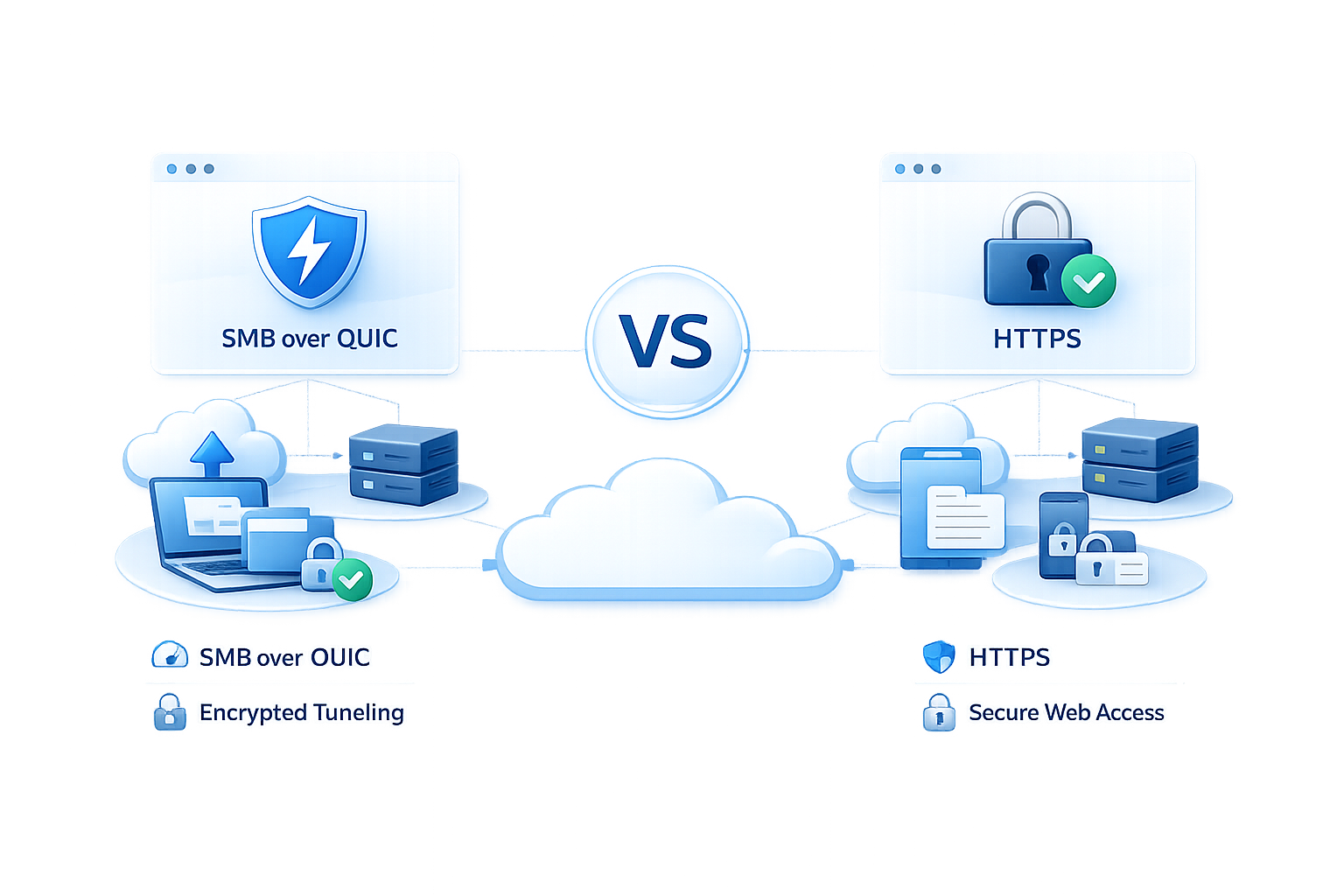
SMB over QUIC tunnels the native Windows file-sharing protocol through QUIC transport (UDP 443) with TLS 1.3 encryption, preserving the SMB protocol for Windows clients. HTTPS-based file access uses an application gateway that translates file operations into web requests over standard HTTPS (TCP 443), enabling access from any browser, operating system, or device.
Does SMB over QUIC work with macOS, Linux, or mobile devices?
As of early 2026, SMB over QUIC requires Windows 11 on the client side and Windows Server 2022 Datacenter: Azure Edition or Windows Server 2025 on the server side. Linux gained experimental client support through Samba 4.23 (released September 2025), but this requires the quic.ko kernel module that is not yet included in mainstream Linux distributions. macOS, iOS, and Android have no SMB over QUIC client support. HTTPS-based solutions like MyWorkDrive provide cross-platform access out of the box.
Is SMB over QUIC more secure than HTTPS?
Both provide strong transport encryption. SMB over QUIC uses TLS 1.3 exclusively, while HTTPS gateways like MyWorkDrive support TLS 1.2 and TLS 1.3. The security difference lies in what additional controls each approach provides. HTTPS gateways can enforce DLP, device approval, session policies, and granular audit logging at the application layer, which SMB over QUIC does not natively support.
Can I use SMB over QUIC and MyWorkDrive together?
Yes. Organizations can run SMB over QUIC for internal or Windows-only remote access while using MyWorkDrive for cross-platform access, DLP enforcement, and browser-based editing. MyWorkDrive connects to the same underlying SMB shares, so both can coexist without data duplication.
What Windows Server versions support SMB over QUIC?
SMB over QUIC is available in Windows Server 2022 Datacenter: Azure Edition and all editions of Windows Server 2025 (Standard, Datacenter, and Azure Edition). It is not available in Windows Server 2022 Standard or Datacenter (non-Azure Edition), per Microsoft's official documentation.
Does MyWorkDrive require opening SMB ports to the internet?
No. MyWorkDrive uses only HTTPS port 443 (TCP) or, with the Cloud Web Connector, outbound port 7844. All SMB communication happens server-side on the internal network. Ports 445 and 139 are never exposed to the internet.
How does MyWorkDrive handle authentication without a VPN?
MyWorkDrive supports Active Directory with SAML 2.0 SSO (compatible with ADFS, Entra ID, and Okta) and Microsoft Entra ID with native OAuth/OIDC sign-in. MFA is enforced through your identity provider's Conditional Access policies or through integrated providers like Duo. No VPN tunnel is required, as described in the MyWorkDrive security overview.
What compliance frameworks does MyWorkDrive support?
MyWorkDrive supports alignment with HIPAA, CMMC, GDPR, FINRA, FedRAMP, and FIPS. The platform holds a FIPS 186-4 RSA algorithm validation certificate from NIST. Data sovereignty is maintained because files stay on your storage and are never persisted on MyWorkDrive servers.
What is QUIC and why does it matter for file access?
QUIC is an IETF-standardized transport protocol (RFC 9000) built on UDP with built-in TLS 1.3 encryption. It reduces connection latency through 0-RTT handshakes and supports multiplexed streams without head-of-line blocking. Microsoft adopted QUIC as the transport layer for SMB over QUIC to enable secure file sharing over the internet without VPN.
How quickly can I deploy MyWorkDrive compared to SMB over QUIC?
MyWorkDrive typically deploys in under an hour for a working pilot, with production rollouts completing in days. SMB over QUIC requires Windows Server 2025 (or Azure Edition of 2022), certificate infrastructure, client configuration via Group Policy or PowerShell, and firewall rules for UDP 443, typically requiring more planning and infrastructure preparation.
**➤ Talk to a Secure File Access Expert , ** Contact MyWorkDrive