

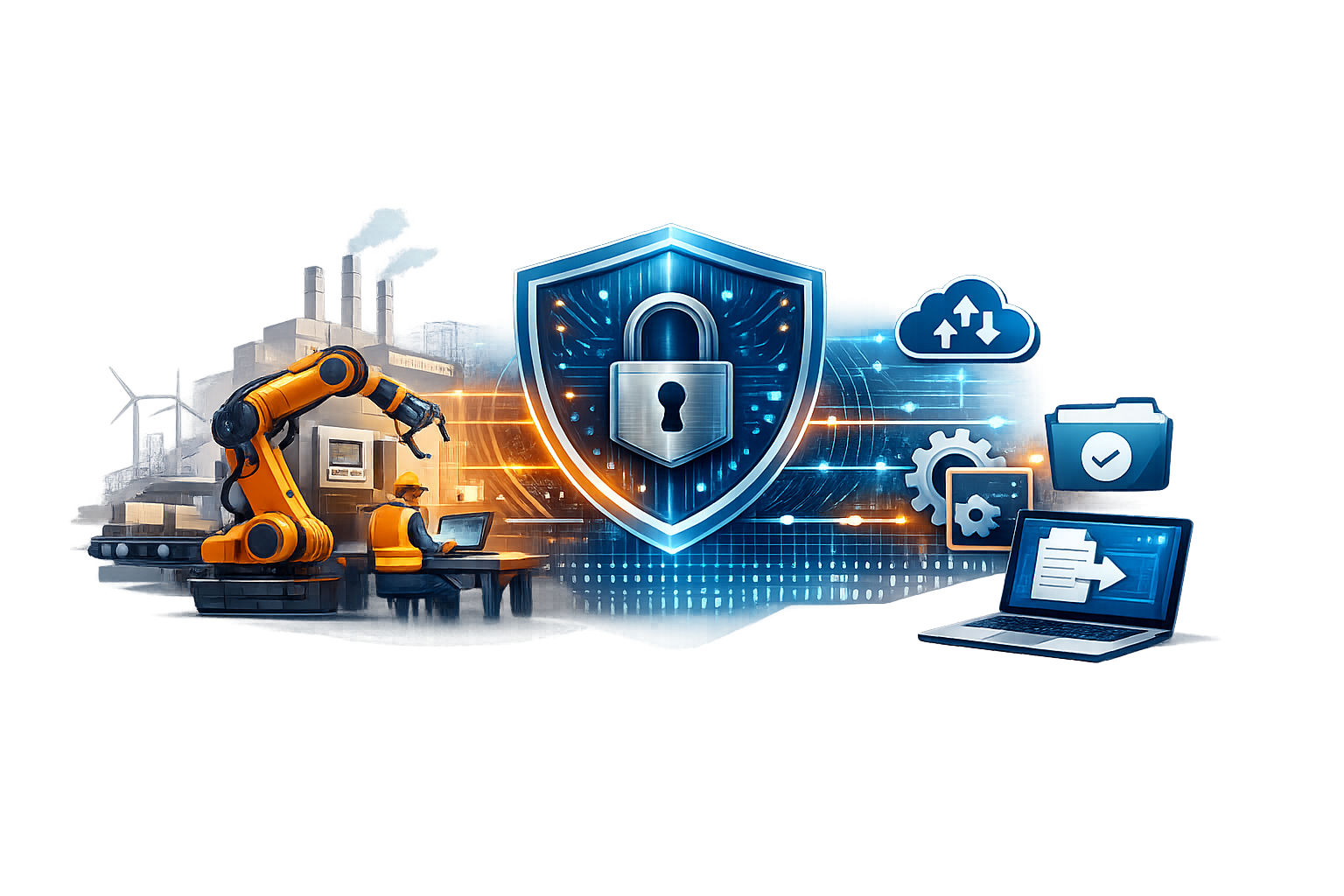
Manufacturing secure file sharing is hard when design, quality docs, and production files live on file shares that were never designed for secure remote file access or file collaboration in manufacturing environments. VPN sprawl, unmanaged endpoints, and sync copies increase risk, create version conflicts, and slow down work when uptime matters.
MyWorkDrive provides secure file sharing without VPN for manufacturing by giving your existing storage HTTPS access, so engineering, plant operations, and approved partners can work from a single source of truth without migrating or syncing data. Users connect via browser, mapped drive, or mobile clients while you keep control of where data resides.
-
Reduce data sprawl by enabling access without creating unmanaged sync copies
-
Standardize access controls with identity-based authentication, device approval, and DLP policies
-
Keep workflows familiar for users who need mapped drives, web access, or mobile access
What Is Manufacturing Secure File Sharing?
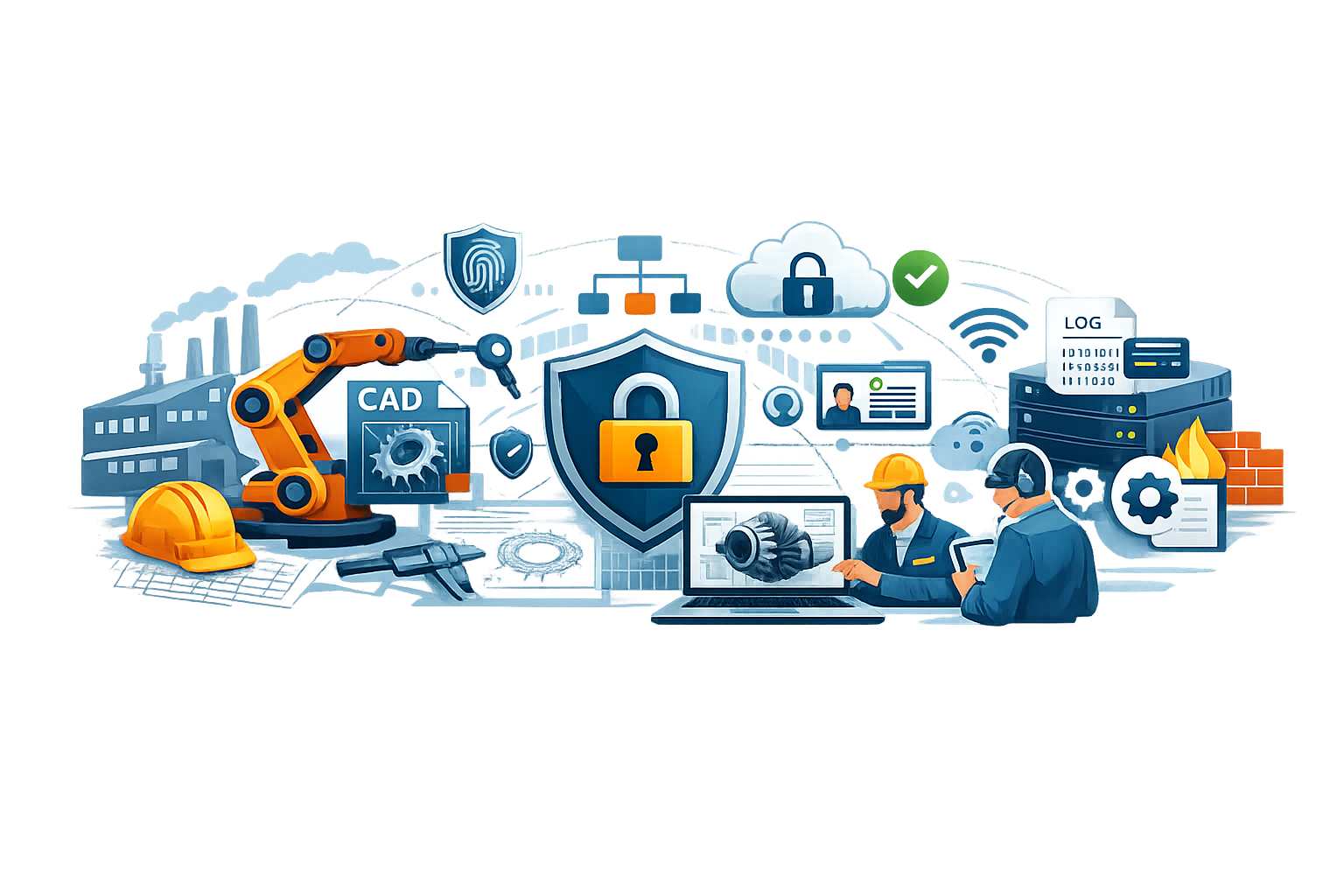
Manufacturing secure file sharing is the controlled, auditable way to let employees, suppliers, and remote teams access and collaborate on engineering and production files while keeping data in approved storage. It combines strong identity, least-privilege permissions, encryption, and logging to deliver secure document access for manufacturing teams without increasing IP loss or ransomware exposure. Manufacturing file sharing security is essential because it ensures file access supports operations while maintaining governance and control.
For IT and security teams, it matters because manufacturing environments blend IT and OT needs, frequent third-party collaboration, and high-impact downtime. Standards like the NIST Cybersecurity Framework 2.0 and OT-focused guidance like the ISA/IEC 62443 series emphasize governance, segmentation, access control, and monitoring that must extend to file access paths. Effective manufacturing secure file governance starts with these foundations.
Why Secure File Sharing Matters in Manufacturing
-
Protect IP and controlled data without slowing work.
- Secure file sharing for manufacturing teams means designs, work instructions, and supplier packages move under tight deadlines without relying on "shadow IT" transfers when VPN access is unreliable or unavailable.
-
Reduce incident blast radius.
- Centralized access with least privilege and device controls lowers the chance a compromised endpoint turns into broad file share exposure.
-
Improve audit readiness.
- When file access is logged and exportable to SIEM, investigations and compliance evidence become faster and more consistent.
-
Keep production moving.
- Manufacturing secure file workflows that do not rely on syncing large datasets reduce version conflicts and "which file is correct" downtime.
-
Standardize access for partners and contractors.
- You can enforce the same controls for third parties that you require for employees, rather than issuing broad network access.
See How Secure File Sharing Works for Manufacturing
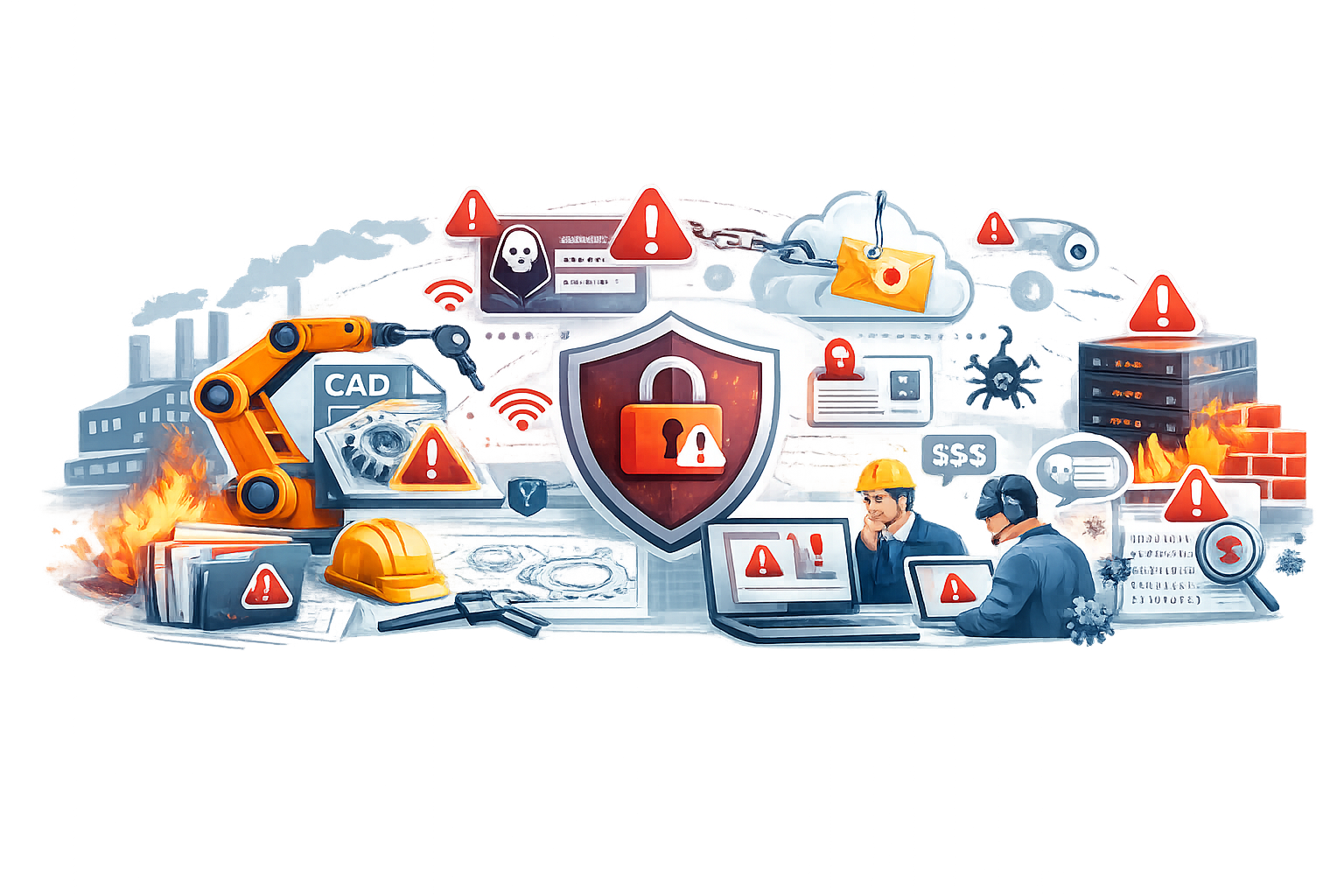
Manufacturing File Sharing Risks and Challenges
-
VPN expands your attack surface.
- Broad network connectivity can become a path for lateral movement if endpoints are compromised.
-
Sync tools create uncontrolled copies.
- Files spread to unmanaged devices and personal accounts, increasing leak and ransomware impact.
-
External sharing breaks permission models.
- Ad hoc sharing often bypasses existing NTFS or directory-based access controls.
-
Unmanaged devices access sensitive shares.
- Contractors, personal laptops, and shop-floor tablets are hard to govern without an allowlist.
-
Limited audit trails slow investigations.
- If you cannot quickly answer "who accessed what, when, and from where," response and reporting suffer.
-
Cloud storage protocol constraints.
- Accessing cloud file services can introduce protocol, latency, or firewall constraints that teams work around unsafely.
How to Implement Secure File Sharing in Manufacturing
The following manufacturing secure file sharing best practices help you build manufacturing secure file workflows that protect data while keeping production teams productive.
-
Classify the data and define sharing boundaries.
- Identify design, quality, and production datasets that require stricter rules, including CUI or contract-controlled data aligned to NIST SP 800-171 Rev. 3 if applicable.
-
Keep a single source of truth.
- Prefer access-to-storage over copying data to new sync silos, so permissions and retention stay consistent.
-
Adopt a zero-trust access model for remote file use.
- Use identity, device posture, and policy rather than network location, consistent with NIST SP 800-207 zero trust architecture principles.
-
Integrate with your identity provider and enforce MFA.
- Standardize authentication (SSO where possible), require MFA for all remote access, and apply conditional access policies where relevant.
-
Enforce least privilege using existing permissions.
- Ensure remote access respects the same group and file ACL rules used on-prem, and avoid tools that require broad service accounts.
-
Add DLP controls for sensitive shares.
- For example, permit view or edit while blocking downloads and external sharing for regulated datasets.
-
Restrict access to approved devices.
- Use a device allowlist approach, then move from monitor mode to enforcement once validated.
-
Centralize logging and monitoring.
- Export file access activity to your SIEM and create alerts for anomalous access, mass downloads, or repeated failures.
How MyWorkDrive Enables Manufacturing Secure File Sharing
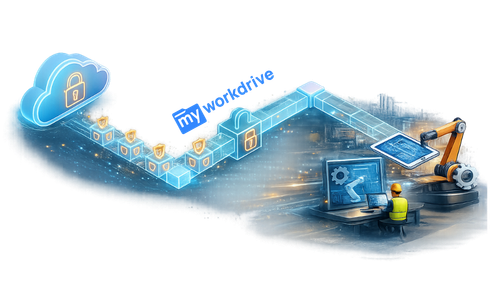
MyWorkDrive is designed to provide secure remote file access for manufacturing teams without requiring VPN, data migration, or sync. Capabilities tied to manufacturing outcomes include:
-
HTTPS access to existing file shares via IIS.
- MyWorkDrive publishes file shares over HTTPS as an IIS website, with no file migration or hosted storage requirement per the MyWorkDrive Security Overview.
-
Identity-based authentication with AD and MFA options.
- The platform supports Active Directory and Entra ID authentication plus MFA options such as DUO, SAML, and ADFS.
-
Least-privilege access based on existing NTFS permissions. MyWorkDrive inherits existing NTFS permissions and cannot grant more privileges than already provisioned, enforcing access in the context of the logged-on user.
-
Device allowlisting for managed rollout.
- Device Approval supports Windows, macOS, iOS, and Android clients, includes monitor mode, and can enforce approval to block unapproved devices.
-
DLP controls to stop data leakage from sensitive shares.
- Data Leak Prevention can prevent downloads and public sharing while still allowing online view or edit.
-
SIEM-ready activity logging via syslog.
- MyWorkDrive publishes activity logs to syslog with fields like username, action, share, file, IP, and more per the Syslog integration configuration.
-
Client options that match real workflows.
- MyWorkDrive offers Windows and macOS mapped drive clients plus iOS and Android mobile apps, as listed on the Download Clients page.
-
Cloud storage support when manufacturing data extends to Azure.
- MyWorkDrive documents Azure Files connectivity and Entra ID authentication options on its Azure File Shares page.
-
SharePoint and OneDrive integration.
- As of version 6.4, MyWorkDrive added support for OneDrive and SharePoint storage, allowing organizations to access these files alongside SMB shares with the same security controls.
-
Encryption in transit and at rest alignment.
- MyWorkDrive uses TLS 1.2+ for transmission and supports Windows Server encryption at rest, with additional encryption and compliance positioning documented on its Compliance page.
Request a Manufacturing Security Demo
How It Works
-
Install MyWorkDrive on your Windows infrastructure and configure HTTPS publishing.
-
Connect existing storage (for example, Windows SMB shares, Azure Files, SharePoint, or OneDrive, depending on deployment).
-
Integrate identity using Active Directory or Entra ID, then configure SSO and MFA requirements.
-
Apply access rules that respect existing permissions and define which shares are available remotely.
-
Enable policy controls such as DLP restrictions and device approval for higher-risk shares.
-
Provide user access via browser, mapped drive client, or mobile apps, based on workflow needs.
-
Monitor and audit using logs and syslog forwarding to your SIEM, then tune alerts and policies.
Manufacturing Security and Compliance Alignment
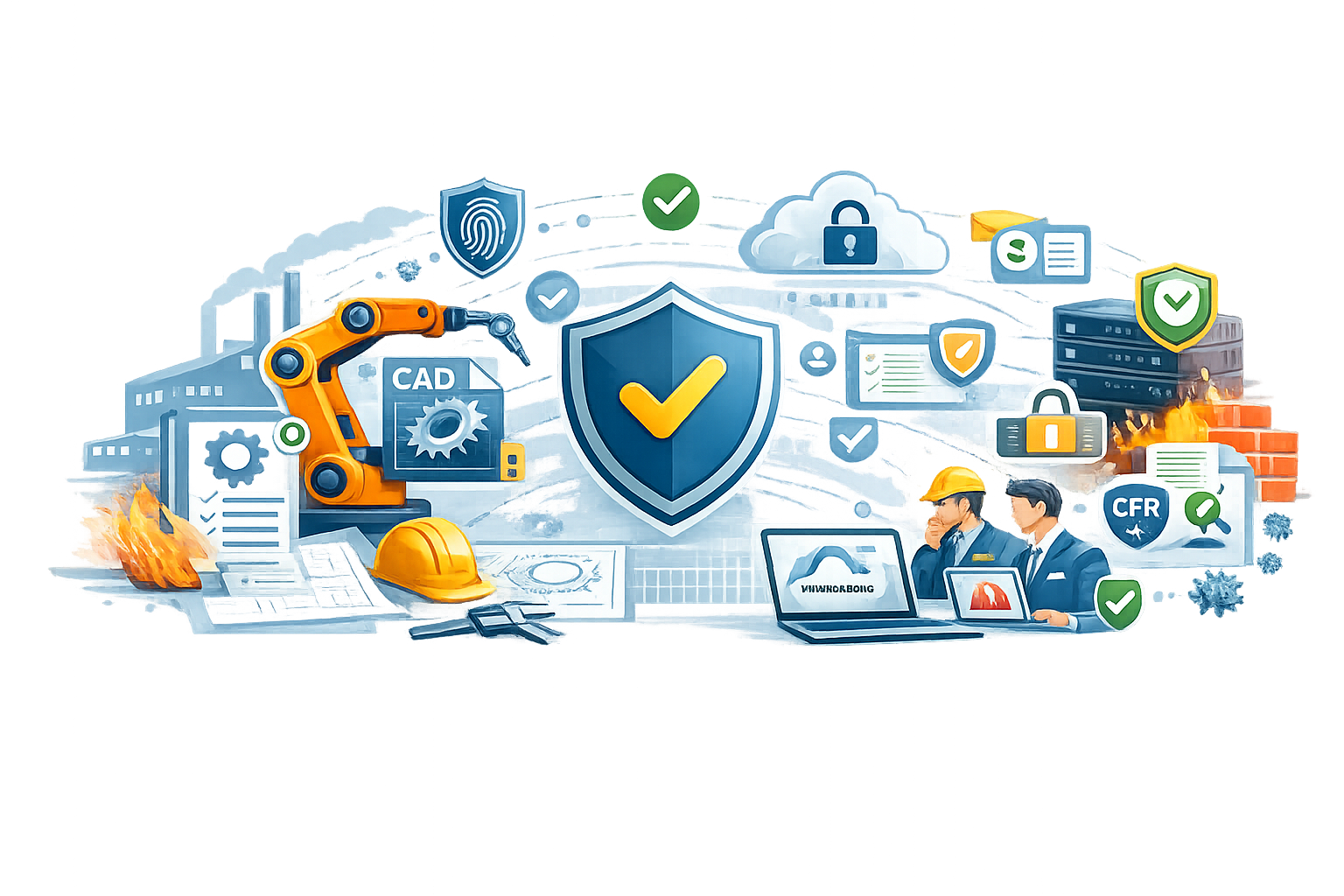
Manufacturing security requirements often span both enterprise IT and OT realities, including third-party access, IP sensitivity, and availability. Aligning file access controls to established frameworks supports manufacturing secure file governance and helps standardize evidence and reduce gaps.
-
Zero trust and least privilege.
- Remote file access should be governed by identity and policy, consistent with NIST SP 800-207, and MyWorkDrive inherits NTFS permissions and enforces access in the context of the logged-on user per its Security Overview.
-
Controlled data requirements.
- If you handle CUI or defense supply chain data, requirements mapped to NIST SP 800-171 Rev. 3 and the DoD's CMMC 2.0 program commonly require documented access control, identification and authentication, and auditability.
-
OT-aware standards.
- For plant environments, the ISA/IEC 62443 series supports structured approaches for IACS cybersecurity, including defining zones, conduits, and access governance that should extend to file paths used by OT-adjacent teams.
-
Encryption and auditability.
- MyWorkDrive uses TLS 1.2+ for data in transit and supports Windows Server encryption at rest per the Security Overview, plus it provides audit and logging positioning on the Compliance page.
-
Reduce leakage from unmanaged endpoints.
- DLP can block downloads and public sharing while allowing online work, and Device Approval can restrict access to approved devices.
-
Centralize monitoring.
- Export activity logs to your SIEM via syslog using Syslog integration to support alerting and investigations.
Manufacturing Secure File Sharing Use Cases
-
Remote and on-site access (Engineering teams)
- Provide mapped-drive access over HTTPS so engineers can work with files in-place, reducing version conflicts and limiting IP sprawl.
-
Supplier collaboration with controlled access (IT and security teams)
- Grant partner access to specific shares with DLP restrictions and device approval, limiting download and reducing risk from unmanaged endpoints.
-
Plant maintenance documentation (Plant operations)
- Enable mobile access for iOS and Android so technicians can securely retrieve work instructions and manuals on the floor using approved devices.
-
Quality and compliance evidence collection (Quality and compliance teams)
- Centralize access to controlled documents with searchable activity and SIEM forwarding for audit support and investigations.
-
Defense supply chain programs (CMMC-bound manufacturers)
- Keep data on controlled storage while implementing access controls and auditability aligned to CMMC and NIST expectations.
Manufacturing Secure File Sharing FAQs
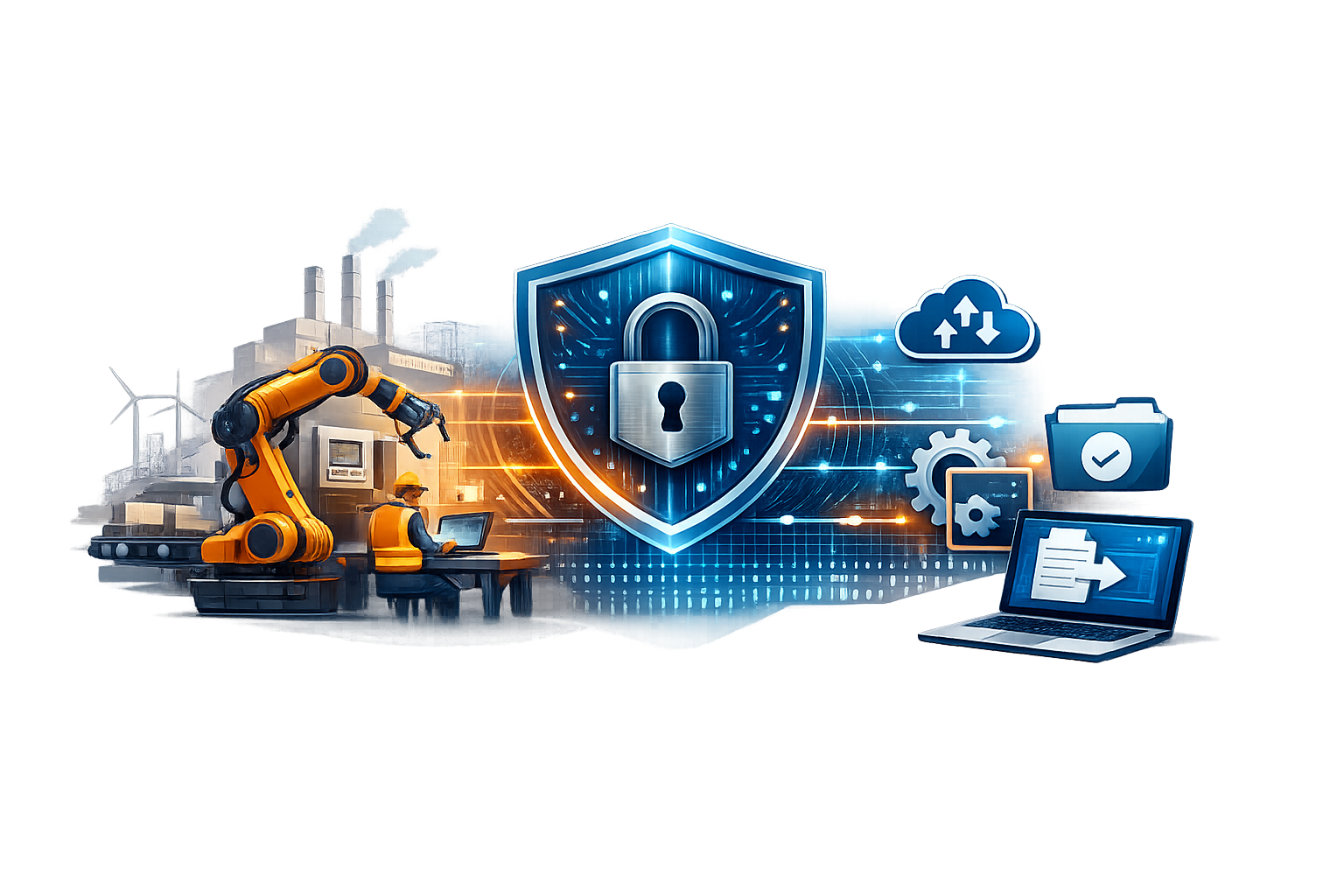
What does manufacturing secure file sharing mean in practice?
It means users access files from approved storage using strong identity controls, least privilege permissions, encryption, and auditable logging, rather than emailing attachments or creating uncontrolled sync copies.
How is manufacturing secure file sharing different from using a VPN?
A VPN typically provides broad network access. Secure file sharing focuses on identity-based access to files, with tighter policy controls, logging, and reduced lateral movement risk.
Can MyWorkDrive support manufacturing secure file sharing without migrating data?
Yes. MyWorkDrive provides access without VPN, syncing, or migrating data, and it is not a hosted storage provider. All files remain on your existing file servers or cloud storage.
Does MyWorkDrive respect existing NTFS permissions on Windows file shares?
Yes. MyWorkDrive uses existing Active Directory and NTFS permissions and enforces least privilege in the context of the logged-on user per the Security Overview.
How can we prevent suppliers from downloading sensitive files?
MyWorkDrive's DLP feature can watermark documents and prevent downloading, sharing, and editing of files.
How do we restrict access to only company-approved devices?
MyWorkDrive Device Approval allows allowlisting devices for Windows, macOS, iOS, and Android, and can enforce approval to block unapproved devices.
Can MyWorkDrive send file activity to our SIEM?
Yes. MyWorkDrive sends activity logs to syslog with detailed event fields, which can be forwarded into common SIEM pipelines.
What client options are available for users in plants and remote sites?
MyWorkDrive provides mapped drive clients for Windows and macOS and mobile apps for iOS and Android.
Does MyWorkDrive support Azure Files for cloud-hosted manufacturing workloads?
Yes. MyWorkDrive documents Azure Files connectivity and Entra ID authentication options.
What frameworks should we map controls to for manufacturing environments?
Common starting points include the NIST Cybersecurity Framework 2.0, NIST SP 800-207 for zero trust architecture, and the ISA/IEC 62443 series for industrial automation and control systems, with NIST SP 800-171 Rev. 3 and the DoD's CMMC 2.0 where CUI and defense contracting requirements apply.