

Law firms today face an unprecedented challenge: providing lawyers and staff with flexible, anywhere access to client files while maintaining the ironclad security that legal ethics and client confidentiality demand. With cyber threats targeting the legal industry at record levels—including the growing risk of a ransomware attack—and regulatory scrutiny intensifying, the stakes have never been higher for getting file access right. File sharing for law presents a unique challenge, requiring specialized solutions that address the specific security, compliance, and confidentiality needs of legal professionals.
The traditional approach of VPNs and on-premises file servers no longer meets the needs of modern legal practice, while generic cloud solutions create new risks around data control and compliance. For law firms, security and compliance are non negotiable requirements that cannot be compromised if they are to protect sensitive client data and uphold professional integrity. What law firms need is a solution that delivers enterprise-grade security without sacrificing the user experience that drives productivity and client service.
This comprehensive guide examines why MyWorkDrive represents the superior approach to secure file access for law firms, offering a unique architecture that keeps sensitive data under firm control while enabling seamless remote collaboration and meeting the most stringent compliance requirements.
Why Law Firms Need Bulletproof File Security
The legal industry has become a prime target for cybercriminals, and the statistics are stark. According to the American Bar Association’s 2023 Cybersecurity TechReport, 29% of surveyed law firms reported that they had experienced a security breach such as a lost or stolen device, hacker, break in, or website exploit at some point. At the same time, IBM’s Cost of a Data Breach studies put the average cost of a breach at 4.45 million dollars globally in 2023 and 4.88 million dollars in 2024, while professional services organizations that include law firms see average breach costs around 5.08 million dollars once legal, regulatory, and business impacts are factored in. Together, these figures show that for many law firms a single incident can easily reach the mid seven figure range as regulatory penalties and client expectations continue to rise.
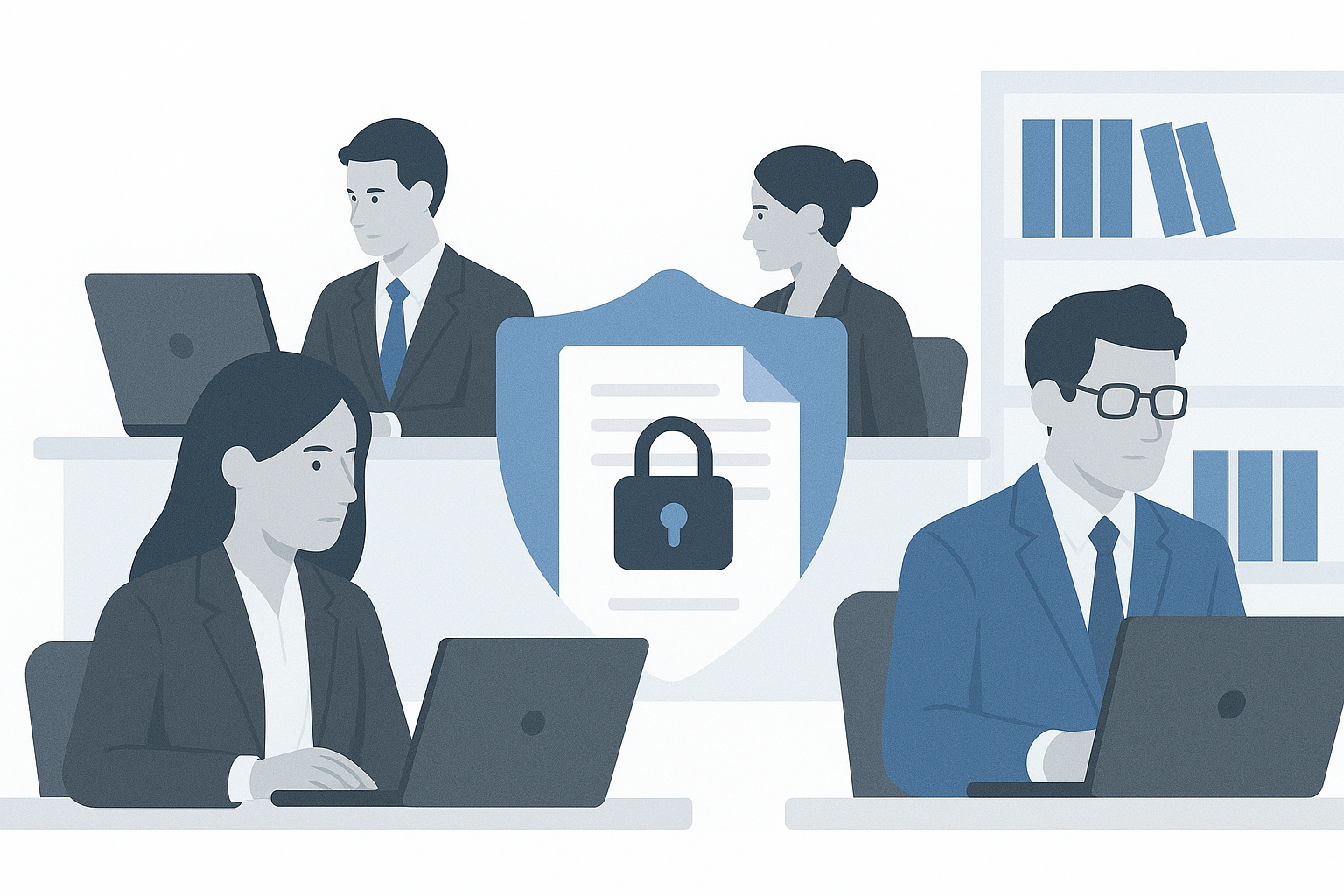
These breaches aren’t just financial disasters. They strike at the heart of what makes legal practice possible. ABA Model Rule 1.6 explicitly requires lawyers to make reasonable efforts to prevent unauthorized access to or disclosure of client information. Protecting confidential content from unauthorized access or disclosure is essential to comply with these ethical obligations. When firms fail to implement adequate security measures, they face a cascade of consequences that can destroy practices built over decades.
The regulatory landscape has evolved dramatically, with courts and bar authorities taking an increasingly dim view of inadequate cybersecurity measures. Firms experiencing breaches now routinely face:
-
Malpractice exposure from clients whose confidential data was compromised
-
Bar discipline ranging from censure to suspension for failing to protect client confidentiality
-
Regulatory investigations by state authorities and industry bodies
-
Cyber insurance complications as insurers become more selective about coverage
-
Loss of client trust and reputation damage that can take years to rebuild
Perhaps most critically, inadequate file security can jeopardize attorney client privilege itself. When law firms fail to implement proper access controls and allow confidential case files to be accessed by unauthorized parties or intercepted during transmission, they risk waiving privilege protections that are fundamental to effective legal representation.
The rise of remote work has only amplified these risks. Traditional VPN solutions often provide overly broad network access, creating lateral movement opportunities for attackers who compromise user credentials. Meanwhile, lawyers working from home offices, coffee shops, and courthouse corridors need secure access to sensitive documents without the complexity and performance issues that plague conventional remote access solutions.
For law firms, the question isn’t whether to invest in robust file security—it’s how to implement security measures that actually work in the demanding environment of modern legal practice.
MyWorkDrive’s Enterprise-Grade Security Architecture
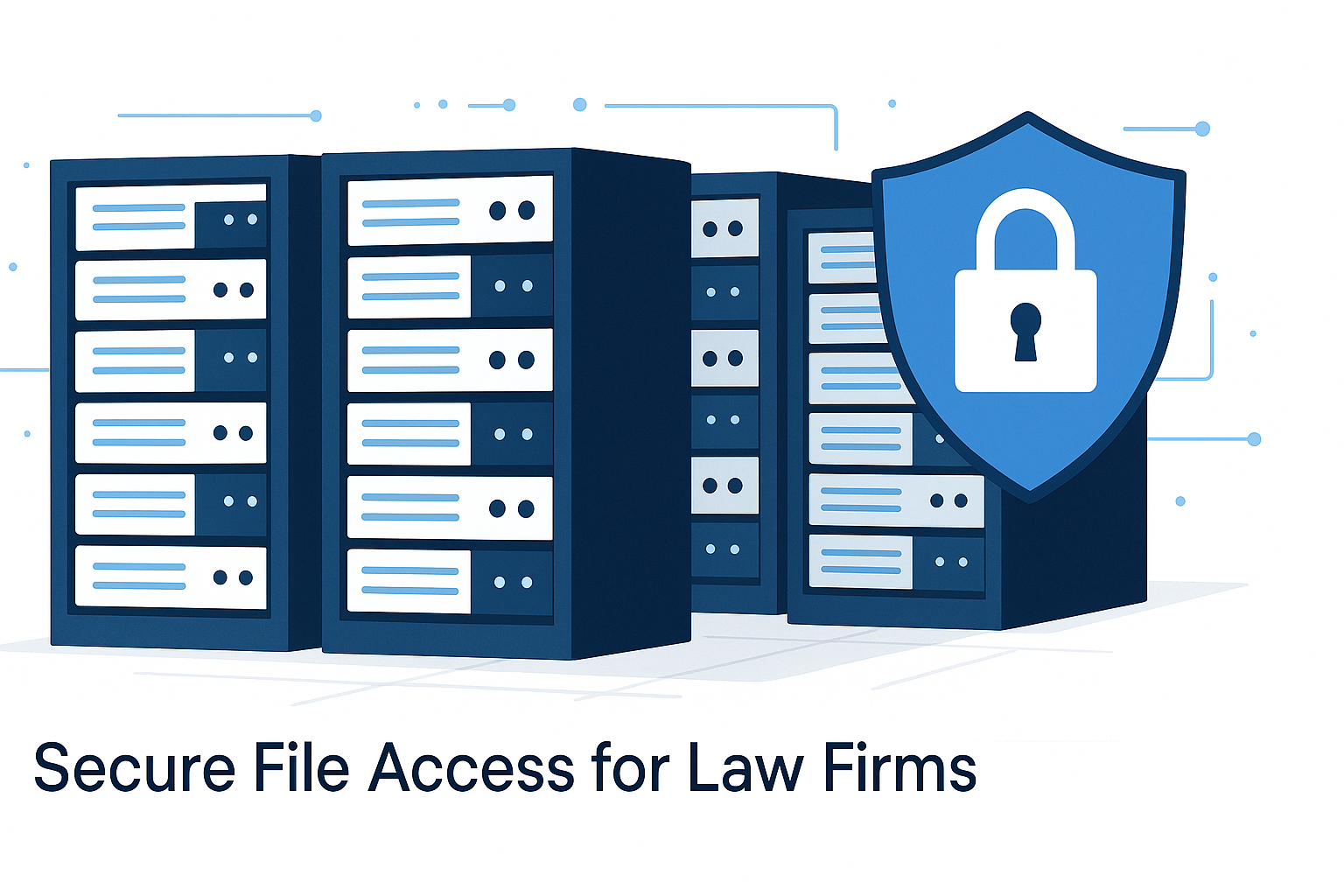
MyWorkDrive addresses the fundamental security challenges facing law firms through a sophisticated application level, zero trust design that exposes only HTTPS on port 443, never SMB or NetBIOS directly to the internet. This architectural approach eliminates many of the attack vectors that plague traditional VPN and file sharing solutions.
At the core of MyWorkDrive’s security model is comprehensive encryption protection. All client connections are protected with TLS 1.2 or higher, with TLS 1.3 preferred, using strong ciphers such as AES for data in transit. Meanwhile, data at rest remains under the firm’s own encrypted storage platforms, whether that’s Windows Server with BitLocker, Azure Files with customer-managed keys, or other enterprise storage systems the firm controls.
A critical differentiator for law firms is that files never reside permanently on MyWorkDrive servers. Instead, files are processed in memory only, with optional temporary staging in the firm’s own Microsoft 365 tenant for browser editing scenarios. This means that even in the unlikely event of a MyWorkDrive infrastructure compromise, client files remain secure within the firm’s controlled environment.
The platform integrates seamlessly with Active Directory or Microsoft Entra ID, plus supports SAML SSO providers including Duo, Okta, OneLogin, Ping, and ADFS. This means identity and multi-factor authentication, including two factor authentication as a key security feature, remain under firm control, leveraging existing security investments rather than introducing new credential management complexities.
MyWorkDrive’s authorization model is particularly well-suited to law firm requirements. The system honors existing NTFS, SharePoint, and Azure permissions and cannot elevate user rights—it can only restrict them further through policy. This means that the matter-based access controls and ethical walls that firms have carefully constructed in their file systems remain fully intact and enforceable.
For firms operating in highly regulated environments, MyWorkDrive offers FIPS 186-4 validated cryptography and controls designed to help organizations meet requirements under CMMC, HIPAA, GDPR, FINRA, and FedRAMP-aligned environments. The platform functions as part of a compliant architecture rather than claiming to replace the firm’s overall compliance program, providing the technical controls that auditors and clients expect to see.
The architecture includes detailed logging and monitoring capabilities that feed into existing SIEM platforms, providing the audit trail and oversight capabilities that legal industry regulations increasingly demand. All access requests, file operations, and administrative actions are logged with timestamps, user identity, source IP, and other forensic details that support incident response and regulatory reporting.
Advanced Threat Protection and Data Leak Controls
Modern law firms face sophisticated threat actors who specifically target the legal industry for its treasure trove of sensitive client data. MyWorkDrive addresses these threats through multiple layers of protection that go far beyond traditional file sharing solutions.
The platform fundamentally reduces ransomware and malware exposure by eliminating direct VPN access that can provide attackers with broad network access. By keeping SMB and other file sharing protocols closed to the internet and using browser-based secure viewers instead of syncing files to endpoints, MyWorkDrive minimizes the attack surface that threat actors can exploit.
Built-in Data Leak Prevention (DLP) features provide granular control over how sensitive files can be accessed and shared. Administrators can block downloads entirely, prevent the creation of public sharing links, restrict clipboard operations, and enforce view-only access for particularly sensitive matters at the share, group, or user level. These controls can be applied dynamically based on file location, user role, or matter sensitivity.
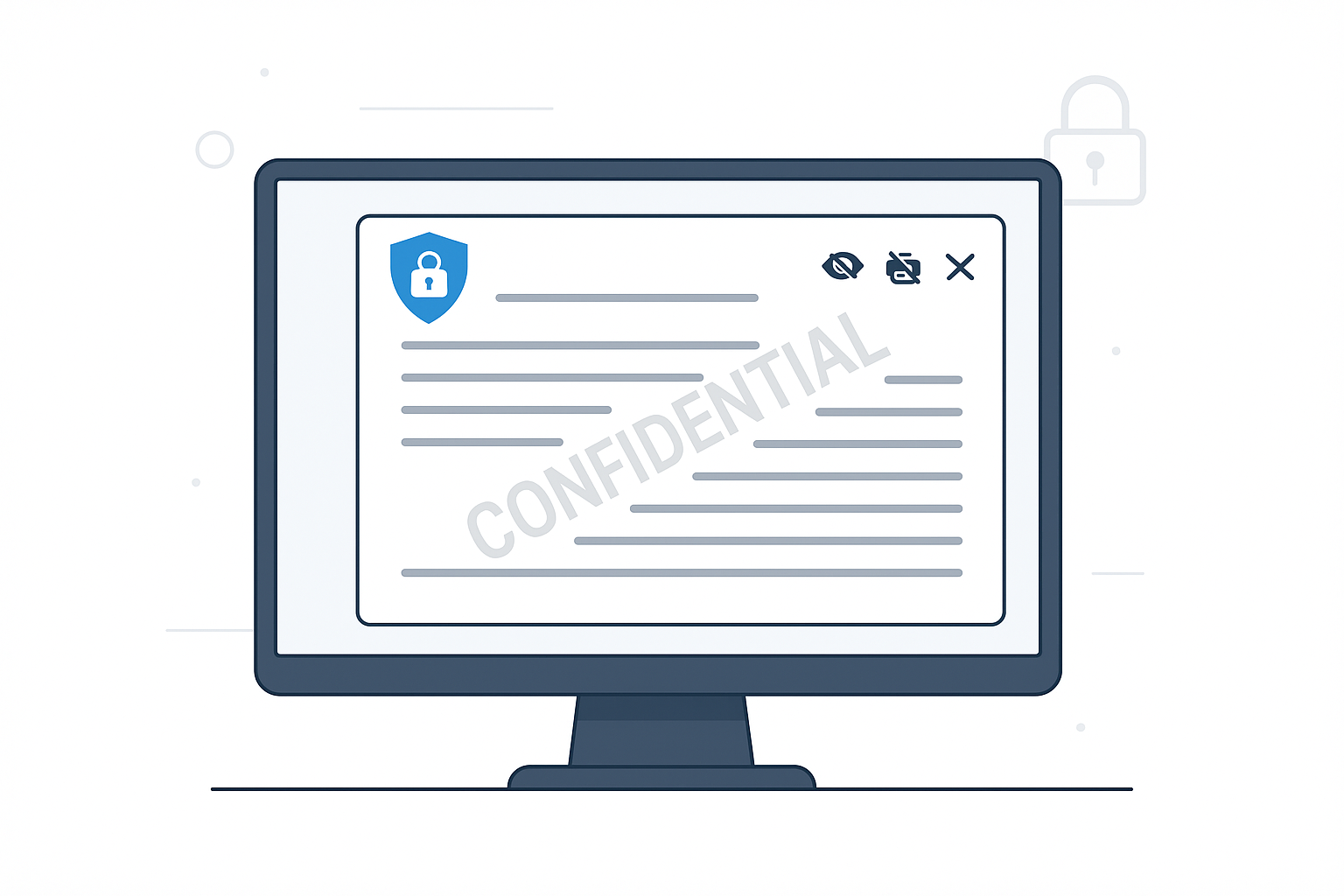
For confidential documents that must be viewed by external parties such as opposing counsel or expert witnesses, MyWorkDrive includes dynamic watermarking and screenshot prevention capabilities. Documents displayed in secure viewers show user identity and timestamp watermarks while blocking printing, copying, and screen capture attempts. This provides a secure alternative to sending PDF attachments that can be easily copied and redistributed.
The device approval model gives IT administrators precise control over how and where client files can be accessed. Administrators can pre-approve specific devices for mapped drive access and mobile applications, or block access entirely from unknown or untrusted devices. When a device is lost or an employee leaves the firm, access can be immediately revoked without affecting other authorized devices or users.
While MyWorkDrive doesn’t replace the firm’s existing antimalware and endpoint protection systems, it works synergistically with these tools by controlling how documents can be accessed and used. Files remain within the firm’s security perimeter where existing AV and EDR tools can scan and monitor them, while MyWorkDrive prevents risky behaviors like massive downloads to personal devices or uncontrolled sharing with external parties.
These threat protection mechanisms are particularly valuable for law firms because they address the unique ways that legal documents are created, shared, and used throughout the matter lifecycle. Rather than applying generic security controls, MyWorkDrive understands the workflows that make legal practice effective while preventing the data loss and privilege waiver risks that keep firm leaders awake at night.
By automating security controls and reducing the need for manual intervention, MyWorkDrive helps law firms save valuable time when responding to threats and managing secure file access.
Comprehensive Compliance for Legal Industry Standards
Law firms increasingly find themselves caught between multiple regulatory frameworks, each with specific requirements for how client data must be protected, accessed, and retained. MyWorkDrive’s architecture and controls are specifically designed to help firms meet these diverse compliance obligations without forcing them to choose between security and operational effectiveness.
For firms handling protected health information in healthcare-related matters, MyWorkDrive provides safeguards that support HIPAA compliance requirements. By enabling data to remain on firm-controlled servers with robust access controls, detailed audit logging, and encryption at rest and in transit, the platform helps firms demonstrate the administrative, physical, and technical safeguards that HIPAA demands. The platform’s integration with existing Active Directory systems means that HIPAA’s requirement for unique user identification and access management can be maintained through established firm processes.
GDPR compliance presents particular challenges for law firms with international clients or cross-border matters. MyWorkDrive addresses these requirements by enabling data to remain on premises or in specified regions, avoiding the complications of cross-border data transfers that plague many cloud-based solutions. The platform’s detailed logging capabilities support GDPR’s accountability requirements, while its access control features help firms implement data minimization and purpose limitation principles.
For firms serving financial services clients, FINRA and SEC record-keeping expectations create specific challenges around audit trails, data retention, and access controls. MyWorkDrive’s immutable audit logs capture every access and modification event, supporting the detailed record-keeping that financial services regulations require. The platform’s integration with existing backup and retention strategies means that firms can demonstrate compliance with record preservation requirements without disrupting established matter management processes.
Government contractors and firms handling classified or sensitive government information benefit from MyWorkDrive’s CMMC, FIPS, and FedRAMP ready positioning. The platform provides FIPS-validated cryptography and access controls that can be deployed in FedRAMP-authorized cloud environments, supporting the stringent security requirements that government clients increasingly demand from their outside counsel. MyWorkDrive’s robust security features and compliance standards also make it suitable for government agencies that must protect sensitive or classified information, ensuring these organizations can securely share and access files in accordance with strict regulatory mandates.
These compliance capabilities aren’t just technical checkboxes—they translate into real business advantages for law firms. When clients send vendor security questionnaires or conduct due diligence reviews, firms using MyWorkDrive can point to specific technical controls and architectural decisions that demonstrate their commitment to data protection. This can be the difference between winning and losing major client engagements, particularly with highly regulated industries.
The platform’s compliance documentation and third-party attestations also help firms satisfy their own due diligence obligations when evaluating technology vendors. Rather than trying to assess the security of consumer-grade file sharing tools, firms can rely on MyWorkDrive’s enterprise-grade security documentation and compliance positioning.
Audit Trails and Legal Discovery Support
In the legal industry, the ability to track and document every interaction with client files isn’t just a security best practice—it’s often a legal requirement. MyWorkDrive provides comprehensive logging of authentication, file access, downloads, shares, and administrative actions with the granular detail that legal proceedings and regulatory investigations demand.
Every logged event includes timestamp, user identity, specific action taken, and source IP or device information, creating a complete audit trail that can support internal investigations, client inquiries, and regulatory reporting. These logs can be exported via Syslog to SIEM platforms for long-term retention and analysis, ensuring that firms can demonstrate compliance with record-keeping requirements that may span multiple years.
The platform’s logging capabilities prove particularly valuable during eDiscovery, regulatory reporting, and cyber insurance investigations. When firms need to demonstrate exactly which users accessed specific case files and when, MyWorkDrive’s detailed logs provide the forensic evidence that courts and investigators require. This level of documentation can be crucial for maintaining attorney client privilege claims and demonstrating that confidential information was properly protected.
For firms managing electronic evidence, MyWorkDrive’s audit capabilities help support chain of custody documentation when combined with existing document management and litigation hold policies. While MyWorkDrive doesn’t claim to guarantee evidentiary admissibility on its own, its detailed access logs provide important supporting documentation for the handling and protection of electronic evidence.

The practical benefits extend beyond formal legal proceedings. When clients ask questions about who had access to their confidential information, or when firms need to investigate potential security incidents, MyWorkDrive’s logs provide the answers that enable quick resolution and demonstrate professional competence.
These audit capabilities also support the proactive security monitoring that sophisticated firms are implementing. By feeding MyWorkDrive logs into security information and event management (SIEM) platforms, firms can identify unusual access patterns, detect potential insider threats, and demonstrate to clients and insurers that they have implemented robust monitoring controls.
The combination of detailed logging and secure access controls means that firms can provide clients and partners with necessary file access while maintaining complete visibility into how that access is being used. This transparency builds trust and provides the documentation needed to support privilege claims and compliance requirements.
Seamless Client Collaboration Without Compromising Security
Modern legal practice demands seamless collaboration with clients, co-counsel, expert witnesses, and other parties, but traditional methods like email attachments and consumer file sharing services create unacceptable security and privilege risks. MyWorkDrive transforms this challenge by functioning as a secure client portal, positioning itself among leading client portals for law firms, with firm branding and custom domains while maintaining enterprise-grade security controls for secure document sharing and communication.
The platform’s policy-controlled external sharing capabilities allow firms to provide co-counsel, experts, and clients with precisely the access they need without compromising security. Administrators can configure password protections, link expiration dates, and download restrictions based on matter sensitivity, ensuring that highly confidential information receives appropriate protection while routine documents can be shared more freely. MyWorkDrive addresses the unique sharing for law firms by offering secure, compliant, and efficient methods to exchange sensitive legal documents and client information, including encrypted transfers and regulatory compliance.
Co-editing in Office on the web and optional customer-hosted editors (Office Online Server or ONLYOFFICE) enable real-time collaboration between multiple attorneys and staff while files remain on firm-controlled storage. This means that document reviews, contract negotiations, and other collaborative work can proceed seamlessly without the version control nightmares and security risks that plague email-based collaboration.
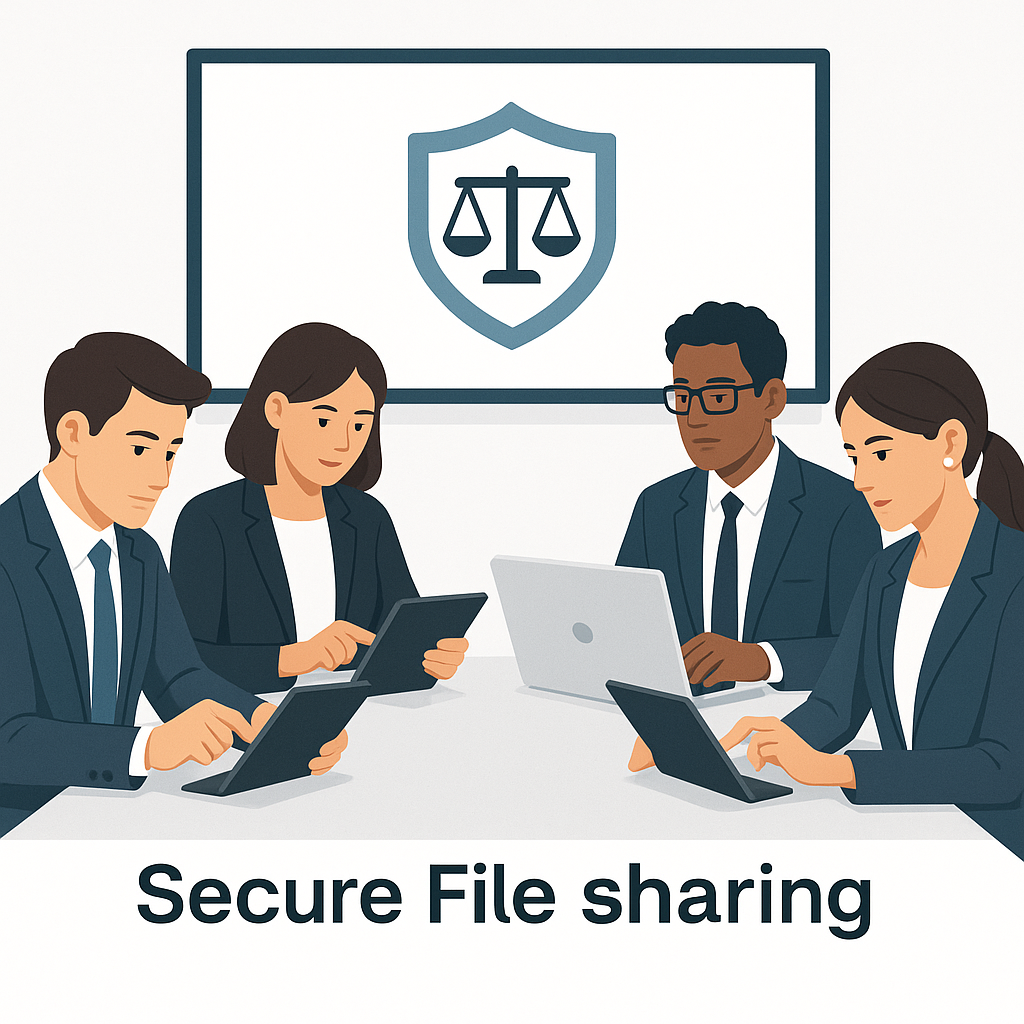
For attorneys who need access to case files while traveling, in court, or working from remote locations, MyWorkDrive provides mobile access on iOS and Android with comprehensive security controls. Caching and offline behavior are governed by firm policy, while DLP and device approval controls ensure that sensitive files don’t end up stored inappropriately on personal devices or unsecured networks.
The user experience deliberately mimics familiar consumer file sharing services, reducing training requirements and user resistance while maintaining enterprise-grade security controls. MyWorkDrive enables easy file sharing for law firms, making it simple and secure to collaborate and share sensitive legal documents. The platform is accessible for both tech savvy and less technologically experienced users, ensuring all clients and staff can use it effectively. Lawyers get the intuitive, low-friction experience they expect from modern technology, while IT administrators retain complete control over security policies and access permissions.
This approach to client collaboration helps firms avoid the common trap of choosing between security and usability. Instead of forcing lawyers to use complex, secure systems that impede productivity, or allowing them to resort to insecure workarounds, MyWorkDrive provides an experience that lawyers actually want to use while meeting the security standards that client confidentiality requires.
The platform’s integration with existing matter management processes means that external sharing can be tied to specific cases and matters, with access automatically revoked when matters close or relationships change. This helps prevent the lingering access problems that create privilege waiver risks and compliance violations.
Private Cloud Architecture That Keeps Data Under Your Control
One of the most significant advantages MyWorkDrive offers law firms is its unique approach to data storage and control. Unlike cloud-only solutions that require firms to migrate sensitive client data to third-party repositories, MyWorkDrive functions as a secure access broker that enables modern access patterns while keeping files on the firm’s existing storage: Windows file servers, NAS systems, Azure Files, Azure NetApp Files, Amazon FSx, S3 Object Storage, Azure Blob, and Microsoft 365 repositories.
This data-in-place architecture means firms retain full control over data location, backup procedures, retention policies, and legal holds. There’s no forced migration to a vendor’s cloud environment, no need to re-engineer existing matter folder structures, and no risk of vendor lock-in that could complicate future technology decisions.
The platform’s support for hybrid environments that mix on-premises file servers with Azure and Microsoft 365 reflects the reality of how most law firms have evolved their IT infrastructure. Rather than forcing firms to choose between purely on-premises or purely cloud-based solutions, MyWorkDrive bridges these environments seamlessly, allowing firms to optimize their storage strategies based on cost, performance, and client requirements rather than access technology limitations.
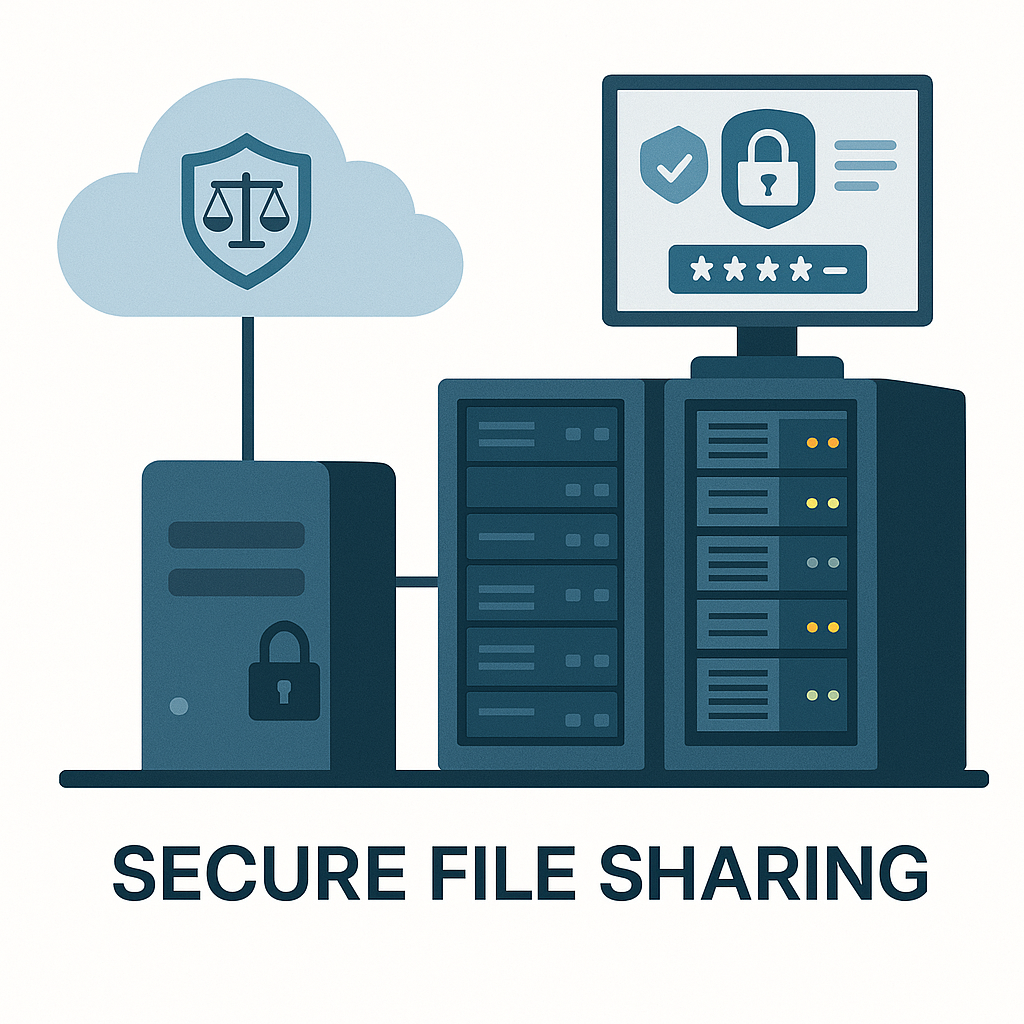
This approach contrasts sharply with cloud-only sync and share tools where client data must be migrated and re-permissioned, increasing risks to confidentiality and privilege. With MyWorkDrive, the carefully constructed NTFS permissions, matter-based folder structures, and ethical walls that firms have built over years remain intact and enforceable.
For firms with clients in highly regulated industries or cross-border matters, the data sovereignty and residency benefits are particularly compelling. When pharmaceutical companies demand that clinical trial data remain in specific jurisdictions, or when foreign clients require that their information stay within certain geographic boundaries, MyWorkDrive’s architecture enables compliance without sacrificing access capabilities.
The platform also eliminates many of the data governance challenges that plague traditional cloud migration projects. Instead of trying to map complex matter-based permission structures into a new system’s access controls, firms can leverage their existing Active Directory groups and NTFS permissions while gaining modern web and mobile access capabilities.
This architectural advantage becomes particularly important during mergers, acquisitions, or partner departures when firms need to quickly segregate access to specific matters or practice groups. Because the underlying file permissions remain under firm control, these changes can be implemented immediately without waiting for vendor support or complex permission re-mapping exercises.
Integration With the Legal Technology Ecosystem
Law firms have invested heavily in practice management systems, document management platforms, and Microsoft Office environments that form the backbone of their operations. MyWorkDrive’s integration capabilities ensure that firms can enhance their security posture without disrupting these critical workflows.
The platform integrates natively with Microsoft 365, Teams, OneDrive, and SharePoint, allowing firms to continue using the collaboration tools their lawyers rely on daily. This integration means that documents accessed through MyWorkDrive can be opened and edited directly in familiar Office applications, with changes saved back to the firm’s controlled storage environment automatically.
Identity provider compatibility extends across the systems commonly used in legal technology, including Duo, Okta, OneLogin, Ping, RSA SecurID, and Microsoft Entra ID. This broad compatibility simplifies single sign-on (SSO) implementation across practice management platforms, document management systems, and other legal technology tools, reducing password fatigue and improving security posture.
Because MyWorkDrive surfaces standard SMB and Microsoft 365 repositories, it coexists cleanly with practice management and document management systems rather than replacing them. For example, firms using iManage with Windows file shares for email storage, or those running Clio with SharePoint for document storage, can add MyWorkDrive’s secure access capabilities without disrupting existing workflows.
This architectural compatibility enables powerful hybrid scenarios. A firm might use their primary DMS for active matter documents while providing MyWorkDrive access to archived matters stored on file servers, or they might give litigation support staff MyWorkDrive access to discovery repositories while maintaining DMS-based access for attorneys working on active pleadings.
The platform’s API capabilities and standards-based approach mean that even custom integrations with firm-specific applications or workflows are straightforward to implement. Rather than requiring extensive development work or complex middleware solutions, MyWorkDrive’s integration with existing file storage and identity systems provides a foundation that other applications can build upon.
For firms that have struggled with the complexity of integrating multiple legal technology solutions, MyWorkDrive’s role as a secure access layer can actually simplify their overall architecture. Instead of managing separate authentication and access control systems for each application, firms can centralize these functions while providing consistent, secure access across their entire technology stack.
Why MyWorkDrive Outperforms Common Alternatives for Law Firms
The secure file access market offers numerous options, but most solutions fall short of meeting law firms’ unique combination of security, compliance, and usability requirements. MyWorkDrive’s advantages become clear when compared directly with the alternatives that firms typically consider.
Traditional VPN and VDI approaches remain popular in the legal industry, but they create significant security and usability problems. VPNs typically provide broad network access that enables lateral movement for attackers who compromise user credentials, while VDI solutions struggle with the performance demands of large discovery sets and complex legal documents. MyWorkDrive’s application-specific access model reduces the attack surface dramatically while providing superior performance for document-intensive legal workflows.
The user experience differences are equally compelling. Lawyers working with large PDF files, discovery databases, or complex Excel models often experience frustrating delays and connection problems with VPN-based access. MyWorkDrive’s direct HTTPS access and browser-based viewing capabilities provide consistently better performance, especially for users working from home offices or mobile environments.
Cloud sync and share platforms like FileCloud or Box-style systems address some of the usability issues but create new problems around data control and governance. These platforms typically require migrating client data to the vendor’s infrastructure, creating potential privilege waiver risks and complicating compliance with data residency requirements. MyWorkDrive eliminates these concerns by keeping data on the firm’s controlled storage while providing cloud-like access experiences.
The permission management complexities of cloud migration projects often prove overwhelming for law firms with sophisticated matter-based access controls. MyWorkDrive preserves existing NTFS permissions and Active Directory group structures, avoiding the expensive and error-prone permission re-mapping exercises that cloud migrations typically require.
File transfer and file mailing tools like Filemail address immediate sharing needs but lack the comprehensive access control and audit capabilities that law firms require for ongoing matter management. These tools work well for one-off document transfers but cannot support the collaborative workflows that characterize modern legal practice. In contrast, MyWorkDrive provides secure document sharing capabilities tailored for law firms, including features such as secure client portals, private file requests, and secure file upload forms to facilitate confidential exchange of sensitive legal documents. Clients can also send documents securely to law firms using MyWorkDrive’s secure file transfer options, which include access controls and user authentication to ensure safe submission of sensitive materials.
MyWorkDrive’s continuous access model with comprehensive logging provides a superior foundation for both day-to-day collaboration and the audit trails that regulatory compliance requires. Instead of managing a patchwork of different tools for different sharing scenarios, firms can standardize on a single platform that meets all their access and sharing needs.
The ROI and cost savings advantages extend beyond licensing costs. MyWorkDrive enables firms to eliminate or dramatically reduce VPN infrastructure, reduce help desk tickets related to remote access problems, and optimize Microsoft 365 licensing by reducing the need for OneDrive sync across all devices. For firms with remote counsel, co-counsel arrangements, or contract lawyers, these savings can be substantial.
When translated into law firm-specific scenarios, these advantages become even more compelling. A litigation team working on a major discovery project can provide secure access to external experts and co-counsel without VPN complications or cloud migration delays. A transactional team can collaborate with clients on sensitive deal documents while maintaining complete audit trails and access control. A family law practice can give clients secure access to their case files while ensuring that sensitive information remains protected.
Implementation and Support for Legal Professionals
Law firms are notoriously cautious about technology changes that could disrupt client service or create security vulnerabilities. MyWorkDrive’s implementation approach addresses these concerns with rapid deployment timelines that minimize disruption while maximizing security benefits, helping law firms save valuable time during both implementation and ongoing use.
Most firms can get a pilot implementation running within hours rather than weeks, and complete full deployments in days rather than months. This speed advantage comes from MyWorkDrive’s integration with existing Windows Server and Azure infrastructure—there’s no need to learn proprietary technologies or completely re-architect existing file storage systems.
The typical implementation team includes IT, security, and knowledge management or practice support representatives, but the platform works with existing Windows Server and Azure skills that most legal IT teams already possess. This means firms don’t need to hire specialized consultants or invest in extensive training programs to deploy and manage the solution.
Onboarding support, documentation, and training options are specifically designed for environments where user adoption is critical but training time is limited. Because MyWorkDrive provides familiar mapped drive experiences and intuitive web interfaces, the learning curve is minimal compared to full document management system implementations.
The platform’s responsive technical support and comprehensive security documentation help legal IT teams answer the detailed questions that come from security-conscious partners and outside auditors. When clients send vendor security questionnaires or request architecture reviews, MyWorkDrive provides the detailed technical information that demonstrates enterprise-grade security controls.
Change management requirements are significantly reduced because the platform preserves existing matter file structures and permission systems while adding new access capabilities. Lawyers can continue working with familiar folder hierarchies and permission structures while gaining the mobile and remote access capabilities that modern practice requires.
The implementation process typically involves identifying one or two practice groups for initial deployment, defining success metrics such as VPN usage reduction and remote access performance improvements, and validating the solution with real-world workflows before firm-wide deployment. This measured approach helps ensure that any issues are identified and resolved before they can impact client service.
Get Started With MyWorkDrive for Your Law Firm
Ready to transform your firm’s approach to secure file access? MyWorkDrive offers a 14 day free trial that includes full access to security, DLP, and compliance features, allowing you to test the platform against real matter files and workflows before making a commitment.
The most effective approach is to start with a focused pilot program: select one or two practice groups that represent your firm’s typical security and collaboration requirements, define clear success metrics such as VPN reduction targets and remote access performance improvements, and validate the solution’s performance with actual case files and client collaboration scenarios.
Pricing is designed to scale from small firms to large global practices, with per-user licensing that reflects actual usage rather than infrastructure complexity. Most firms find that the platform pays for itself within a few months through VPN elimination, reduced help desk tickets, and improved lawyer productivity, particularly for attorneys who work remotely or travel frequently.

To move forward, you have several options designed to match your firm’s evaluation process and timeline:
-
Schedule a live demonstration with a product specialist who understands legal industry requirements and can show how MyWorkDrive addresses your specific security and collaboration challenges
-
Download detailed security architecture documentation that provides the technical specifications your IT and security teams need for evaluation
-
Launch a proof of concept in your own environment with your actual file servers and Active Directory infrastructure
The legal industry’s security requirements will continue to intensify as cyber threats evolve and regulatory frameworks expand. Firms that invest in robust, future-ready secure file access solutions like MyWorkDrive will be better positioned to win new clients, satisfy existing client security requirements, and avoid the potentially devastating consequences of data breaches.
Don’t wait for a security incident to force your hand. Contact MyWorkDrive today to begin building the secure file access foundation that your firm’s future success requires. Your clients’ confidential data, your firm’s reputation, and your lawyers’ productivity all depend on getting this decision right.
The question isn’t whether your firm needs better secure file access—it’s whether you’ll implement the superior solution before your competitors do.