

Remote work and distributed teams often turn basic “file-only” access into a VPN dependency, higher support volume, and weaker visibility into who accessed what. File server modernization addresses those gaps by delivering secure, remote, policy-controlled access to existing file shares and cloud repositories without forcing a migration project.
MyWorkDrive supports this approach by providing HTTPS access to your current storage, so users can work from a browser, mapped drive, or mobile client while IT retains control of identity, permissions, and logging.
-
Modern access to existing storage with Secure File Access over HTTPS
-
Familiar user experience with the Web File Manager plus desktop clients from client downloads
-
Policy and audit controls designed for regulated environments, aligned with the MyWorkDrive compliance overview
What File Server Modernization Means
File server modernization is the process of improving how users access, collaborate on, and govern files stored on SMB file servers and hybrid repositories without disrupting legacy applications. It typically replaces VPN dependency with HTTPS access, preserves existing permissions, adds controls like MFA, DLP, and device restrictions, and improves auditability for security and compliance.
In practice, modernization focuses on two outcomes:
-
Better user access without changing where data lives or how permissions work.
-
Stronger governance through consistent identity enforcement, policy controls, and centralized logging.
Why Modern Access Matters for IT and Security Teams
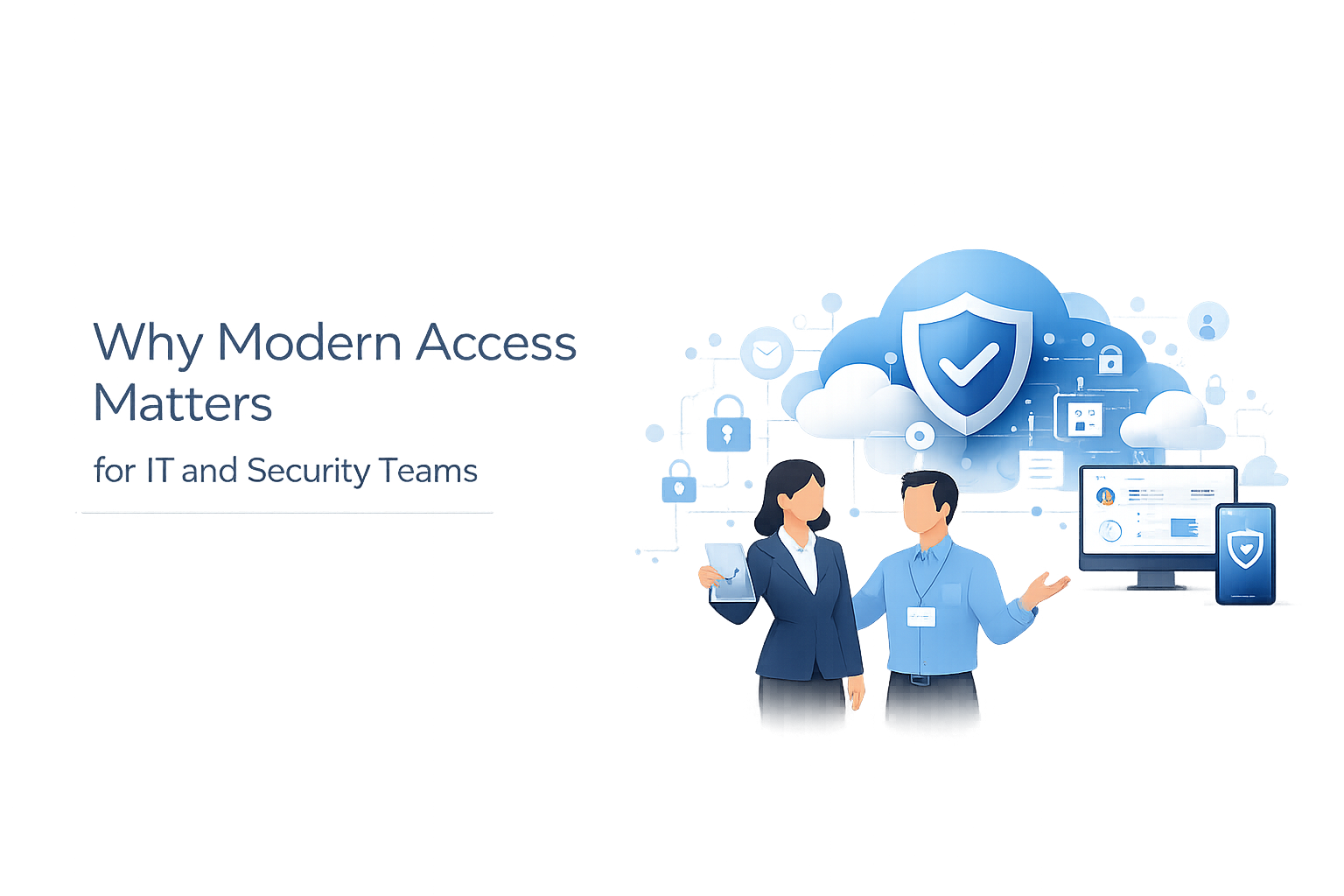
For IT directors (operations and cost)
-
Reduce reliance on VPN for file access and lower operational overhead tied to remote connectivity and troubleshooting.
-
Keep existing storage and permissions while delivering modern access methods, reducing migration scope and disruption.
For security teams (risk and governance)
-
Narrow exposure by keeping client access on HTTPS and enforcing identity-driven access instead of broad network access models.
-
Apply policy controls (download restrictions, device approval) and centralize activity visibility.
For system administrators (deployability and control)
- Deploy on Windows Server on-prem or in the cloud, publish securely, and integrate with existing identity and storage.
Common Challenges with Legacy File Access
-
VPN sprawl for “file-only” users: VPN becomes the default for simple file access, increasing tickets and widening network trust.
-
Modern access expectations: Users need browser, mapped drive, and mobile options without introducing sync conflicts or uncontrolled data copies.
-
Security gaps in legacy access: Limited visibility into file activity and inconsistent controls across locations and storage types.
-
Migration risk: Re-permissioning, user retraining, and broken workflows when moving file shares to new platforms.
-
Hybrid complexity: SMB, Azure Files, SharePoint/OneDrive, and object storage often end up with separate access tools and audit trails.
-
Compliance pressure: Requirements for access control, transmission security, and audit controls increase, especially under frameworks like HIPAA and CMMC.
How to Modernize File Access Securely
-
Inventory access patterns: Identify who needs browser access vs mapped drives vs mobile, and which shares are business-critical.
-
Define your target security model: Align with zero trust principles (identity, least privilege, continuous verification) using NIST SP 800-207.
-
Choose a secure publishing approach: Use your preferred model (direct HTTPS, reverse proxy/WAF, or Cloud Web Connector) following the MyWorkDrive publishing guide for Cloud Web Connector and HTTPS options.
-
Integrate identity first: Standardize authentication (AD or Entra ID) so MFA and access policies are enforced consistently.
-
Connect storage without migrating: Publish existing SMB shares and add cloud repositories where needed (Azure Files, SharePoint/OneDrive, Azure Blob, S3) under one access plane.
-
Apply controls where risk is highest: Turn on DLP, device approval, and sharing restrictions for sensitive shares and user groups.
-
Centralize logs and monitoring: Forward events to SIEM via Syslog and set alerting and retention policies.
-
Pilot, then expand: Validate real workflows (large files, remote locations, Office edits), then phase rollout by department or site.
How MyWorkDrive Supports Modernized File Access
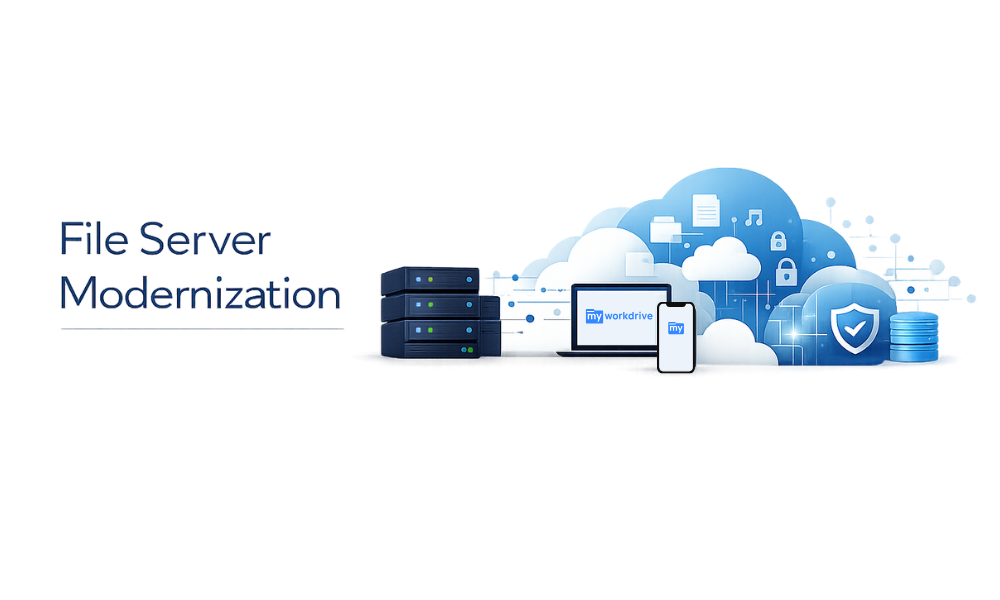
MyWorkDrive is an access layer that modernizes how users reach files in your environment. It supports access to SMB shares and multiple cloud storage types without turning your file server strategy into a migration program.
-
HTTPS access without VPN for remote users, while keeping storage under your control.
-
Browser-based file access via the Web File Manager for quick, secure access.
-
Mapped drive experience for Windows and macOS using desktop clients from client downloads.
-
DLP enforcement with Data Leak Prevention (DLP) controls to restrict downloads and sharing by policy.
-
Device allowlisting using Device Approval controls for desktop and mobile clients.
-
Secure publishing options including outbound-only Cloud Web Connector, documented in the MyWorkDrive publishing guide for Cloud Web Connector and HTTPS options.
-
Hybrid storage support including SMB shares, Azure Files, SharePoint/OneDrive, Azure Blob (Data Lake Gen2), and S3.
-
SIEM-ready logging with Syslog export (configuration details in the Syslog integration configuration guide).
-
Clear licensing and deployment path with MyWorkDrive pricing plans for pilots through enterprise rollouts.
If you are planning a file server modernization initiative, prioritize a short pilot that mirrors real production workflows (permissions, large files, remote users, and auditing), then expand in phases.
Implementation Overview: How It Works
-
Install MyWorkDrive Server on a Windows Server VM (on-prem or cloud).
-
Publish securely using your preferred ingress approach (direct HTTPS, proxy/WAF, or Cloud Web Connector).
-
Connect identity (Active Directory or Entra ID) to enforce sign-in policies and MFA centrally.
-
Add storage locations (SMB shares and supported cloud repositories) without moving data.
-
Users connect using the right client: browser, mapped drive, or mobile app, depending on workflow.
-
Admins enforce policies and review activity with DLP/device controls and centralized logging.
Security and Compliance in File Server Modernization
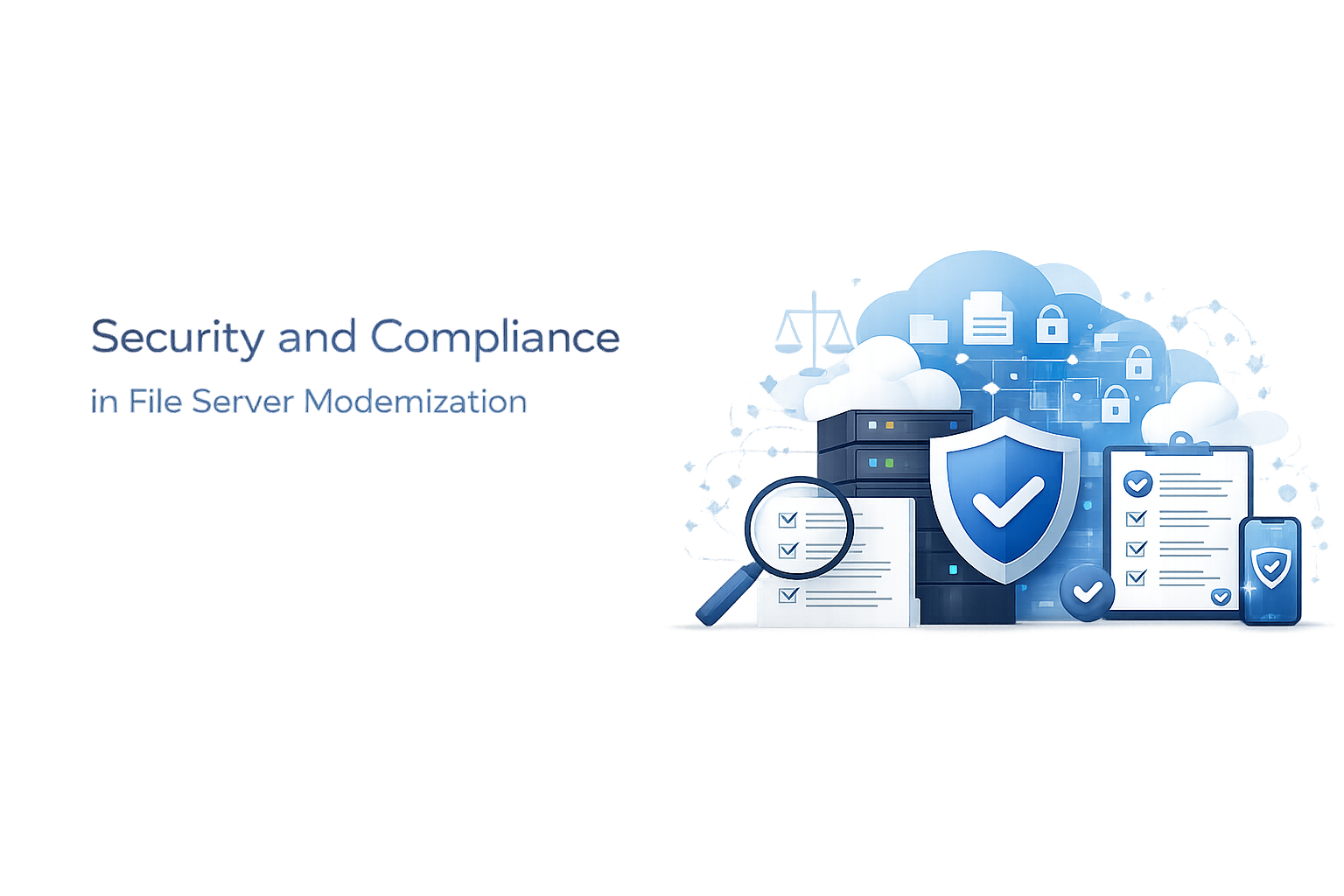
File server modernization succeeds when security improves alongside usability.
-
Encryption in transit (HTTPS): Align TLS configuration with NIST SP 800-52 Rev. 2 TLS guidelines to meet modern transport expectations.
-
Identity-driven access: Enforce authentication and MFA through your identity provider, consistent with zero trust principles in NIST SP 800-207.
-
Least privilege and segmentation: Publish access to files without granting broad network access, reducing blast radius compared to VPN-centric models.
-
Policy controls for data handling: Use DLP and device approval to reduce data exfiltration risk on sensitive shares.
-
Auditability for investigations: Export activity to SIEM using Syslog for retention, correlation, and alerting.
Framework alignment (examples):
-
HIPAA technical safeguards, including transmission security and audit controls, map to controls described in 45 CFR 164.312.
-
Defense contractors modernizing access to protect FCI/CUI can use the same access, logging, and policy primitives while designing against DoD CMMC 2.0 resources.
Enterprise Use Cases for Modernized File Access
-
IT directors enabling remote work: Replace VPN for file-only users, while keeping file shares and permissions intact.
- Outcome: Faster access with fewer support escalations.
-
Security teams enforcing controlled access: Apply DLP and device approval to sensitive departments (finance, HR, engineering).
- Outcome: Reduced exfiltration paths and tighter governance.
-
System administrators modernizing hybrid storage: Provide one access plane across SMB, SharePoint/OneDrive, and cloud storage.
- Outcome: Consistent user experience and simpler operations.
-
Compliance leaders improving audit readiness: Forward authentication and file activity to SIEM via Syslog.
- Outcome: Better evidence for audits and incident response.
-
Enterprises standardizing secure publishing: Use Cloud Web Connector or your own proxy/WAF patterns for controlled internet exposure.
- Outcome: Modern access with infrastructure choices that fit your security architecture.
File Server Modernization FAQs
What does file server modernization include in practice?
Typically: HTTPS access (not VPN), identity-driven authentication, preserved permissions, policy controls (DLP/device), and centralized logging.
Can file server modernization be done without migrating data?
Yes. MyWorkDrive is designed to provide remote access to existing storage without requiring cloud migration or sync-based replication.
Is file server modernization compatible with legacy applications?
A mapped drive approach is commonly used for legacy apps that expect traditional file paths and file locking behavior.
How does MyWorkDrive publish access securely to the internet?
Common options include direct HTTPS, running behind an existing proxy/WAF, or using the Cloud Web Connector approach described in the MyWorkDrive publishing guide.
Does MyWorkDrive support DLP for file shares?
Yes. MyWorkDrive includes DLP capabilities to restrict downloading and sharing based on global, share, group, or user policy.
Can IT restrict which devices can connect?
Yes. Device allowlisting is available through Device Approval controls.
How do audit logs integrate with a SIEM?
MyWorkDrive can publish activity logs to Syslog, enabling ingestion by common SIEM and log management tools.
What storage types does MyWorkDrive support for modernization projects?
MyWorkDrive supports SMB shares and multiple cloud repositories, including Azure Files, SharePoint/OneDrive, Azure Blob (Data Lake Gen2), and S3.