

When teams rely on sync tools to share files, version conflicts and uncontrolled copies can quickly turn into support tickets, data sprawl, and security risk.
File collaboration without sync lets users work in shared folders without pushing copies of data to every endpoint through a sync client. MyWorkDrive enables remote collaboration by providing HTTPS (port 443) access through a browser, mapped drive, or mobile apps while keeping your authoritative files in existing storage.
- One source of truth: users work directly from shared storage, reducing “which version is correct” issues.
- Security controls where you need them: optional DLP and Device Approval help reduce leakage from unmanaged devices.
- Auditability for investigations: activity can be searched/exported and integrated with syslog/SIEM.
What “Sync-Free” File Collaboration Means
File collaboration without sync means users open, edit, and share files without copying them to each device via a sync client. Instead, users access the authoritative repository (such as SMB file shares or approved cloud libraries) through controlled access methods, reducing data sprawl, version conflicts, and the risk of sensitive files persisting on endpoints.
For IT and security teams, it matters because collaboration happens where permissions, retention, and monitoring already exist, rather than across unmanaged replicas.
Why This Model Matters for Enterprise IT and Security
For IT directors
- Lower support load: fewer sync conflicts and fewer “I edited the wrong copy” tickets.
- Faster time to value: enable collaboration without running a storage migration program.
For security teams
- Reduced endpoint data sprawl: fewer offline replicas that escape controls.
- Stronger policy enforcement: combine SSO policies with Conditional Access at sign-in, then enforce storage permissions on each request.
For system administrators
- Preserve existing permissions: keep NTFS/share permissions and folder structures while improving remote access.
- Standardize user experience: one approach across web, desktop, and mobile clients (see the Web File Manager and client downloads).
Common Problems with Sync-Based File Sharing
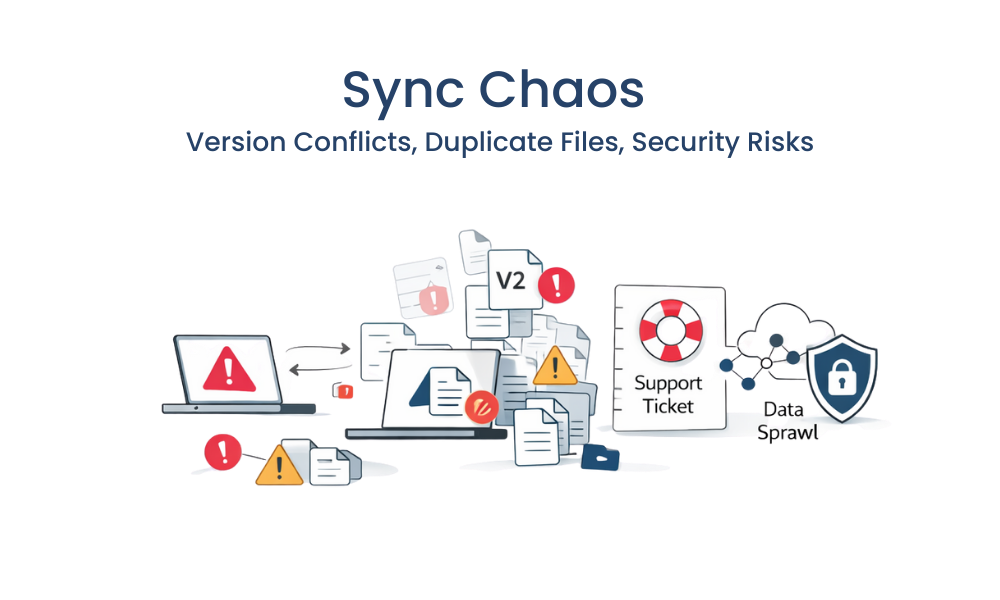
- Uncontrolled local copies: sync clients create offline caches that can persist on unmanaged devices.
- Version conflicts: multiple users edit different copies, then merge manually.
- Over-broad network access: traditional remote methods can grant more network reach than “file-only” users need.
- Permission drift during migrations: moving repositories often means re-permissioning and retraining.
- Fragmented logging: VPN, VDI, sync, and portals split visibility and slow investigations.
- External sharing workarounds: users resort to consumer tools when approved methods are slow or limited.
How Enterprises Can Collaborate on Files Without Syncing
- Define collaboration boundaries: which teams need browser editing, which need mapped drives, and which need mobile access.
- Keep one authoritative repository: decide what stays the source of truth (often SMB shares or existing M365 libraries).
- Standardize identity enforcement: require SSO/MFA and apply Conditional Access policies for device, location, and risk.
- Publish access at the application layer: provide file access over HTTPS instead of exposing SMB/445 externally.
- Enable collaboration-friendly editing: use browser-based Office editing where appropriate, and mapped drives for apps that require native file paths.
- Add leakage controls for sensitive shares: apply DLP restrictions and device allowlisting for higher-risk folders.
- Centralize audit and SIEM visibility: export logs and forward events to syslog for correlation and alerting.
How MyWorkDrive Enables Secure Access to Shared Storage
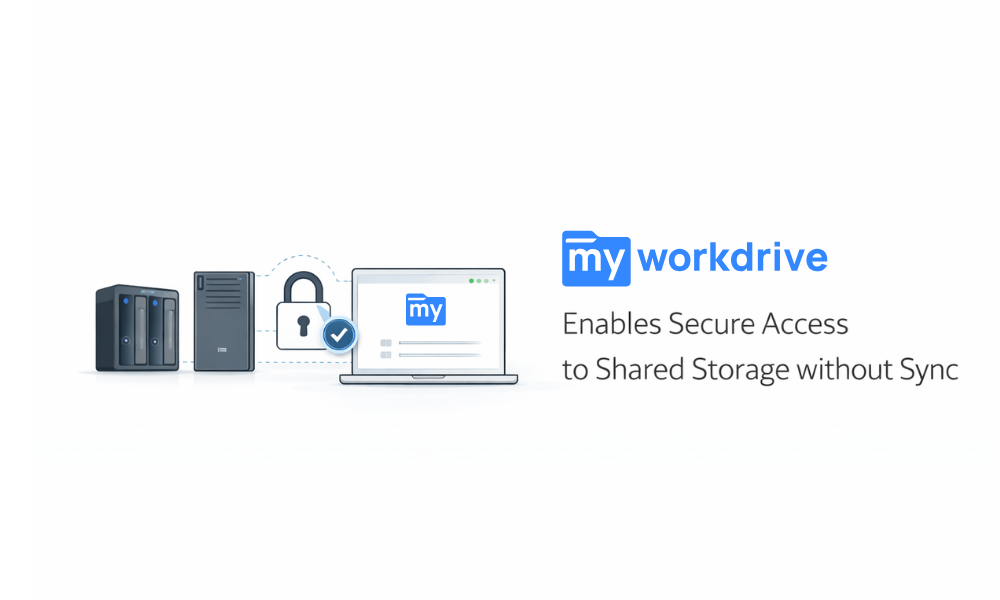
MyWorkDrive is designed to deliver file collaboration without sync by providing secure access to existing storage, plus optional controls when you need tighter governance. Start from the File Sharing overview to see the core model.
Capabilities that map directly to outcomes:
- Web File Manager for browser-based access and collaboration (see Web File Manager).
- Mapped Drive client for Windows and macOS to support workflows that require a drive letter or Finder integration (download via client downloads).
- Mobile access for iOS and Android for field teams and secure uploads.
- Online Office editing options including Microsoft 365 Online, ONLYOFFICE, and local Office Online Server configurations.
- Data Leak Prevention (DLP) to prevent downloads and public sharing by policy while still allowing online view/edit (see the DLP feature article).
- Device Approval to allowlist desktop and mobile devices (see Device Approval).
- Public link sharing for controlled external collaboration (see Public Link Sharing).
- Syslog integration for SIEM ingestion (see Syslog integration configuration).
- Cloud Web Connector option to publish access without inbound firewall ports in some configurations (see Publishing your MyWorkDrive server to the internet).
How It Works
- Connect identity: configure AD/SSO (including SAML) and enforce MFA through your identity provider.
- Publish securely: provide access over HTTPS (port 443) and choose a publishing model that fits your architecture.
- Add storage targets: point to your existing shares and define what each group can access.
- Choose access methods by role: web for quick collaboration, mapped drive for native apps, mobile for field workflows.
- Apply governance where needed: enable DLP and device approval for sensitive data sets.
- Monitor and report: search/export audit logs and send events to syslog/SIEM.
Security and Compliance in a No-Sync Collaboration Model
“Without sync” collaboration reduces exposure by limiting how often sensitive content is replicated onto endpoints. MyWorkDrive supports this approach with identity controls, encryption options, least-privilege access, and audit trails.
- Encryption in transit: MyWorkDrive supports SSL/TLS and includes a “Require SSL” setting for connections.
- Audit controls: HIPAA technical safeguards include audit controls in 45 CFR 164.312, and MyWorkDrive provides searchable/exportable audit logs.
- Zero Trust alignment: the model aligns with the principle of removing implicit trust based on network location described in the NIST SP 800-207 Zero Trust Architecture.
- Conditional Access enforcement: apply device, location, and risk-based conditions using the Microsoft Entra Conditional Access documentation.
- Collaboration expectations for Office: Microsoft’s document collaboration and co-authoring guidance highlights collaboration models commonly tied to OneDrive/SharePoint, and MyWorkDrive supports browser-based Office editing options while saving back to your storage.
For a consolidated view of MyWorkDrive controls used in regulated environments, see the Compliance page.
Enterprise Use Cases for Sync-Free File Collaboration

- IT directors enabling remote work for file-share users: provide secure access without deploying sync clients to everyone. Outcome: fewer support tickets and fewer data copies on endpoints.
- Security teams protecting regulated departments: enforce DLP and allowlisted devices for sensitive shares. Outcome: reduced exfiltration paths with usable workflows.
- Engineering and operations teams on SMB shares: use mapped drives for line-of-business apps and web editing for Office docs. Outcome: one source of truth with less version confusion.
- External collaboration with vendors: share via expiring links instead of emailing attachments. Outcome: faster partner workflows with central control.
- SOC and compliance teams: forward file activity into SIEM via syslog. Outcome: faster investigations and better reporting.
Frequently Asked Questions
What is file collaboration without sync, and who needs it?
It is collaboration where users work directly in the authoritative repository instead of syncing copies to endpoints. It is useful for organizations that rely on SMB shares, need strict governance, or want to reduce endpoint data sprawl.
Can MyWorkDrive support file collaboration without sync for SMB file shares?
Yes. MyWorkDrive provides browser access, mapped drives, and mobile clients over HTTPS (port 443) while using your existing storage.
Is file collaboration without sync the same as Office co-authoring?
Not exactly. Office co-authoring is a collaboration feature set commonly associated with OneDrive/SharePoint storage models in Microsoft’s guidance, while “without sync” focuses on avoiding endpoint replicas.
How does MyWorkDrive handle online editing for Office documents?
MyWorkDrive supports browser-based editing options including Microsoft 365 Online, ONLYOFFICE, and local Office Online Server configurations, depending on your setup.
Can admins prevent downloads but still allow viewing and editing?
Yes. MyWorkDrive DLP can prevent downloading and public sharing by policy, while still allowing online viewing or editing as configured.
How do you restrict access to managed devices only?
Use Device Approval to allowlist devices for client access. Unapproved devices can be blocked.
How do audit logs integrate with SIEM tools?
MyWorkDrive can publish activity logs and integrate with syslog servers for SIEM ingestion and correlation.
Where can users get the desktop and mobile clients?
Users can download desktop and mobile clients from the MyWorkDrive Download page.
Can MyWorkDrive be published without opening inbound firewall ports?
In some configurations, the Cloud Web Connector supports publishing without inbound firewall ports by using an outbound tunnel model.