

By Scott Miller
Last Updated: July 23, 2026
How to Map Amazon S3 as a Windows Drive
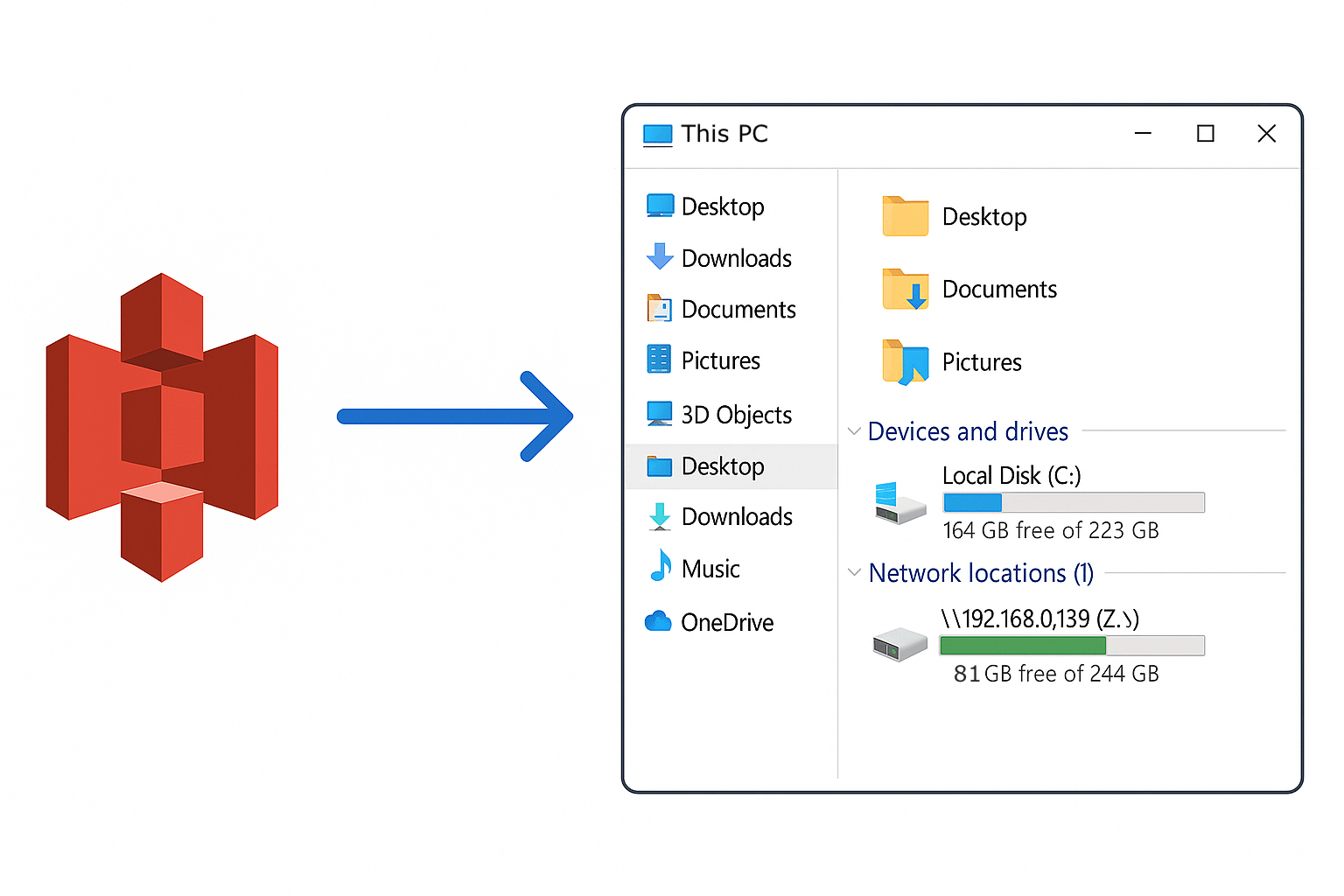
You can map Amazon S3 as a Windows drive by publishing the bucket through a file access platform that translates object storage into standard file shares. MyWorkDrive now supports AWS S3 natively as a server storage backend: you add the bucket in the admin panel, publish it as a share, and users see an ordinary mapped drive letter in Windows File Explorer and the Web Client. No sync agent runs on the endpoint, and no software beyond the standard MyWorkDrive client is required.
This guide explains why S3 does not work as a drive on its own, how native S3 support in MyWorkDrive changes the setup, and where mapped S3 storage fits in a typical IT environment.
What Is Amazon S3?
Amazon Simple Storage Service (S3) is an object storage service AWS launched in 2006. It stores data as objects in buckets and is used for application data, backups, disaster recovery, archives, and analytics data lakes. S3 was never designed to behave like a network file share, which is exactly why mapping it as a drive takes extra work.
S3 also became a de facto standard. Dozens of storage providers implement the S3 API, often at lower cost than AWS or with features aimed at specific workloads. That matters later in this guide, because the same mapped drive approach works with those providers too.
Why Map a Drive to S3 Storage?
Object storage is cheap and durable, but most employees have spent their careers working from a drive letter. Mapping S3 as a drive bridges that gap. Common reasons organizations do it:
- Ease of access. End users browse a mapped drive the same way they browse any network share. There is nothing new to learn.
- Centralized cloud storage. Files live in the bucket and are reachable from anywhere over HTTPS, with no VPN and no sync tooling on each machine.
- Vendor flexibility. The S3 API is supported by many providers beyond AWS, so you can choose storage on price, region, or feature set.
- Less on-prem infrastructure. Data that would otherwise sit on an aging file server can move to a bucket, which simplifies hardware refresh cycles and backup planning.
Why S3 Doesn't Work as a Mapped Drive by Itself
S3 is object storage, and Windows expects a file system. That mismatch creates real problems if you try to expose a bucket directly:
- No real folders. What looks like a directory in S3 is just a prefix in the object key. Rename and move operations that are instant on NTFS can require copying objects behind the scenes.
- No native file locking. S3 has no built-in mechanism to stop two users from opening the same file and overwriting each other's changes.
- Latency. S3 is optimized for large transfers, not the rapid small reads and metadata calls a file browser generates.
- Permissions and identity. Access control in raw S3 means IAM policies, pre-signed URLs, or external identity glue. None of that maps cleanly to the Active Directory or Entra ID groups your organization already manages.
Any workable solution has to sit between the user and the bucket, handling file system emulation, locking, caching, and identity. The question is how much operational overhead that middle layer adds.
Native AWS S3 Support in MyWorkDrive
MyWorkDrive's storage API now supports AWS S3 as a server storage backend, added the same way you add SMB shares, Azure Files, or SharePoint today. Configuration happens in the admin panel: enter the bucket details, publish it as a share, and it is available to users.
To your users, the S3 bucket looks like any other share. It appears as a standard mapped drive on Windows and macOS, in the Web Client, and in the mobile apps. There is no sync agent and no special software on the endpoint, so there is nothing new for staff to learn. Public share links work on S3 shares the same way they do on your other storage.
Because access runs through the MyWorkDrive server, S3 shares get the same enterprise controls as the rest of your storage:
- Sign-in through your existing identity provider, with SAML SSO and MFA
- File locking, so two users cannot silently overwrite each other
- Data leak prevention policies, including file type and size blocking
- Office Online editing directly in the browser
- A centralized audit trail covering S3 activity alongside SMB, SharePoint, and Azure access
Where Mapped S3 Storage Fits
Four situations come up repeatedly with customers evaluating S3 as mapped storage:
Cheaper storage tiers. Archive data, media libraries, and project files that rarely change can move to lower-cost object storage while staying one click away for staff who occasionally need them.
Retiring aging file servers. When a file server reaches end of life, shifting its data to a bucket and publishing it through MyWorkDrive avoids a hardware purchase. Users keep the same drive letters and folder structure they had before, which keeps the migration invisible to them.
Making AWS usable for everyday staff. In organizations already running on AWS, buckets are typically reachable only by admins and applications. Publishing them as shares turns that storage into something the whole team can use, without AWS console access or third-party sync tools.
Mixed environments. AWS S3 shares sit in the same share list as your existing SMB, SharePoint, and Azure shares. Users do not need to know or care where each one lives.
Using Other S3-Compatible Storage Providers
Native support covers AWS S3. For other S3-compatible services, MyWorkDrive integrates with S3 Drive from Callback Technologies, which mounts the bucket as a folder on the MyWorkDrive server. That folder is then published as a standard Local/SMB share, and users get the same mapped drive and Web Client experience described above. MyWorkDrive provides the S3 Drive installer and license key, and support can walk you through configuration.
Providers that implement the S3 API include:
- Backblaze B2
- Cloudflare R2
- DigitalOcean Spaces
- IBM Cloud Object Storage
- IDrive e2
- Linode
- MinIO
- Oort DSS
- Oracle Cloud Storage
- Scality
- Seagate Lyve Cloud
- Wasabi
- Any custom S3-compatible service
Full setup details are in the S3 Storage knowledge base article.
Other Ways to Map S3 as a Drive, and Their Tradeoffs
A few other approaches exist, and it helps to know what each one solves:
- Desktop mounting tools (rclone mount, Mountain Duck, and similar) install on each machine and mount a bucket per user. They work for individuals but offer no central file locking, no shared audit trail, and per-endpoint credential management.
- AWS Storage Gateway (File Gateway) presents S3 through NFS or SMB from an appliance you run. It is a solid fit for application workloads inside AWS-centric networks, but it does not provide remote browser access, share links, or DLP for end users.
- Sync clients copy bucket contents to local disks. Sync duplicates data, consumes endpoint storage, and reintroduces the version conflict problem that file locking exists to prevent.
A server-side platform like MyWorkDrive centralizes credentials, locking, identity, and logging in one place, which is generally what organizations need once more than a handful of people touch the same bucket.
Setup Overview
Getting an AWS S3 bucket published as a mapped drive takes four steps:
- Deploy a MyWorkDrive server (on-premises or in a cloud VM), or use an existing one.
- Add the S3 bucket as a storage backend in the admin panel.
- Publish the bucket as a share and assign access through your existing directory groups.
- Users connect through the mapped drive client, Web Client, or mobile apps with their normal sign-in.
For other S3-compatible providers, contact MyWorkDrive support for the S3 Drive installer and guided setup.
Frequently Asked Questions
Can you map Amazon S3 as a network drive in Windows?
Yes. S3 cannot be mapped directly because it is object storage, but a platform such as MyWorkDrive publishes the bucket as a standard share. Users then map it with a normal Windows drive letter, and it also appears in the Web Client and mobile apps.
Does mapping S3 as a drive require a VPN or sync software?
No. Access runs over encrypted HTTPS through the MyWorkDrive server. Files stay in the bucket, nothing syncs to endpoints, and remote users connect without a VPN.
Does S3 support file locking when mapped as a drive?
Not natively. S3 itself has no locking, so two users can overwrite each other's work. MyWorkDrive adds file locking at the access layer, so a file opened by one user is protected from conflicting edits by another.
Which S3-compatible providers work besides AWS?
Any service implementing the S3 API can be published through the S3 Drive integration, including Backblaze B2, Wasabi, Cloudflare R2, MinIO, DigitalOcean Spaces, IBM Cloud Object Storage, and custom S3-compatible endpoints.
Do existing permissions and audit requirements still apply?
Yes. Users sign in through your identity provider with SSO and MFA, share access is assigned through your directory groups, and all S3 file activity is written to the same centralized audit log as your SMB, SharePoint, and Azure shares.
Ready to see it in your environment? Start a free trial or review the Connect Any Storage feature page.